A company name can point to several different websites — subsidiaries, regional sites, similarly-named companies in other industries. Manually Googling each one and guessing which result is official doesn't hold up once your list has more than a handful of companies.
LinkFinder AI resolves a company name straight to its official website, and the same lookup scales from a single search to a full CSV of accounts. This guide covers both, plus the API for building it into your own tools.
Find one company's website from its name
The quickest path when you're checking a single account.
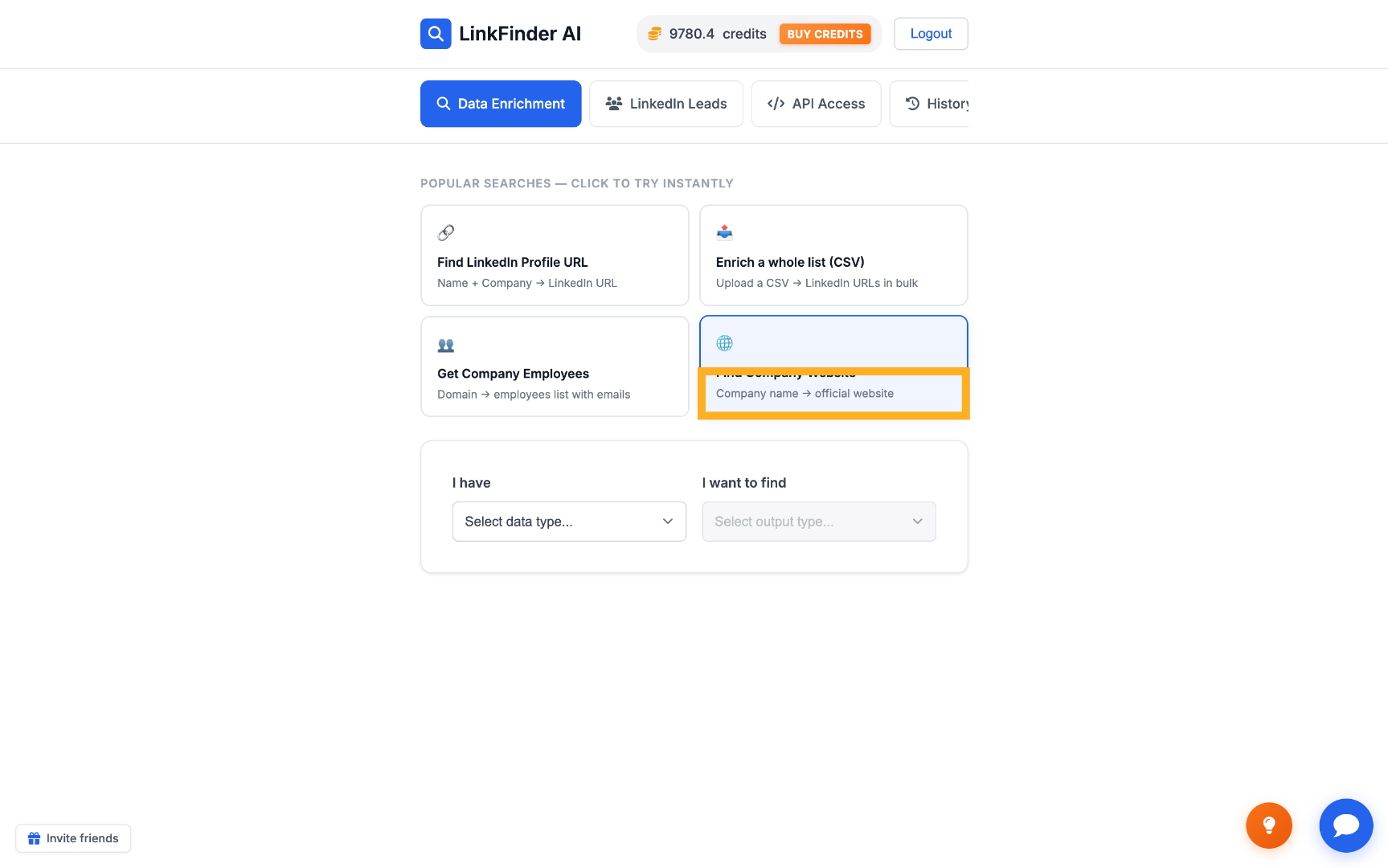
Open Find Company Website
From your LinkFinder AI dashboard, select the Find Company Website option.
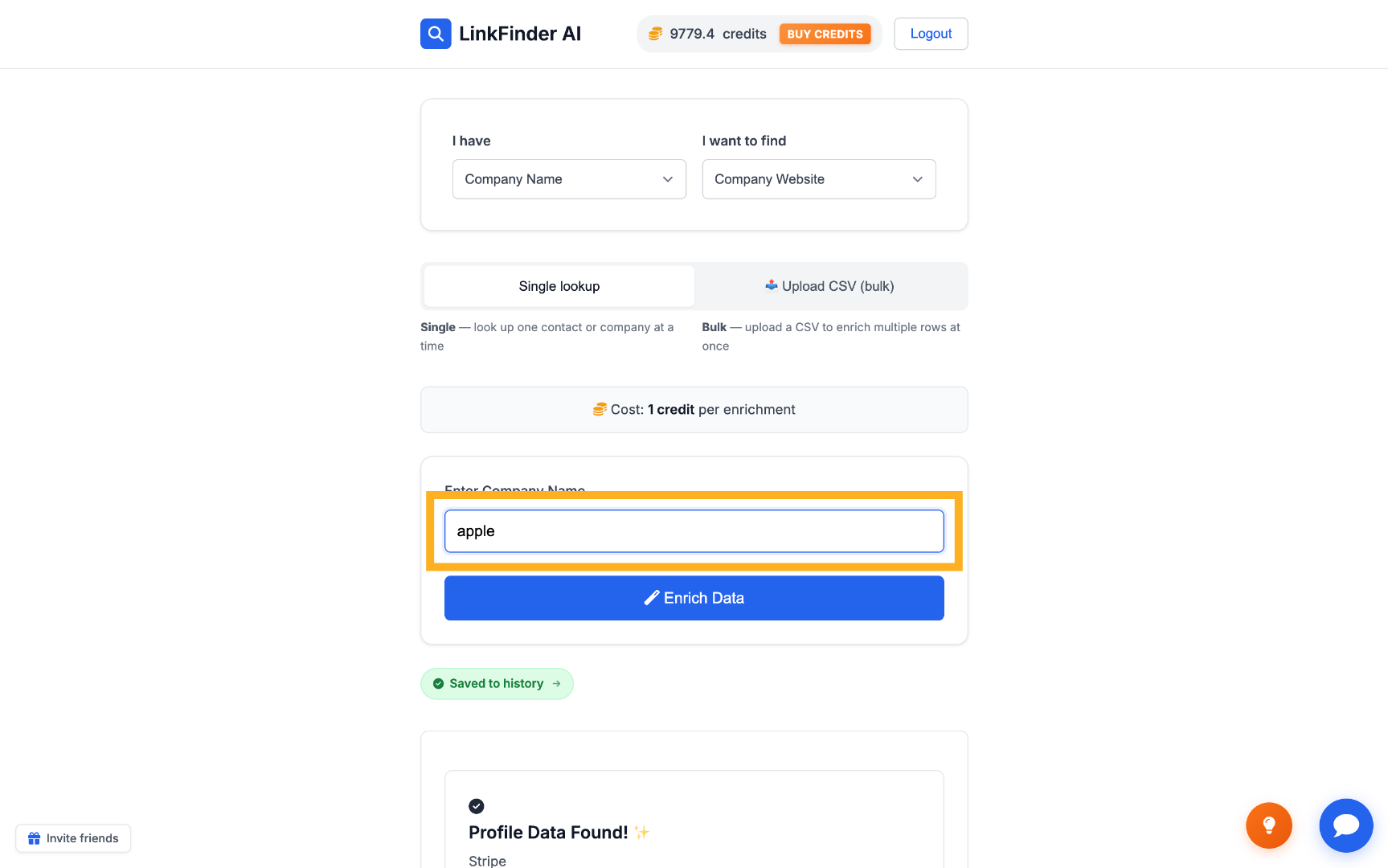
Enter the company name
Type the company name — for example, Apple — into the input field.
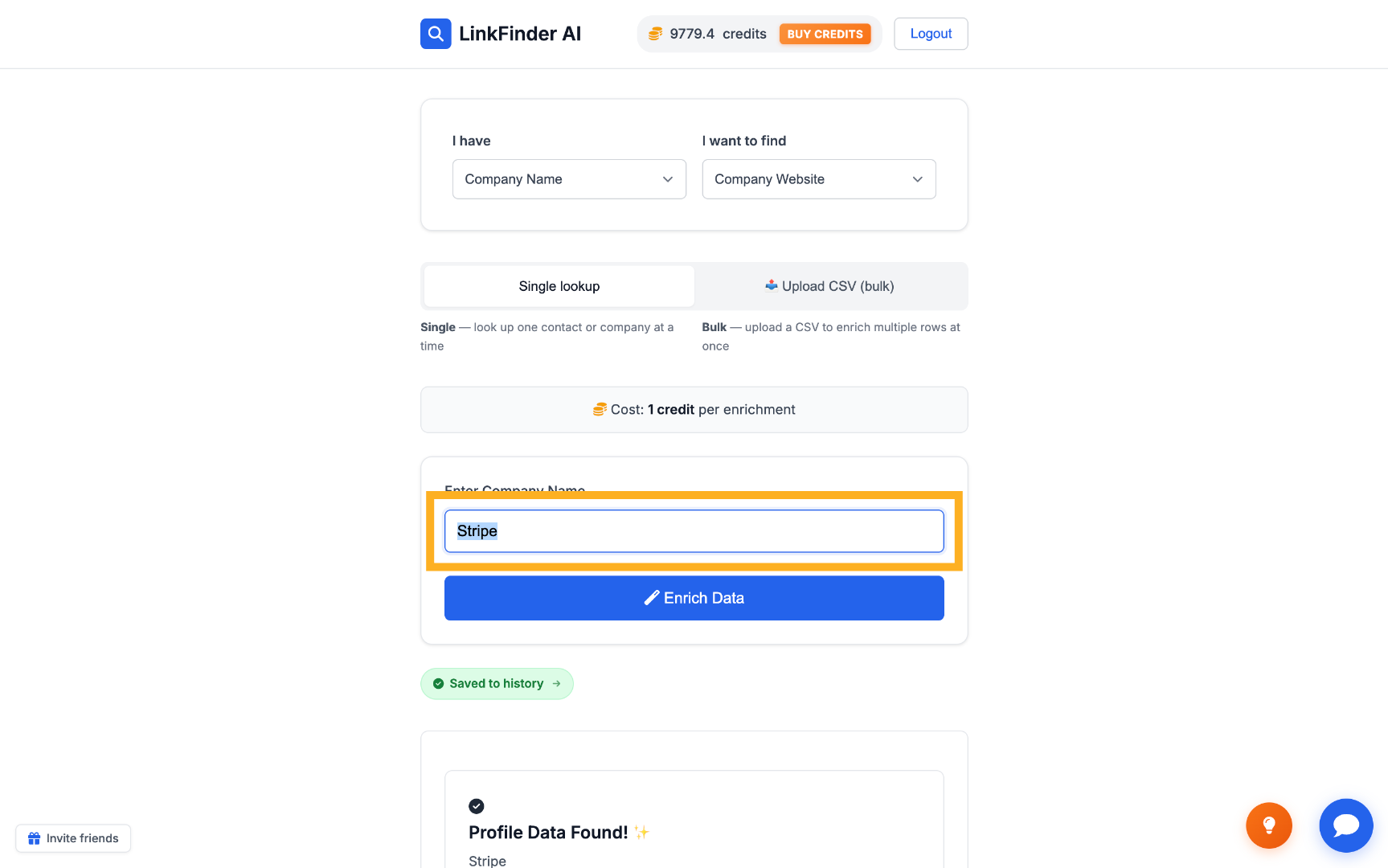
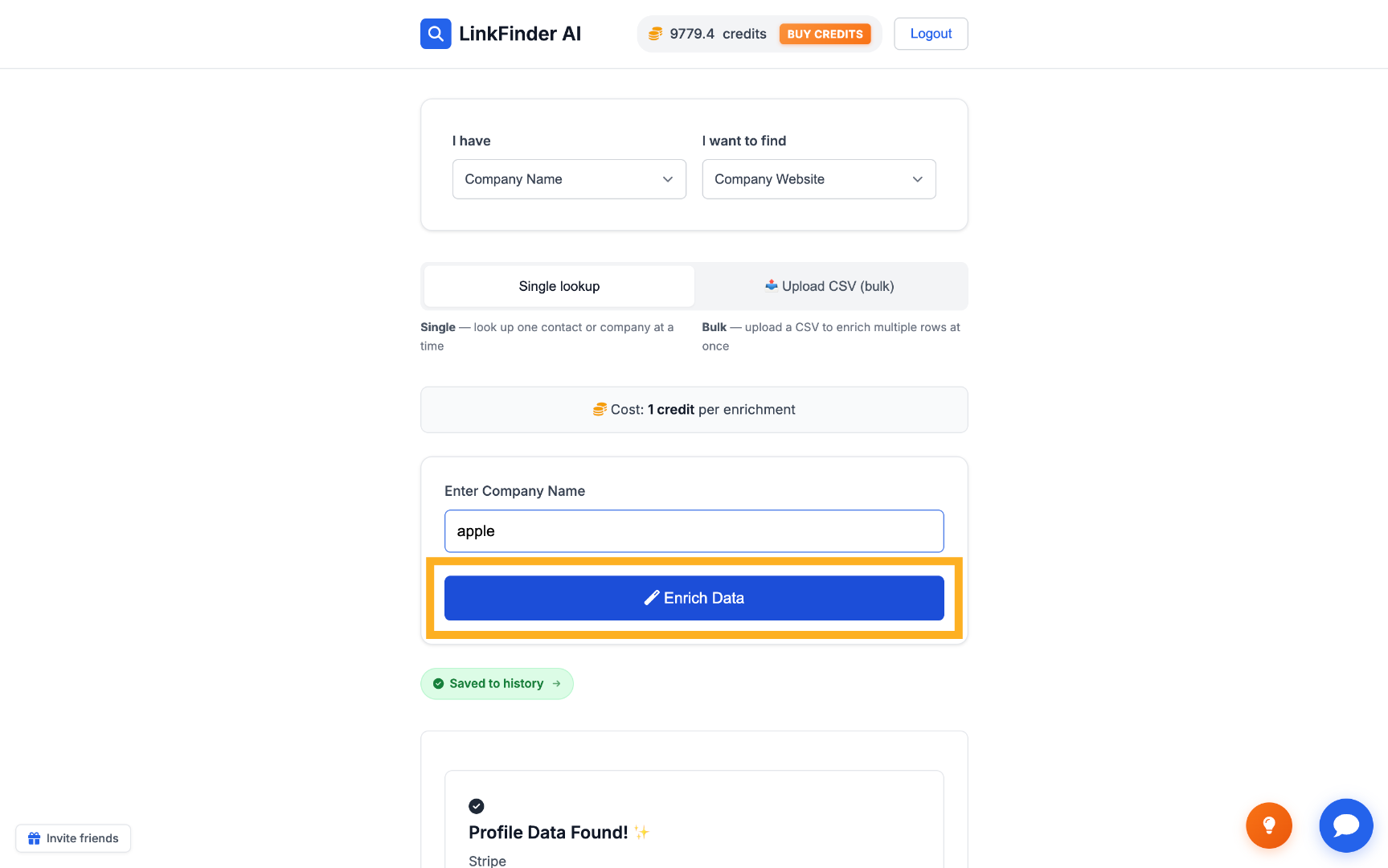
Click Enrich Data
LinkFinder AI automatically finds the company's official website.
Find websites in bulk from a CSV
When you're resolving a whole list of company names at once.
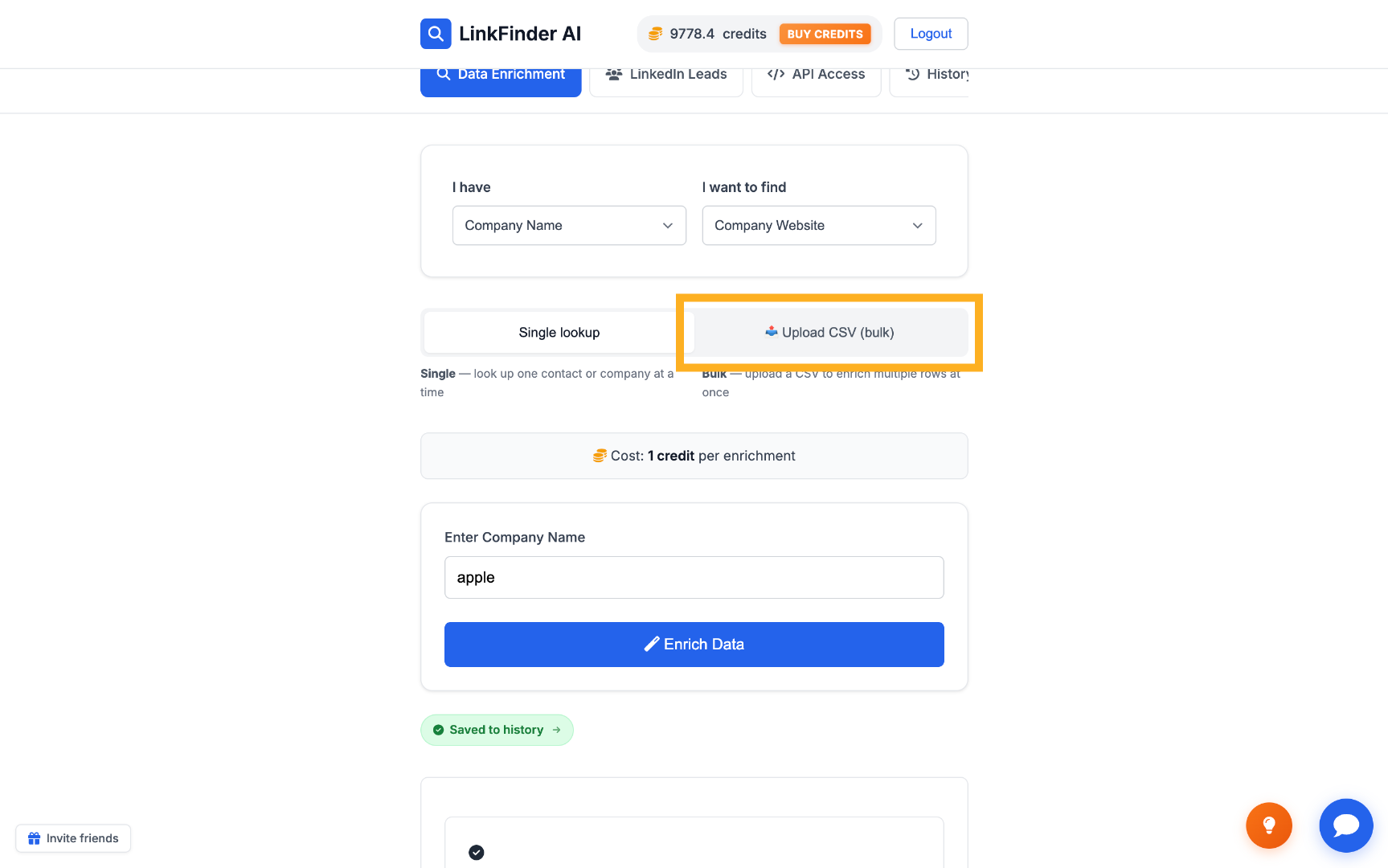
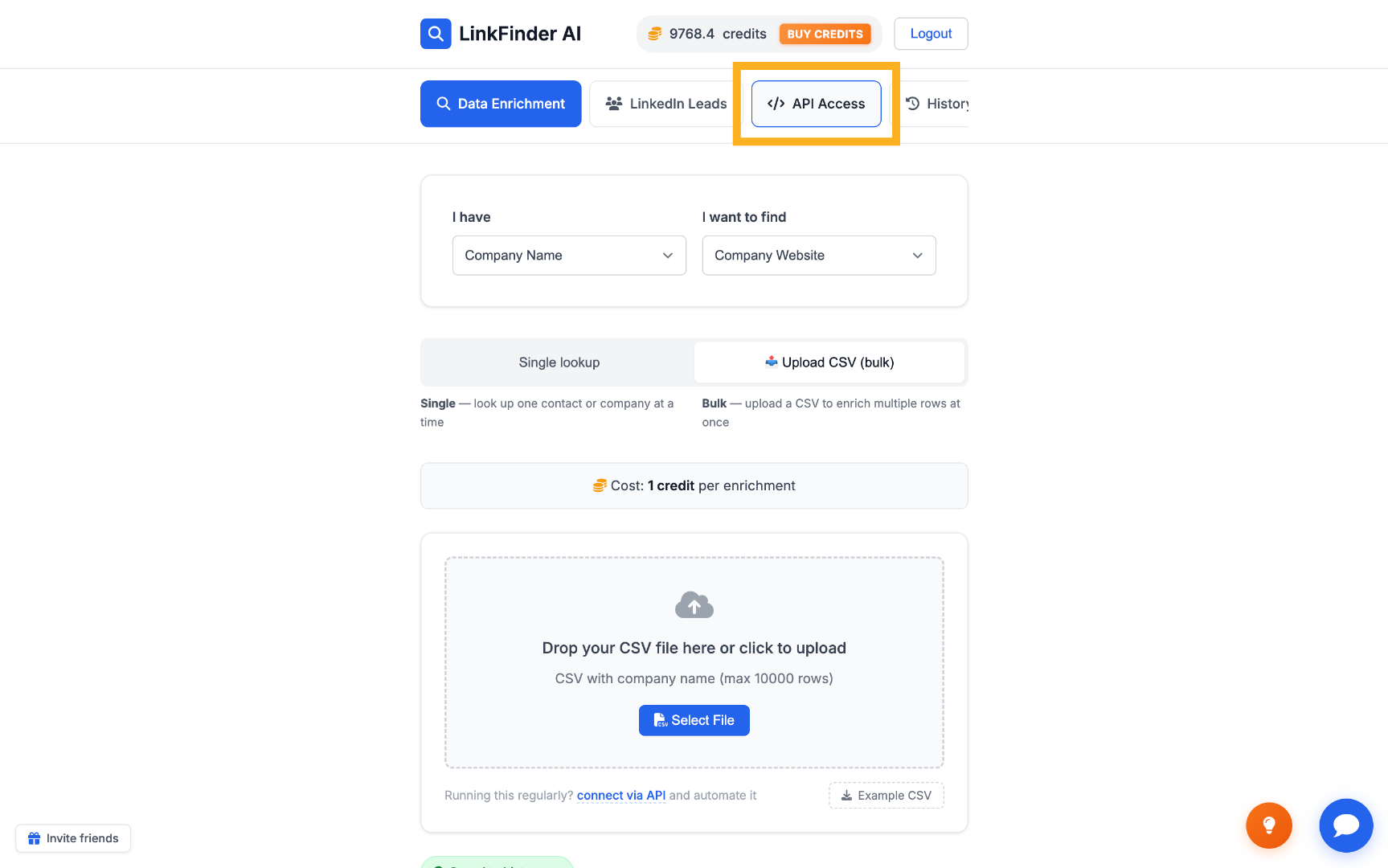
Switch to Upload CSV (bulk)
Choose the bulk upload option to process multiple companies in one run.
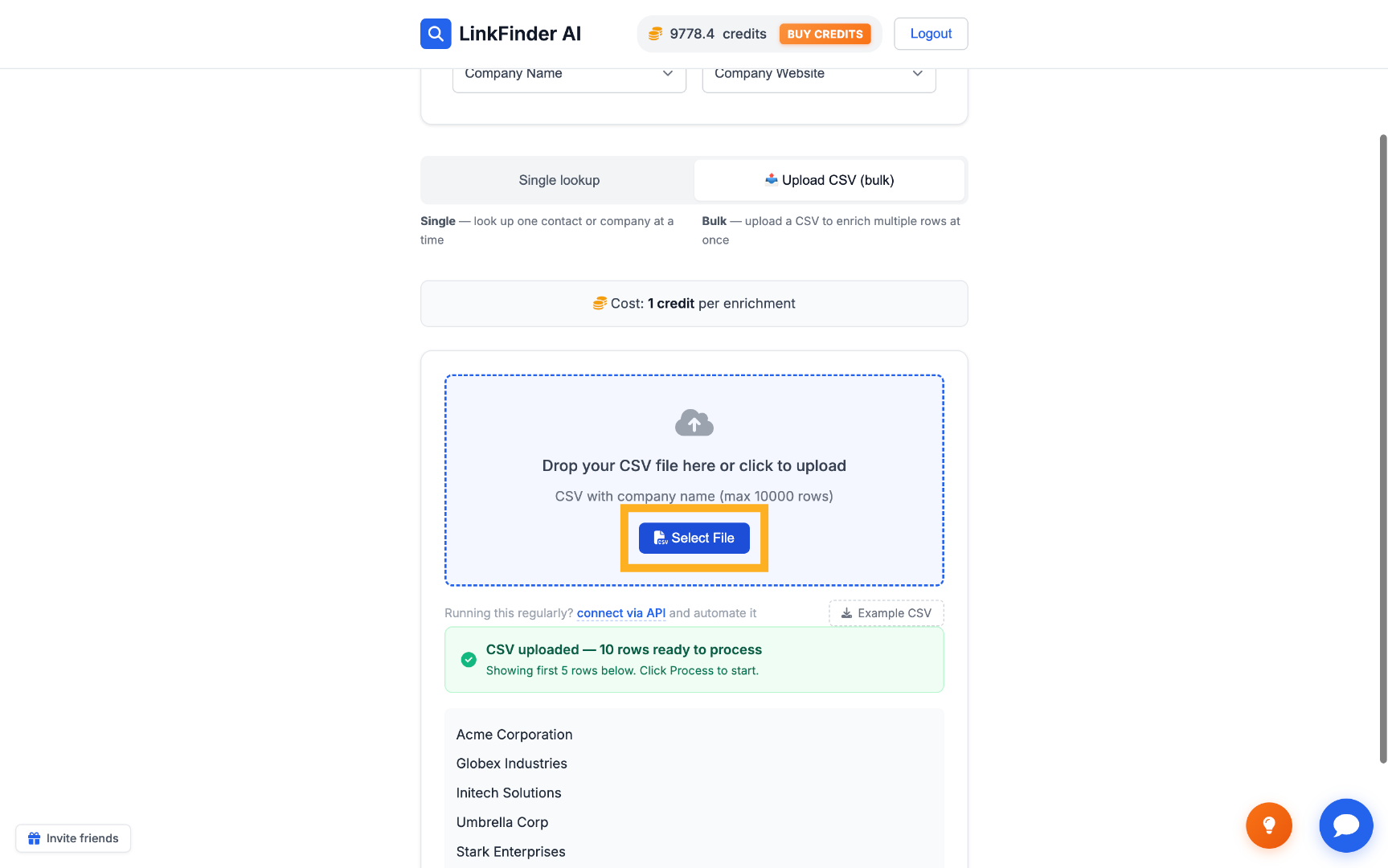
Select your CSV file
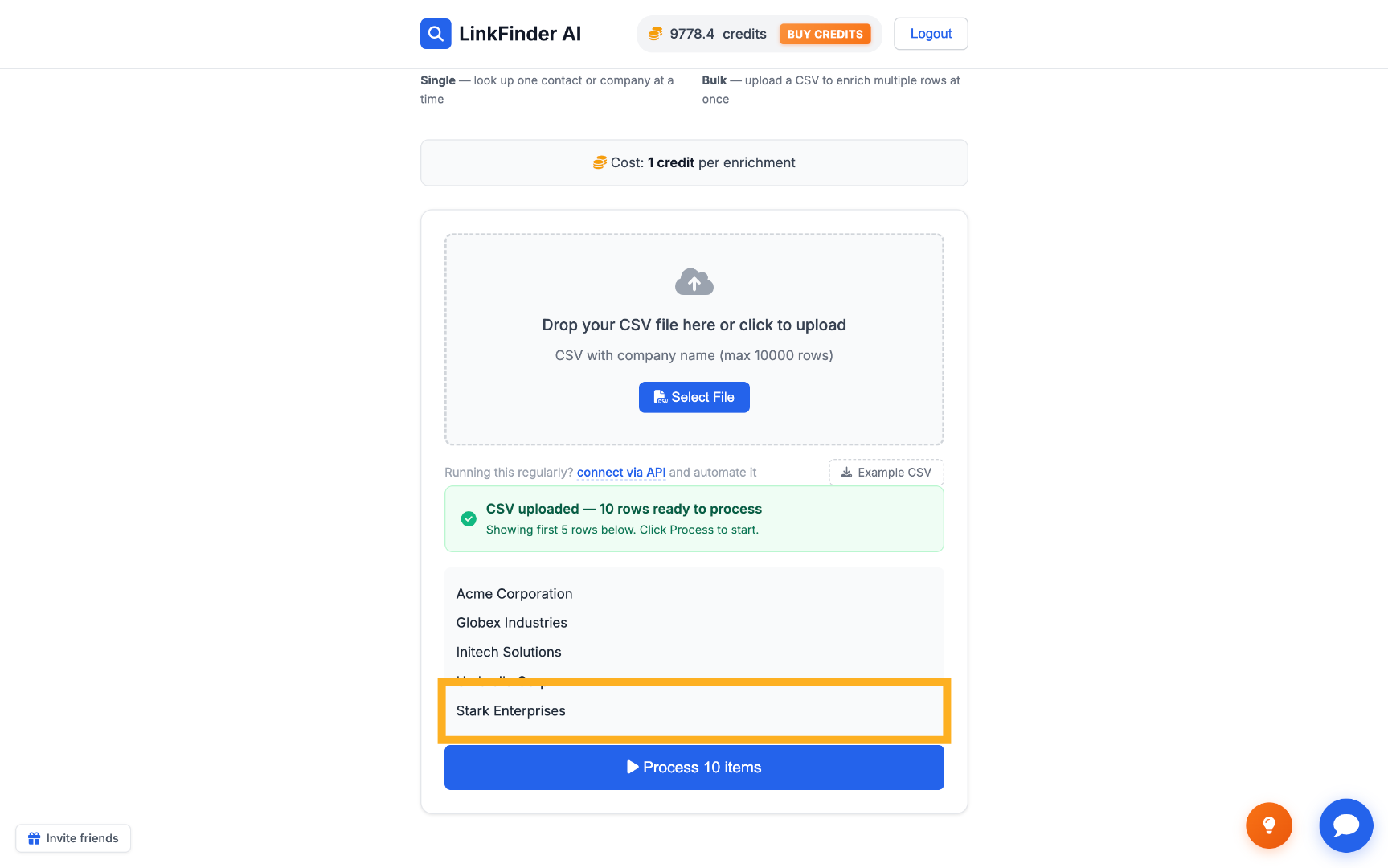
Drop in a CSV file containing your list of company names.
Preview and process
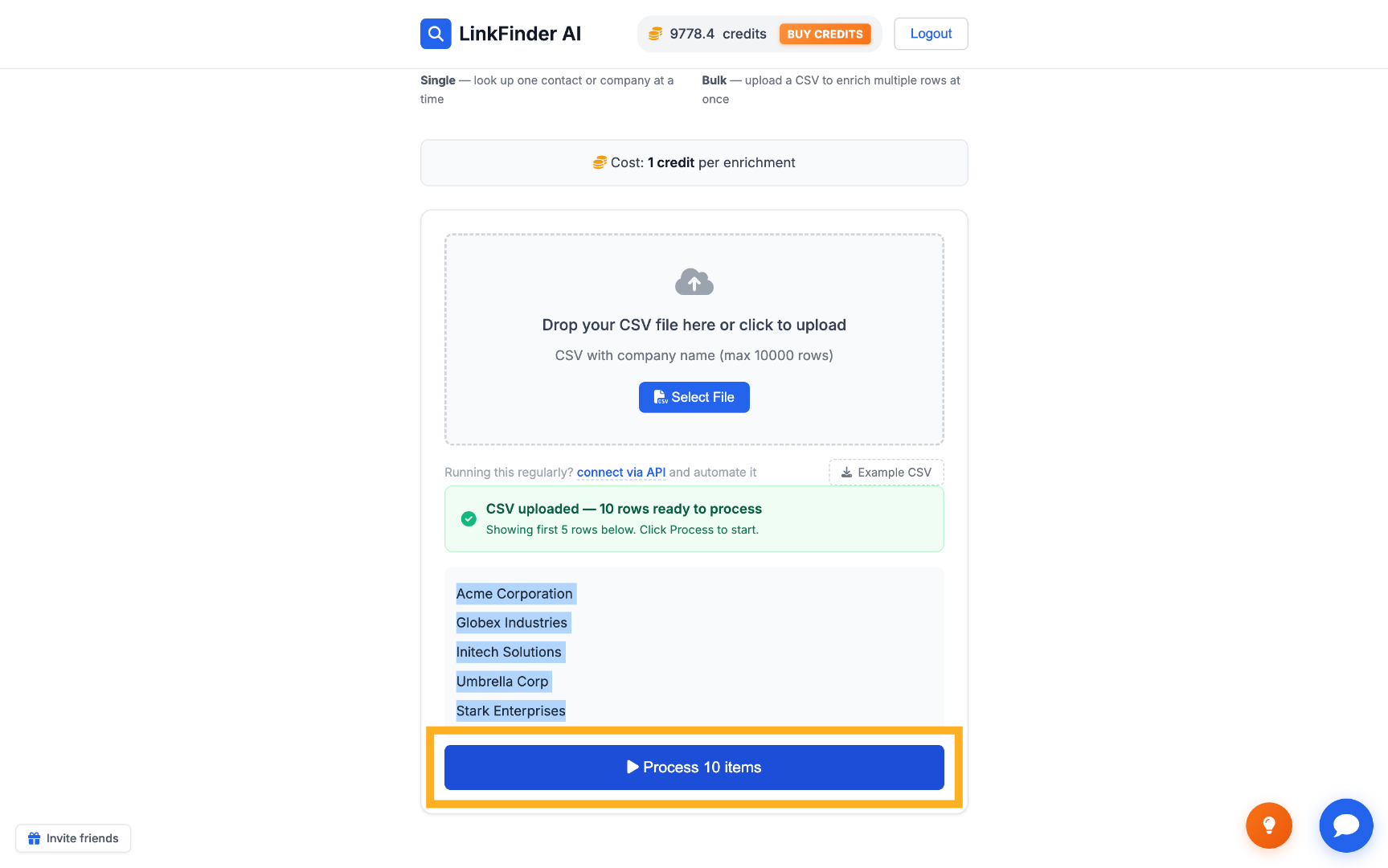
Preview the first few rows, then click Process items to start finding each company's website.
Review and export the results
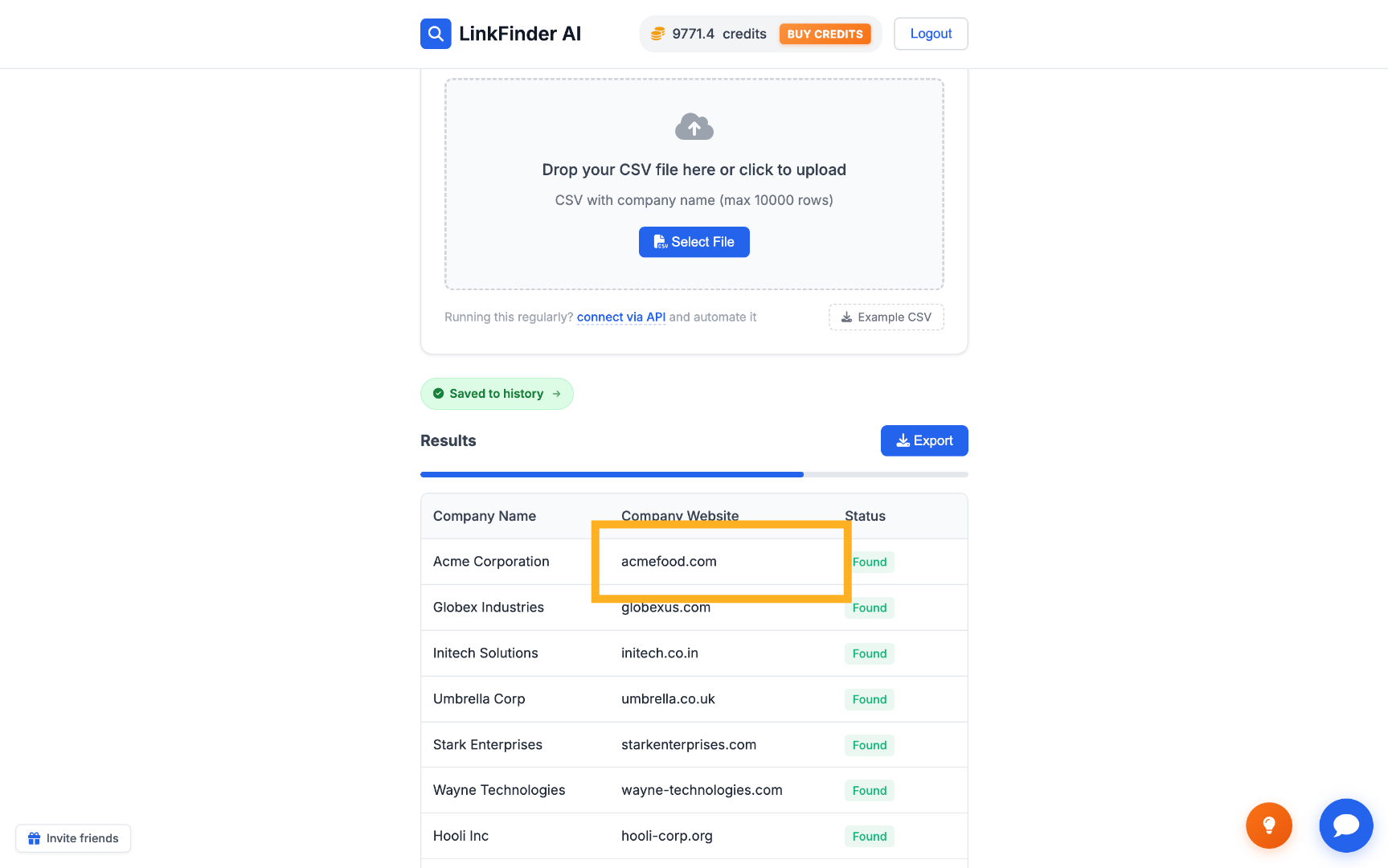
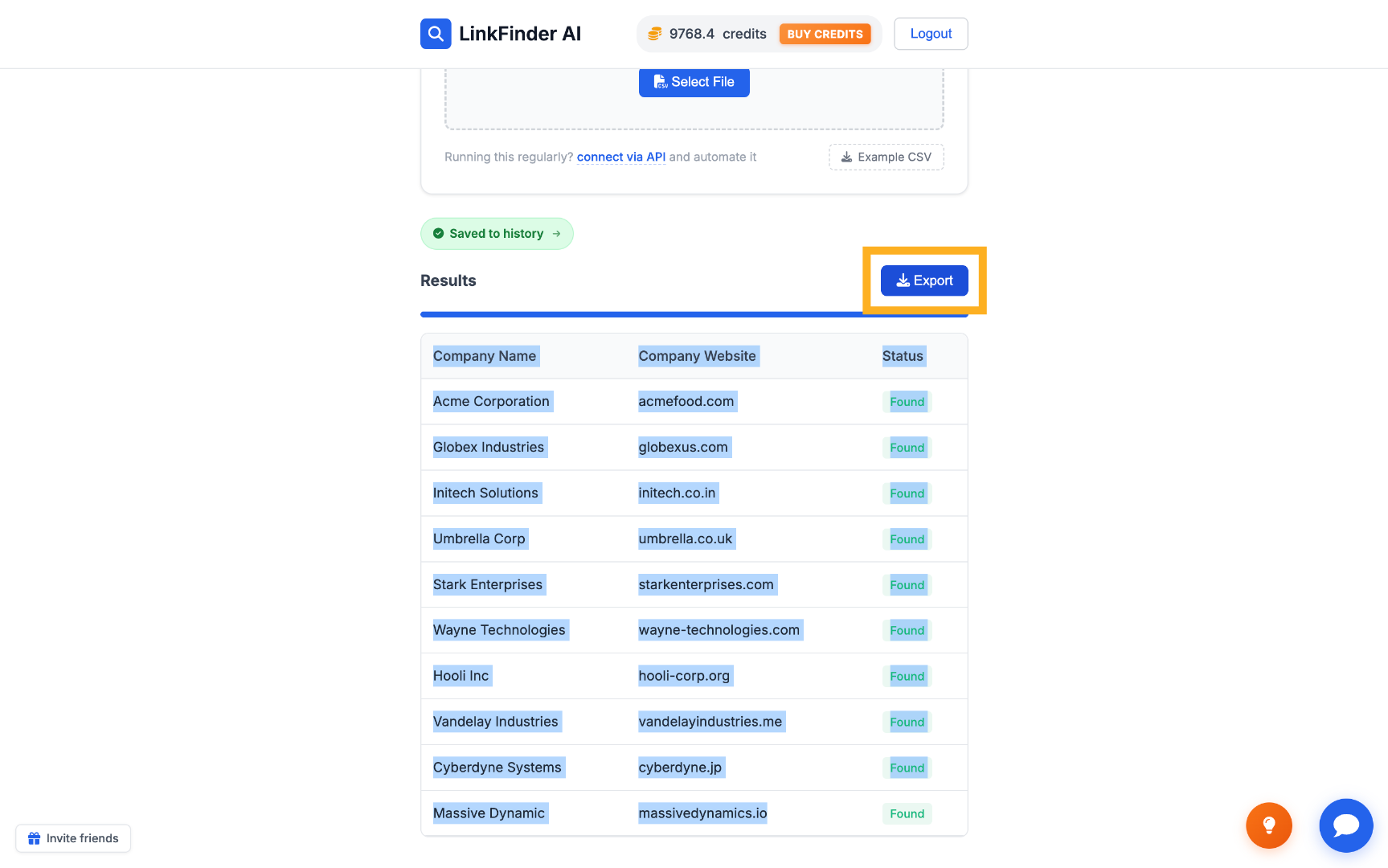
Check the matched websites, then click Export to download the enriched list as a CSV.
Find company websites programmatically via API
For resolving company names to websites inside your own product or pipeline.
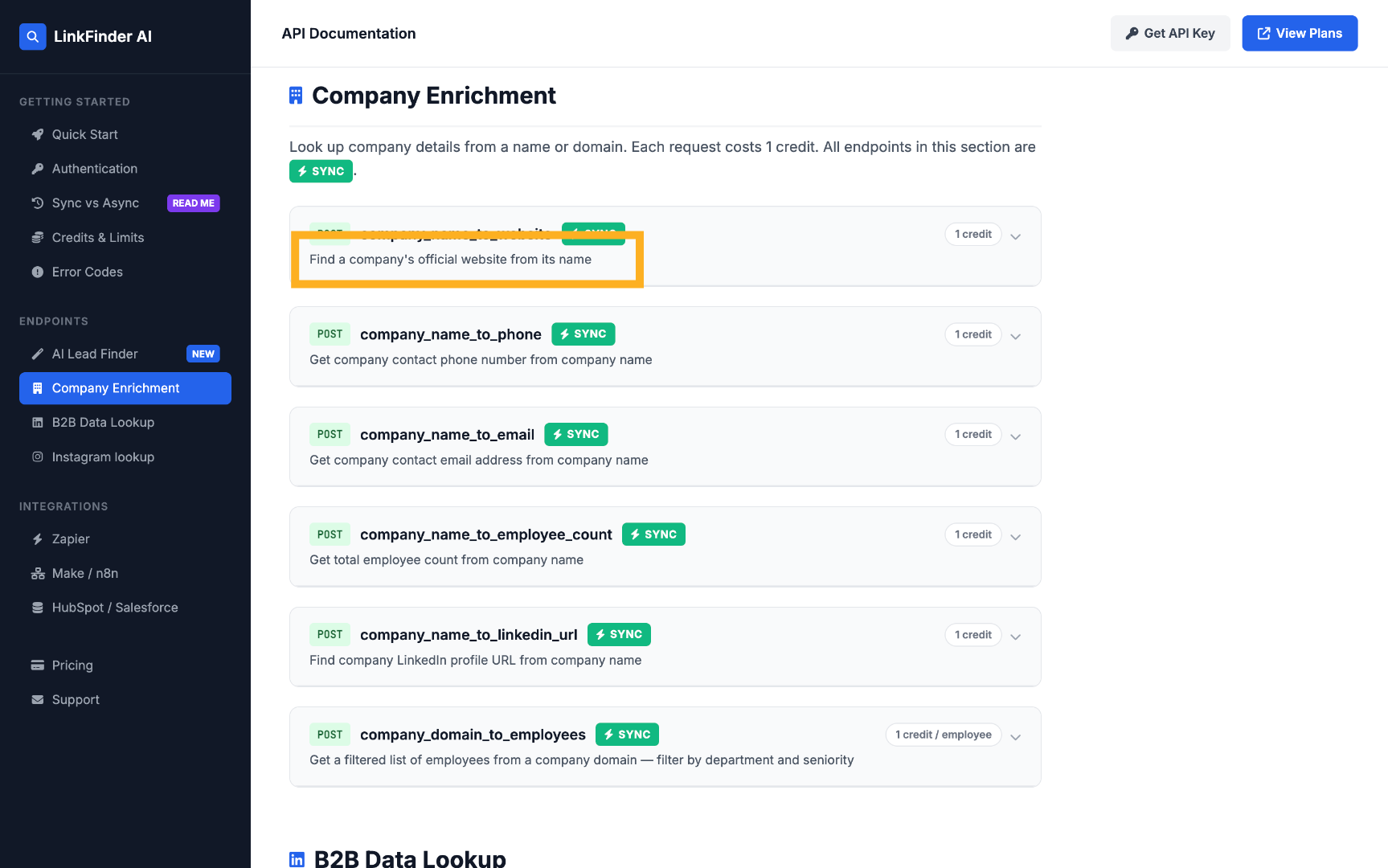
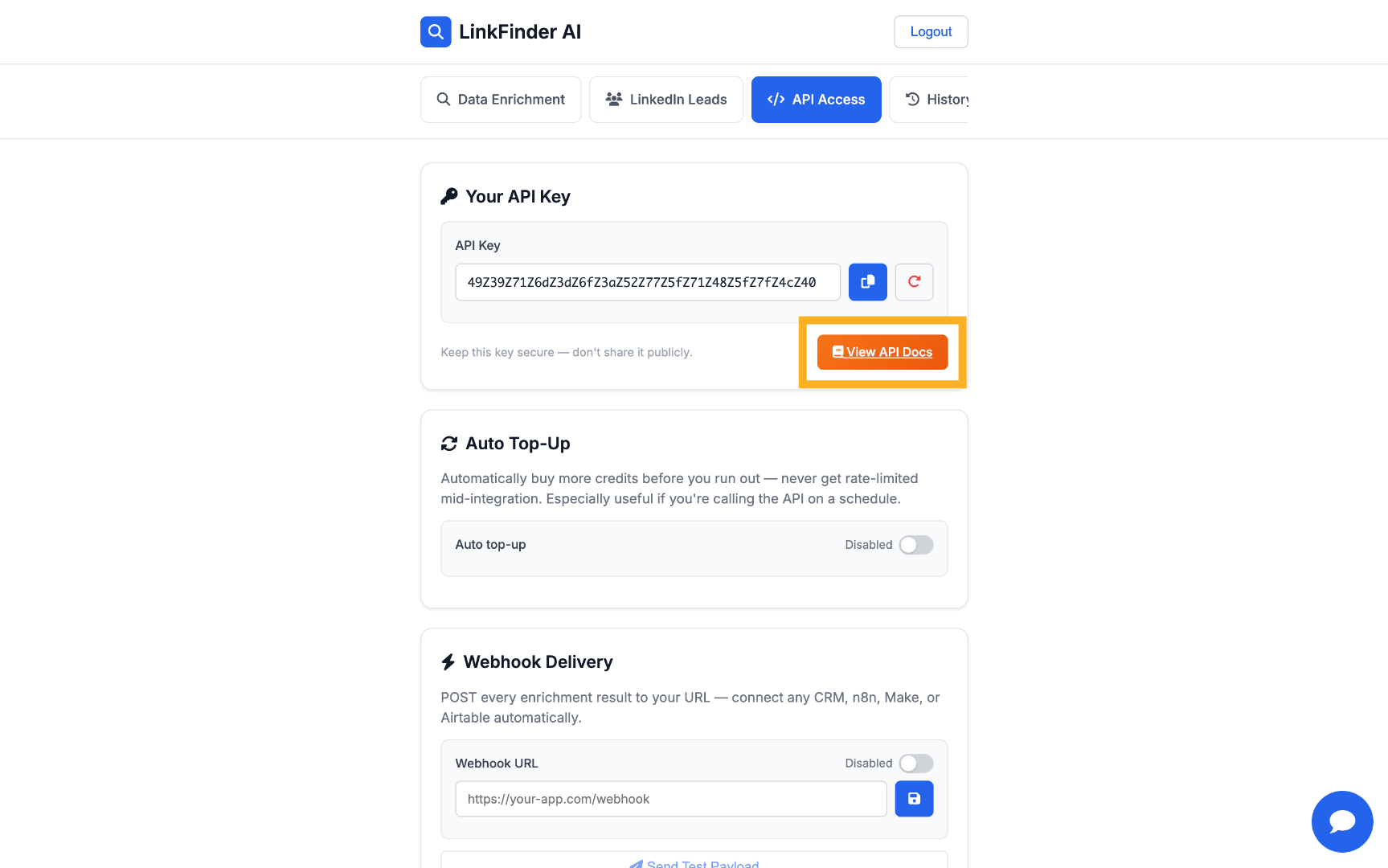
Open the API documentation
Go to API Access, then View API Docs.
Find the Company Enrichment section
Open the parameters for the company website enrichment endpoint.
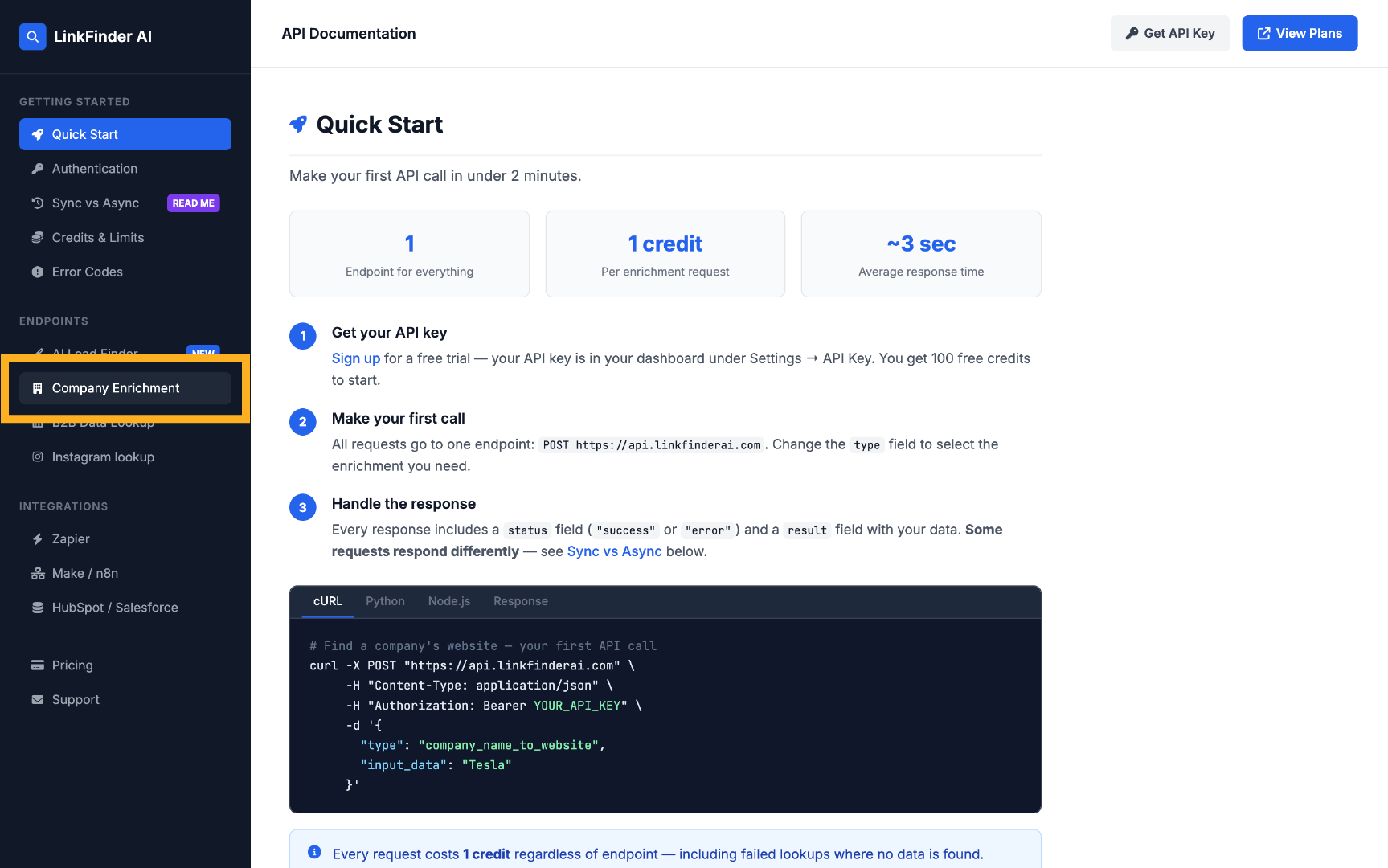
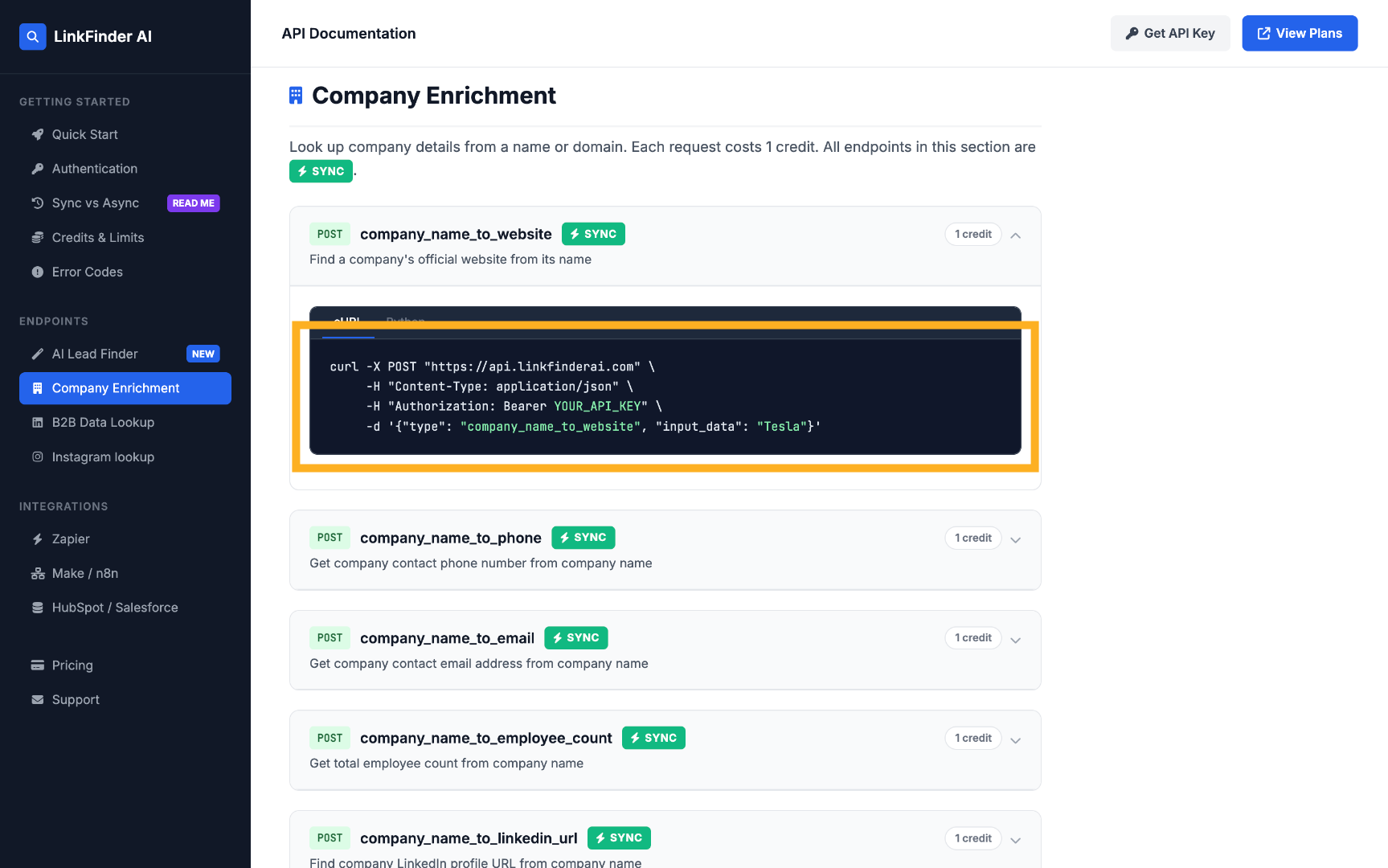
Call the endpoint with a company name
POST a request with the company name as input_data to get its official website back programmatically.