Full LinkedIn profile data — job title, location, tenure, skills — is what turns a bare lead list into something a rep can actually personalize outreach around. But scraping it manually means opening a hundred tabs, and doing it through your own LinkedIn account risks a rate limit or worse.
LinkFinder AI splits the job into two steps: first resolve each lead's LinkedIn URL from their name and company, then scrape full profile data from that list of URLs. Both steps support bulk CSV processing, so a list of up to 100 leads runs through in one pass.
Find LinkedIn URLs for a list of leads
Start from names and companies — the data you're most likely to already have — and resolve each one to a LinkedIn URL.
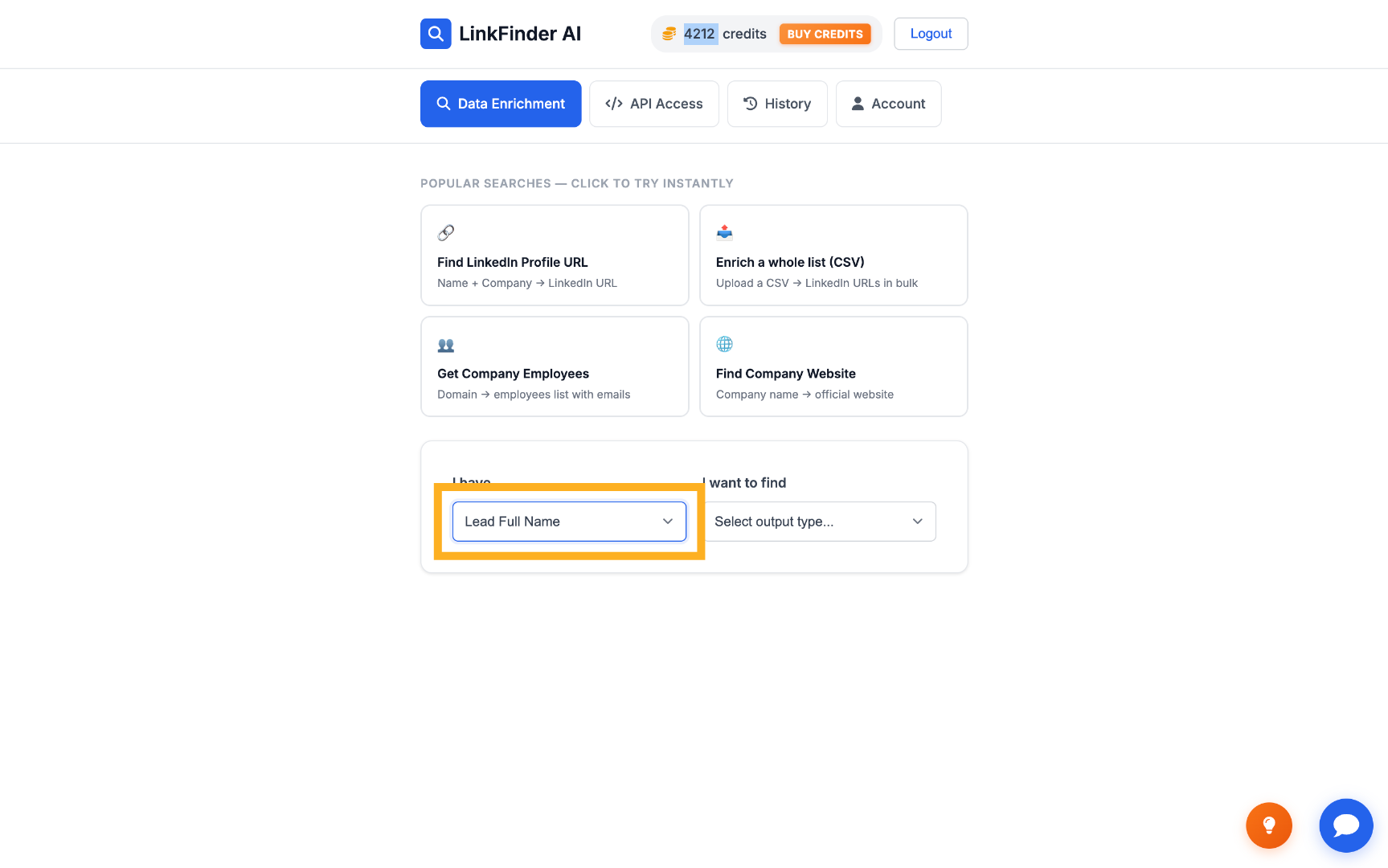
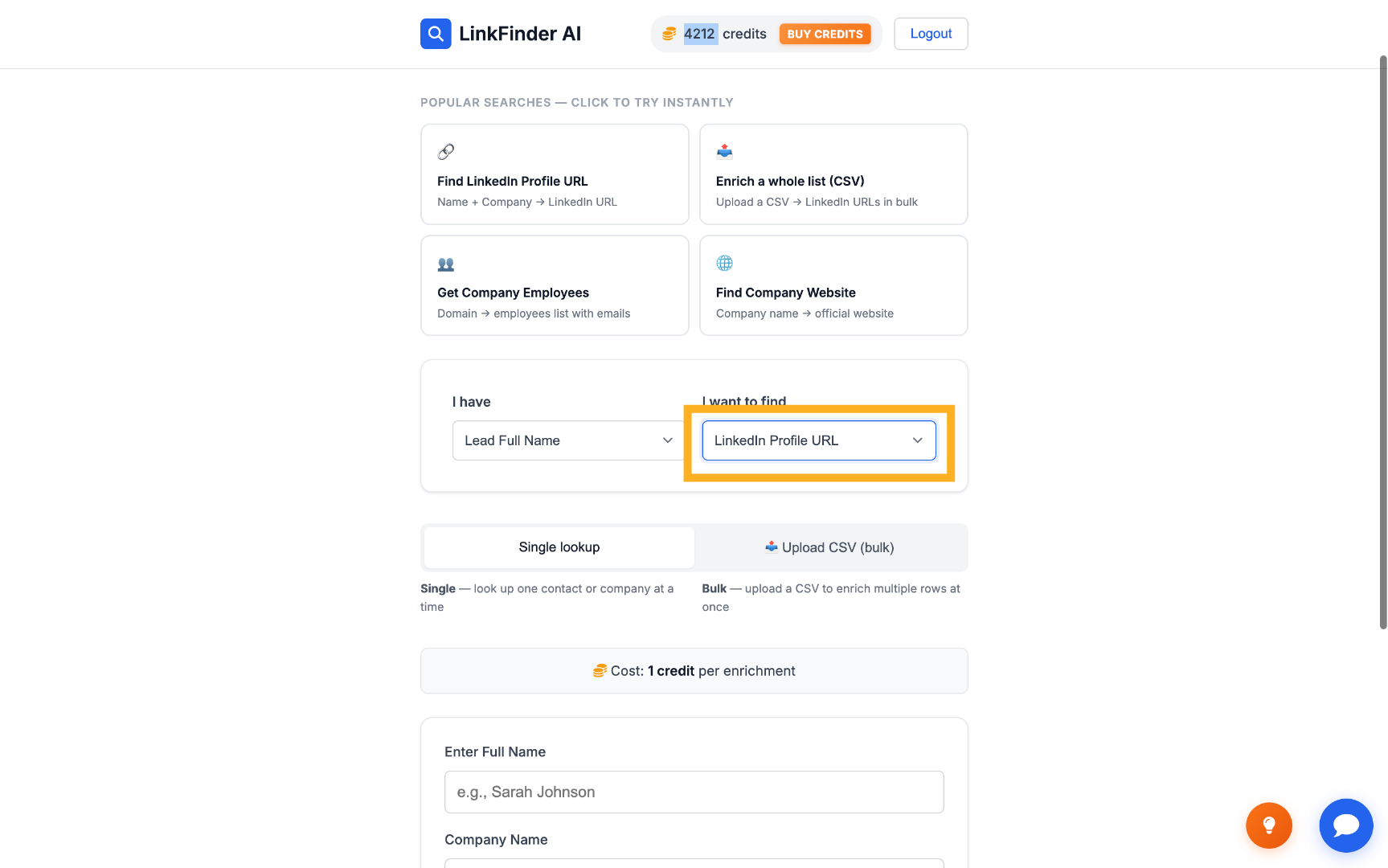
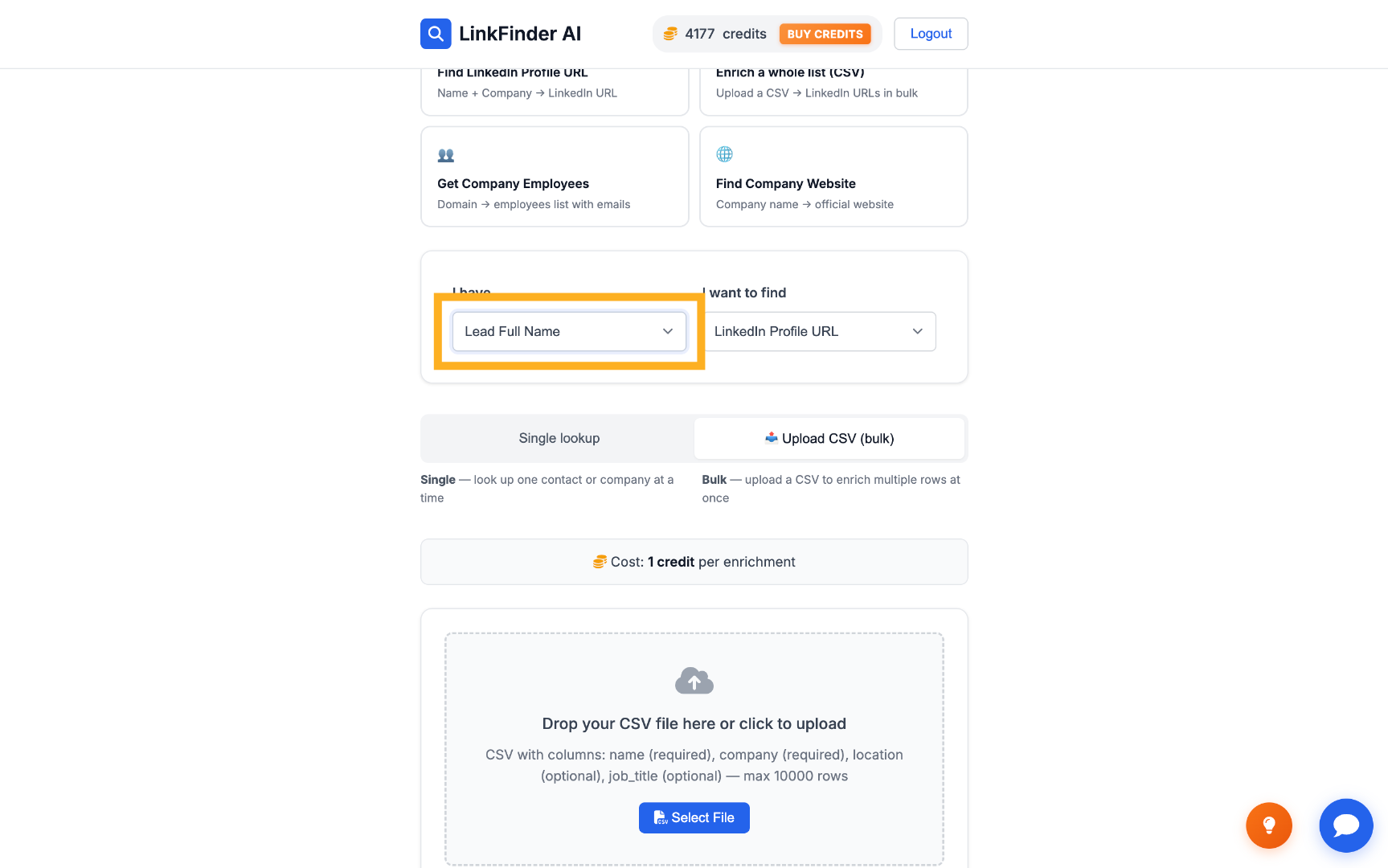
Set input to Lead Full Name, output to LinkedIn Profile URL
On a single lookup, select Lead Full Name as the input type and LinkedIn Profile URL as the output.
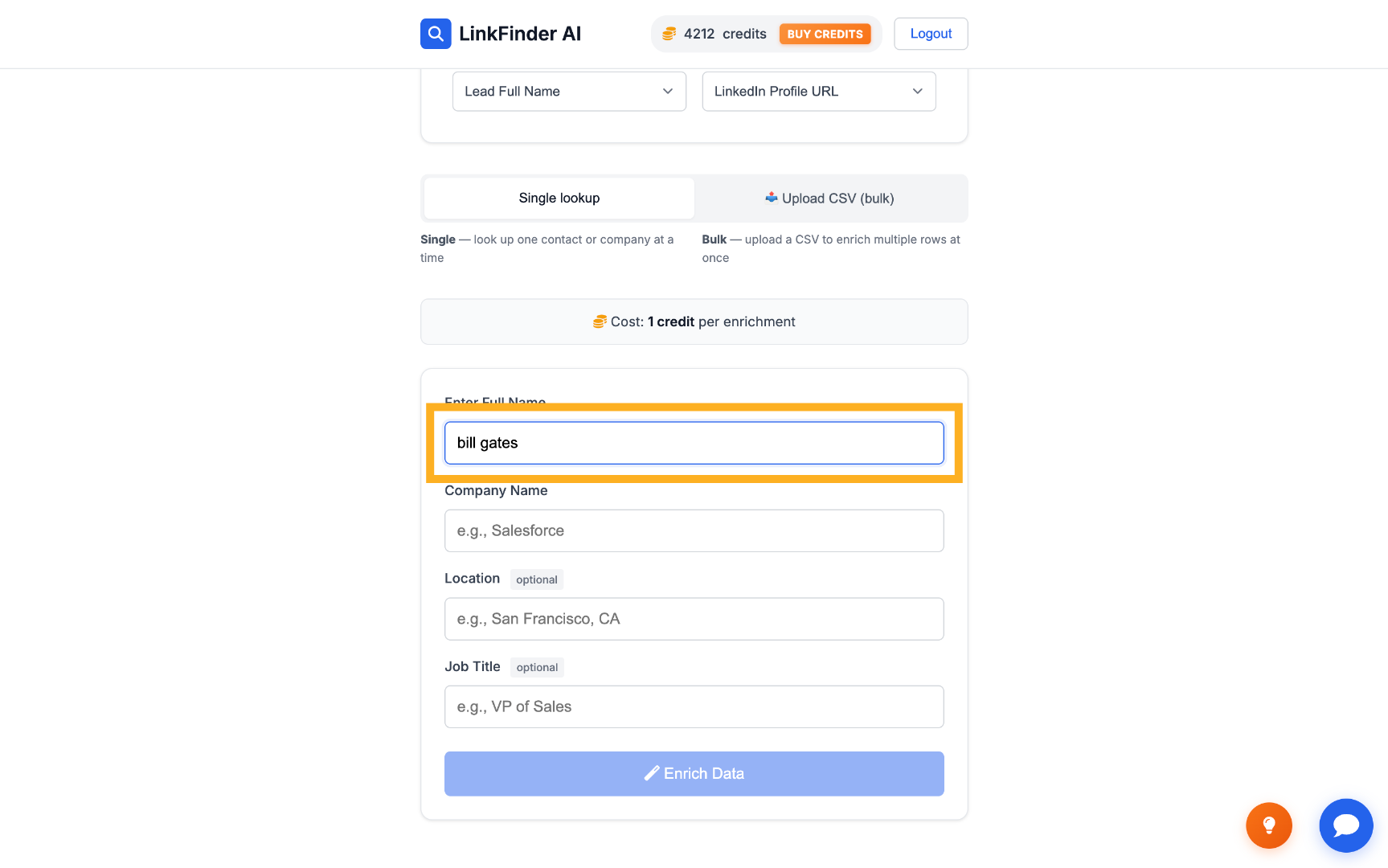
Test it on one lead
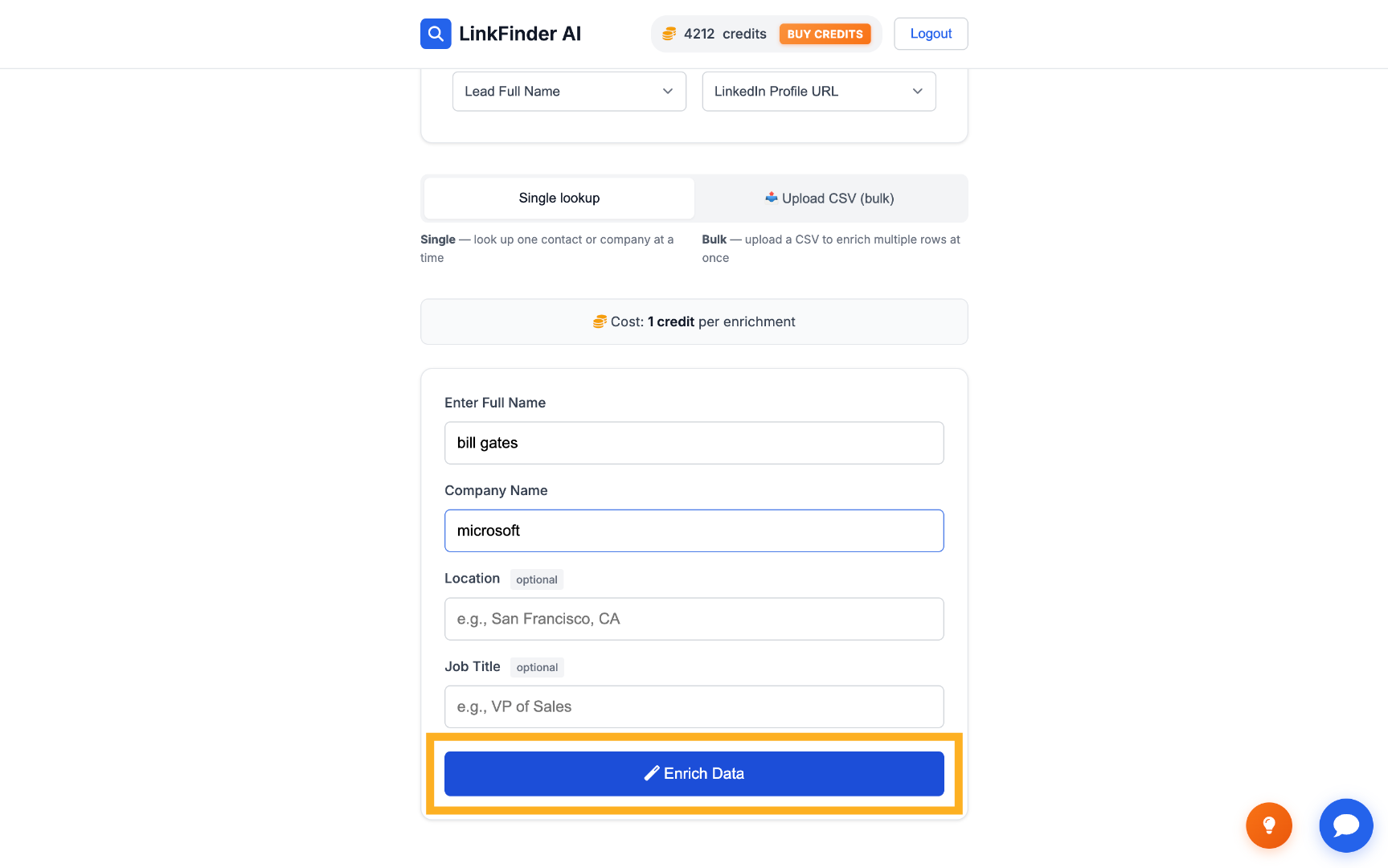
Enter a full name and company — for example, Bill Gates at Microsoft — and click Enrich Data to confirm the flow works.
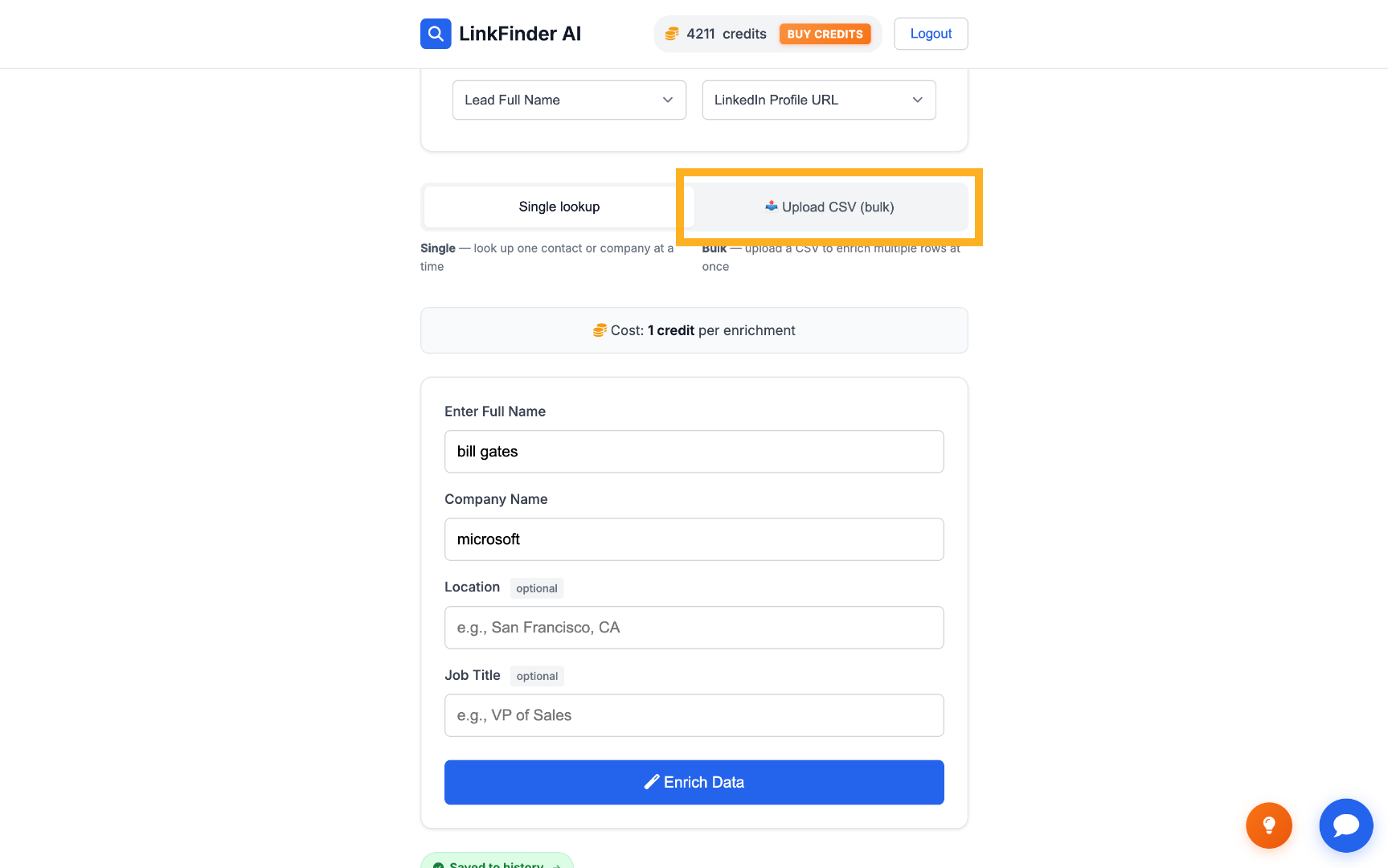
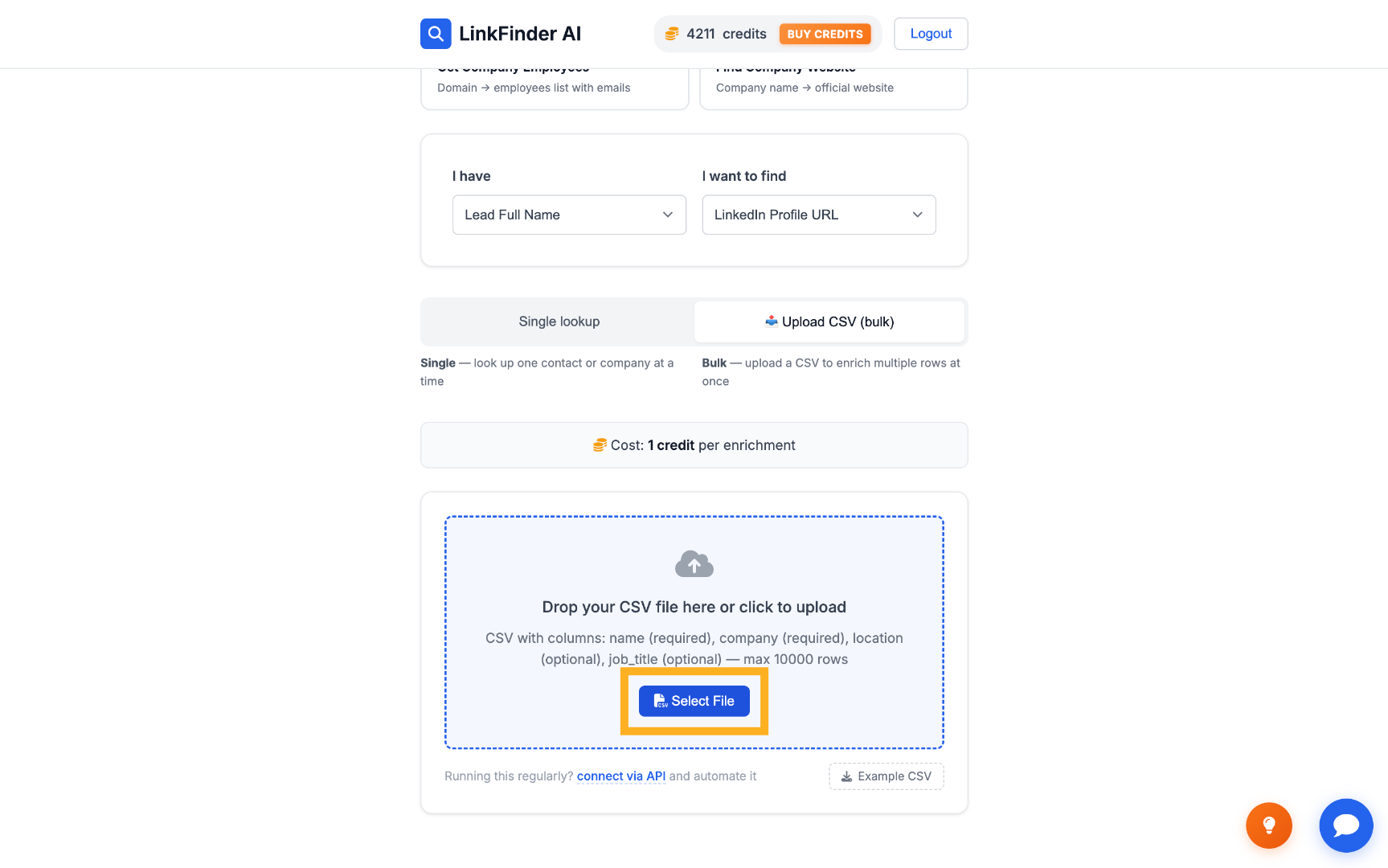
Switch to Upload CSV (bulk) for the full list
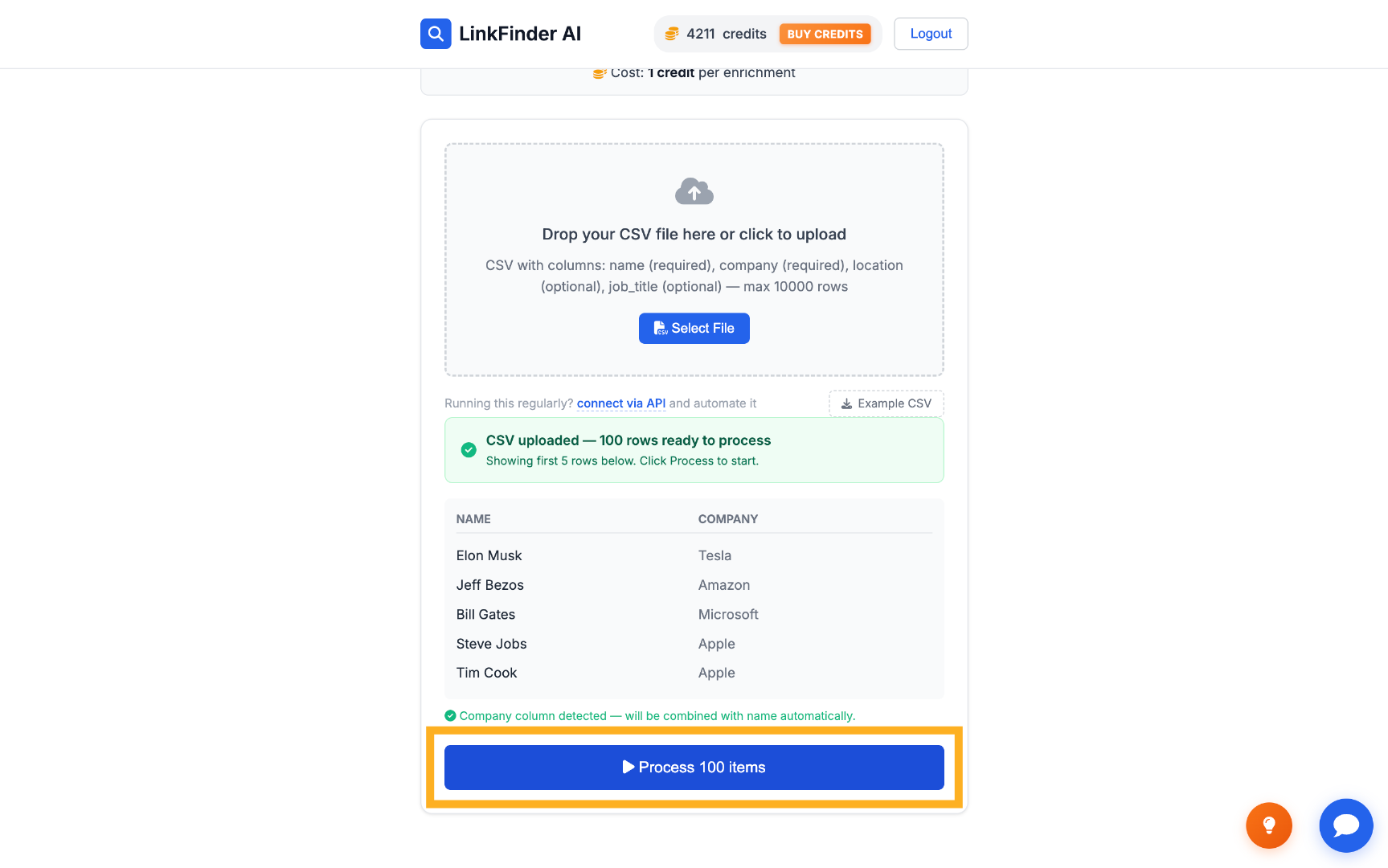
For a full list, upload a CSV of up to 100 names and companies instead of searching one at a time.
Process and export the LinkedIn URLs
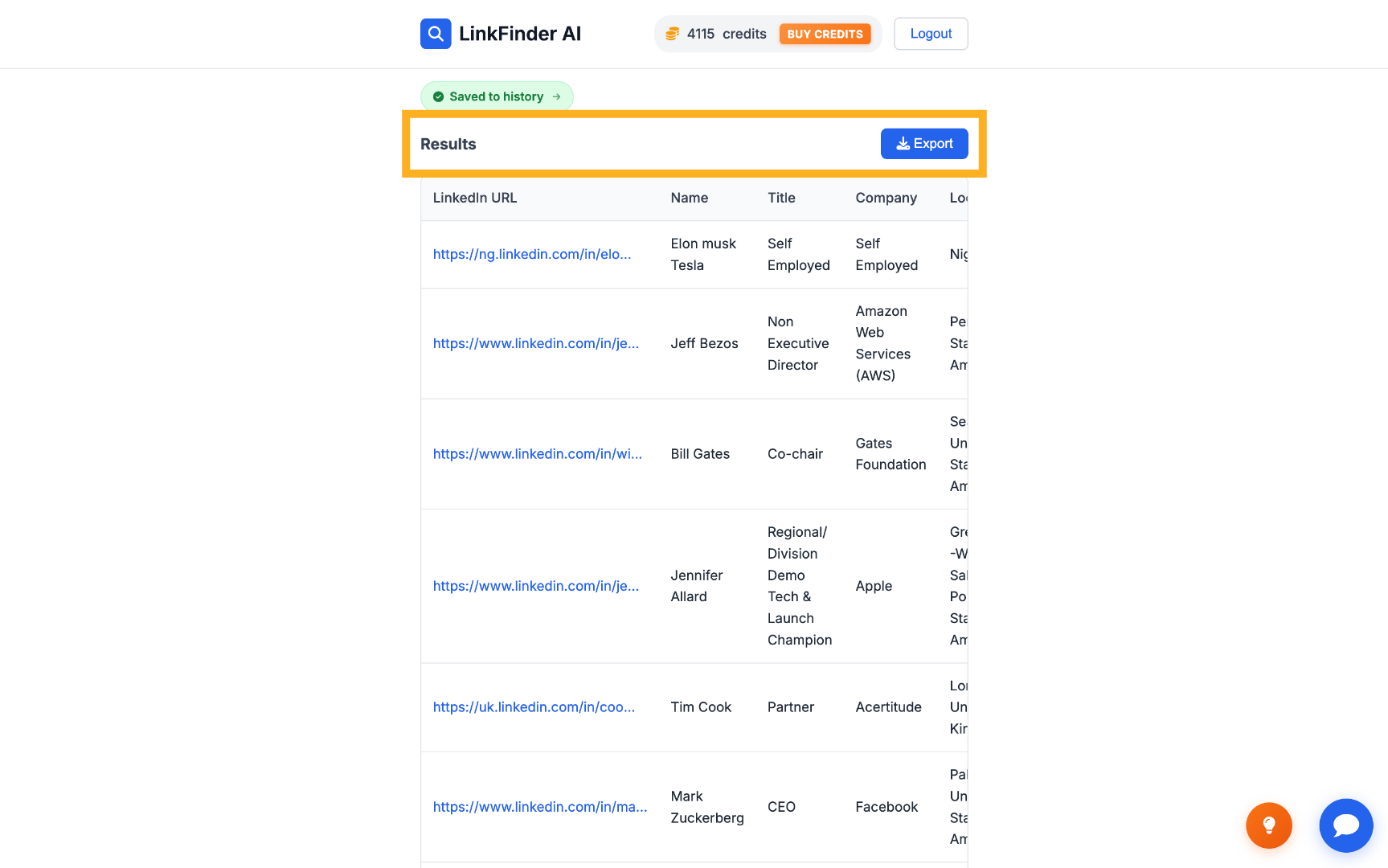
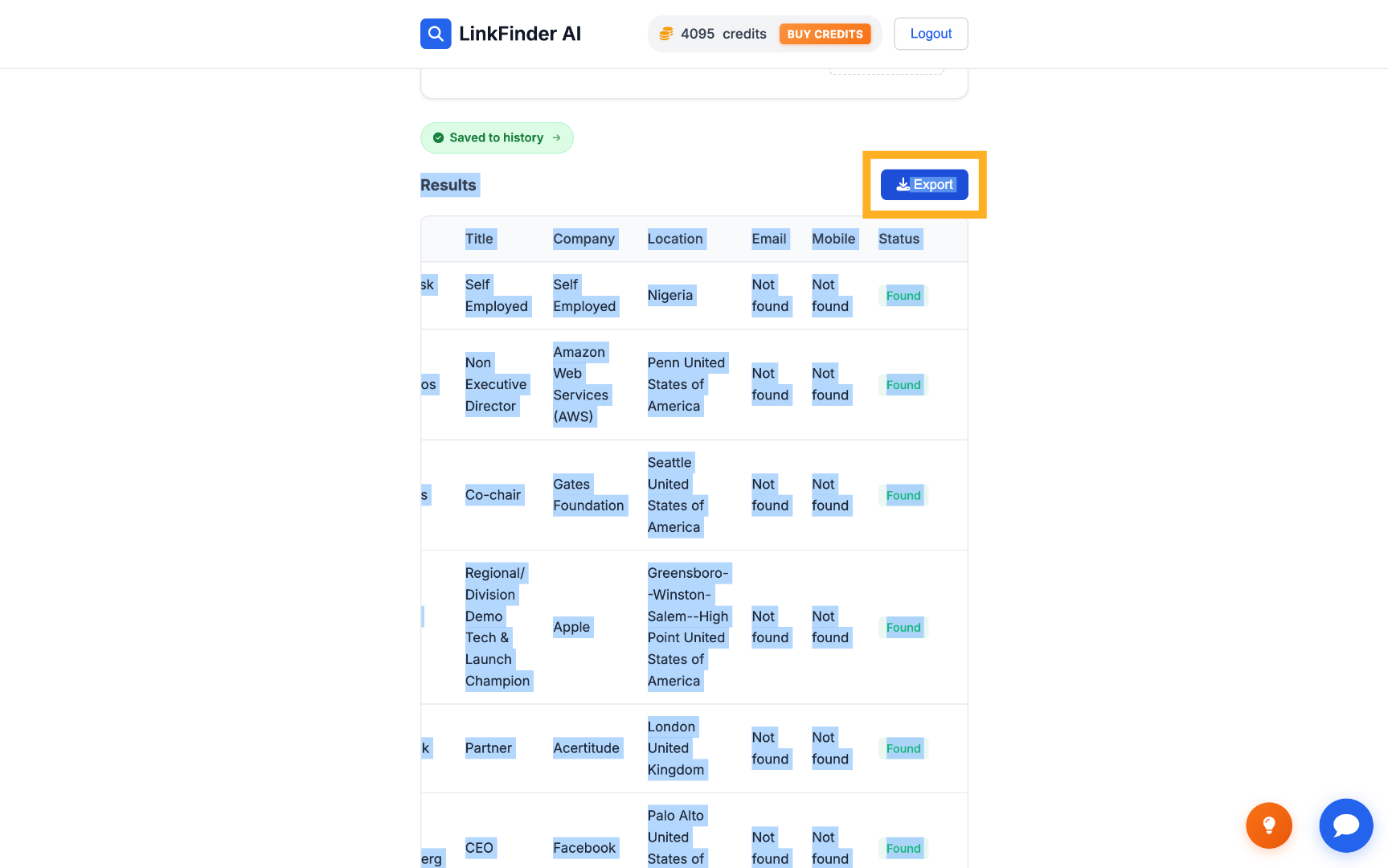
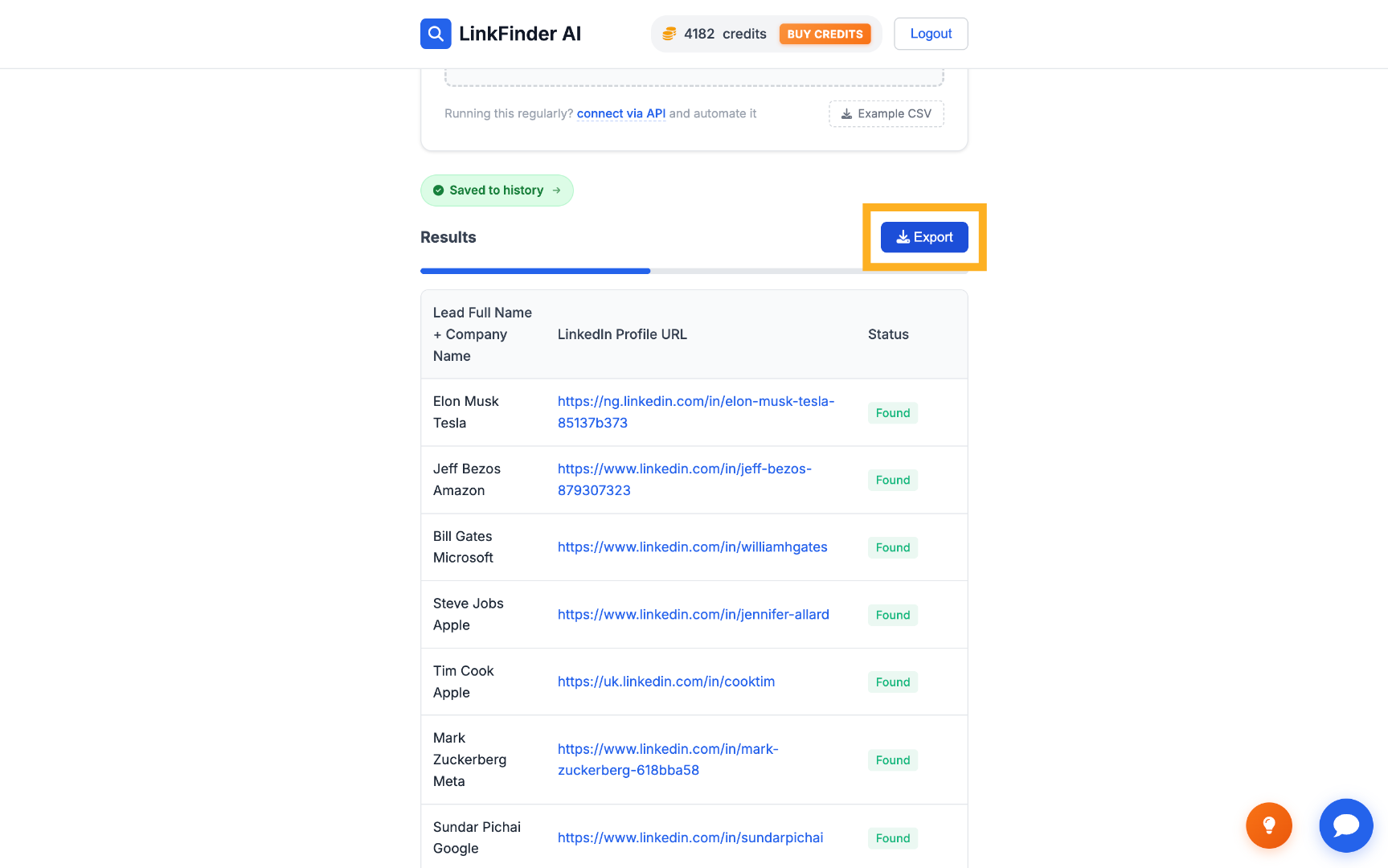
Run the enrichment on the whole list, then export the results — a LinkedIn URL matched to each lead, with any that weren't found marked separately.
Scrape full profile data from those LinkedIn URLs
Feed the list of URLs you just found back in to pull complete profile data for each one.
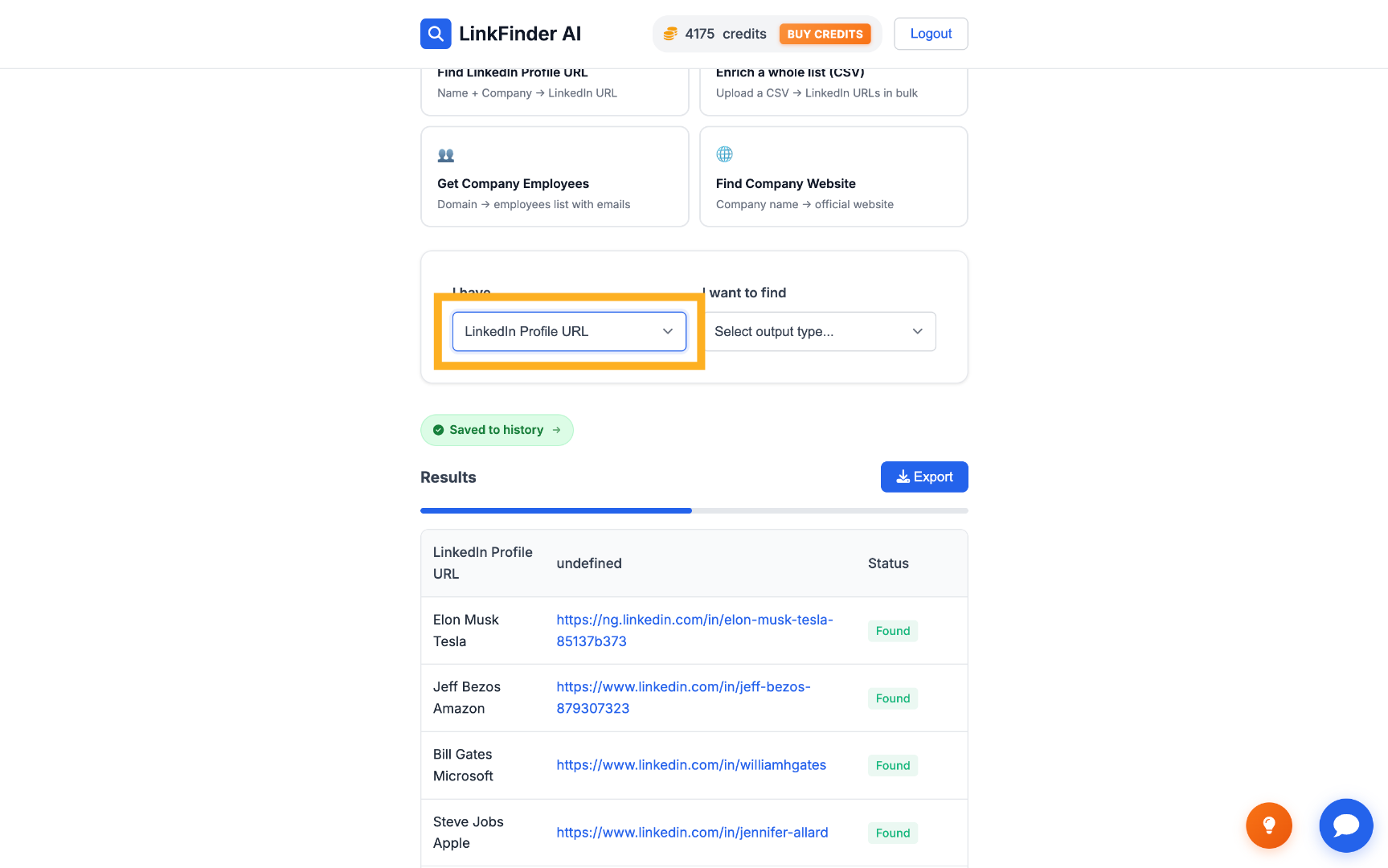
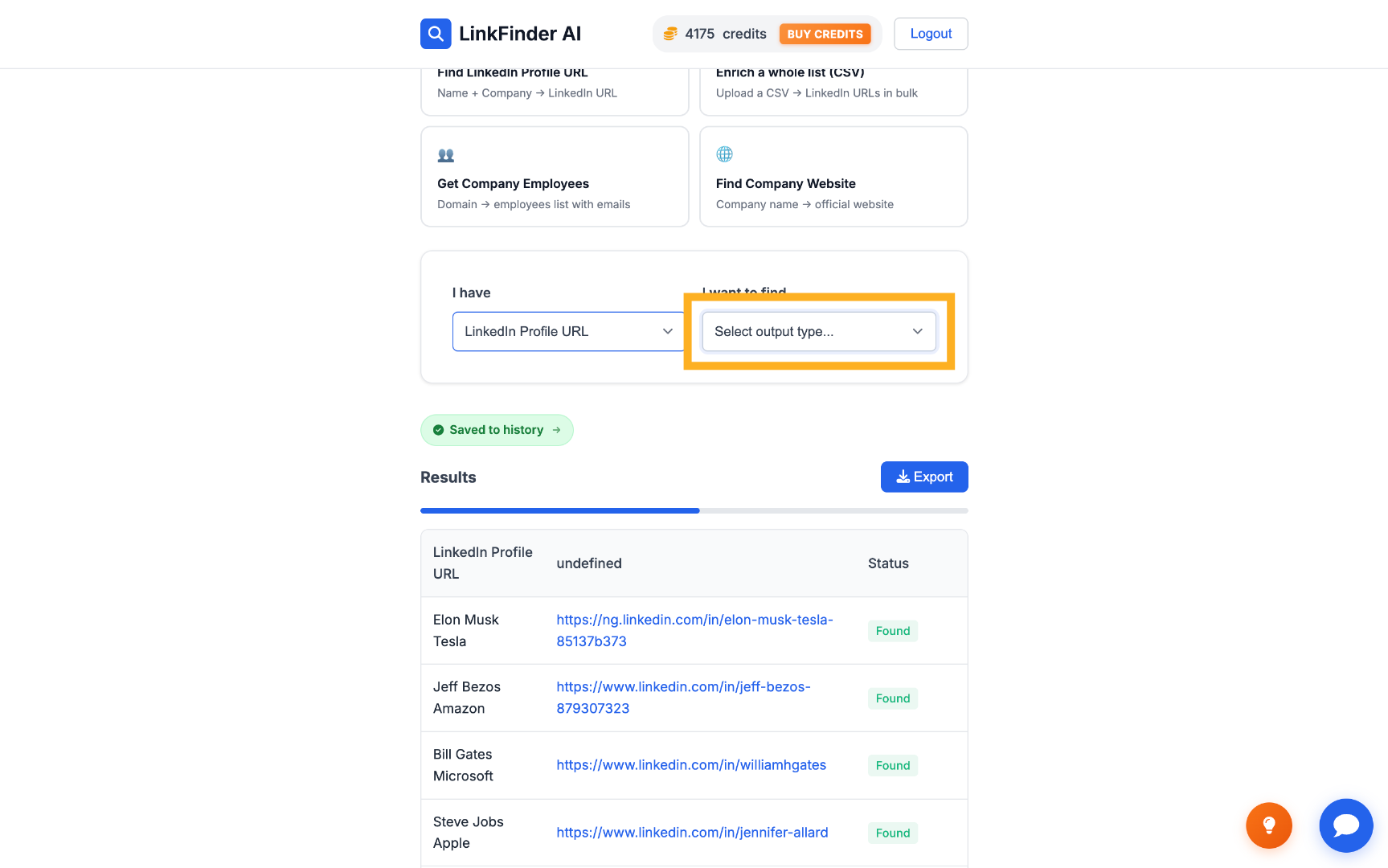
Set input to LinkedIn Profile URL
Switch the input type to LinkedIn Profile URL, using the list of URLs from the previous step.
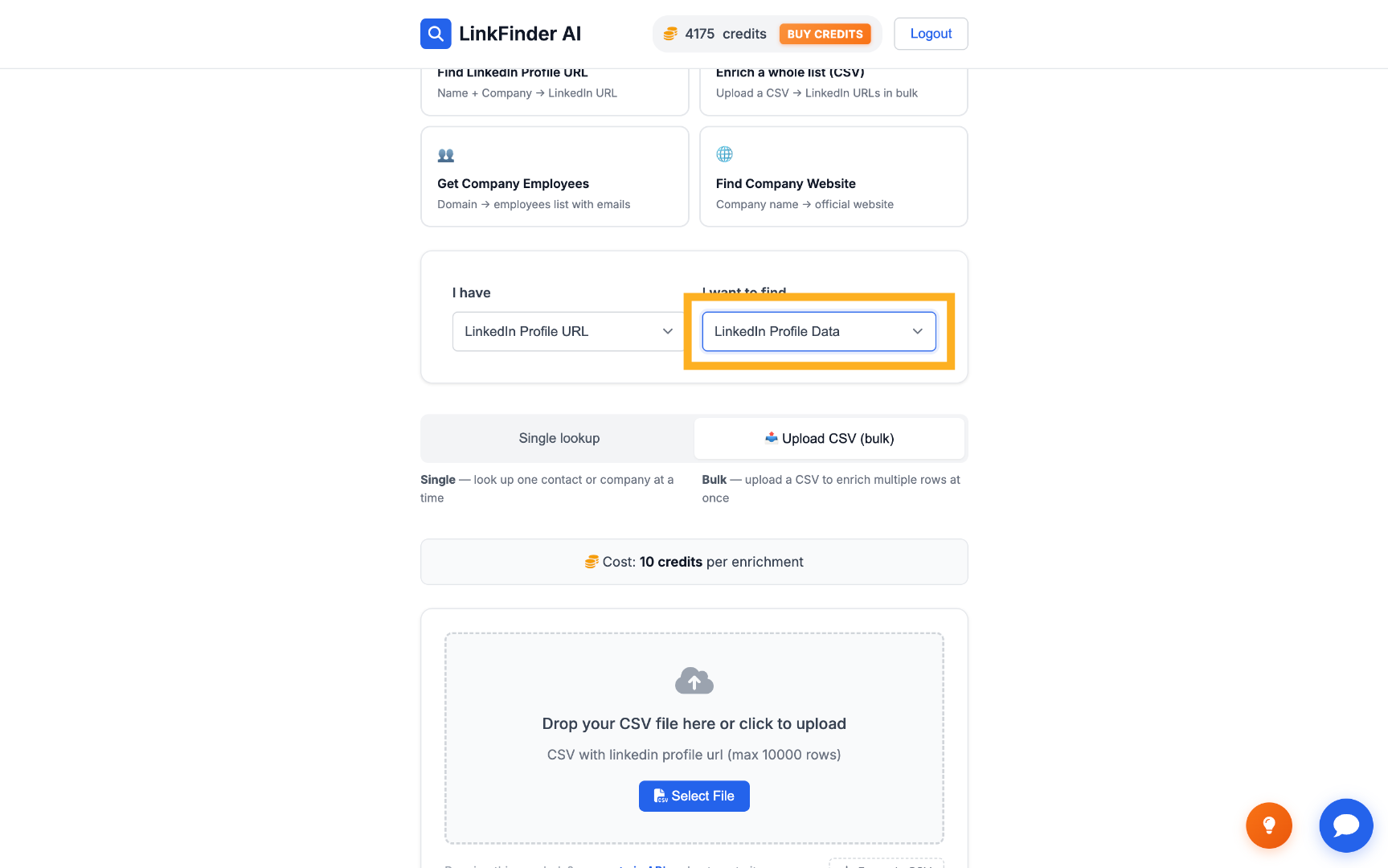
Set output to LinkedIn Profile Data
Choose LinkedIn Profile Data as the output to get the full structured profile, not just a single field.
Process the list
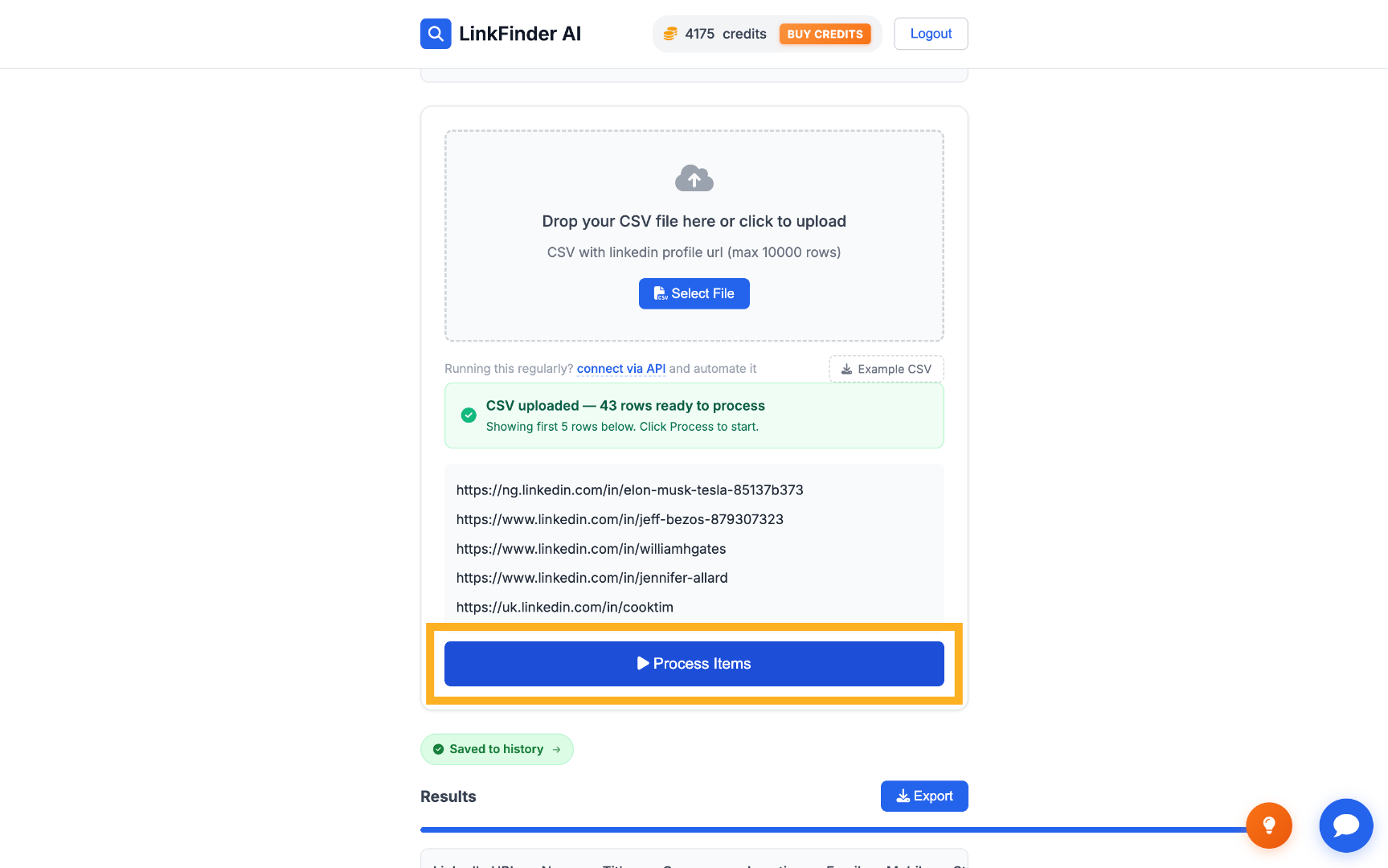
Click Process items to scrape profile data for every URL in the list.
Export the final enriched data
Download the complete result — job title, location, and other profile fields for every lead — as a CSV.