Login Try for free
Free Guide

How to Find a CEO's Email Address

Reaching decision-makers starts with reaching the right inbox. Here's how to pull a company's executive team by seniority level and get verified emails for the CEO, founders, or C-suite — without a Sales Navigator seat.

Filter by seniority level Works from a company domain Free to start

Demo: finding a company's executive team and their emails with LinkFinder AI · Powered by guidde

Selling into a company usually means reaching a CEO, founder, or another C-suite executive — not a generic info@ inbox. The challenge is that executive contact details are the most protected on the internet, buried behind gatekeepers and stale directories.

LinkFinder AI approaches this from a company's employee list: filter by seniority level (Founder, Owner, C-Suite, Director, Partner) at a given domain, then enrich the executives you find with verified emails and phone numbers. If you already have a specific executive's LinkedIn URL, you can skip straight to enriching that one profile.

1

Find executives by seniority level at a company

Start from a company domain and filter down to just the people who make buying decisions.

1

Choose your input and output types

Set the input to Company Domain and the output to Company Employees List to pull a filtered roster instead of a single lookup.
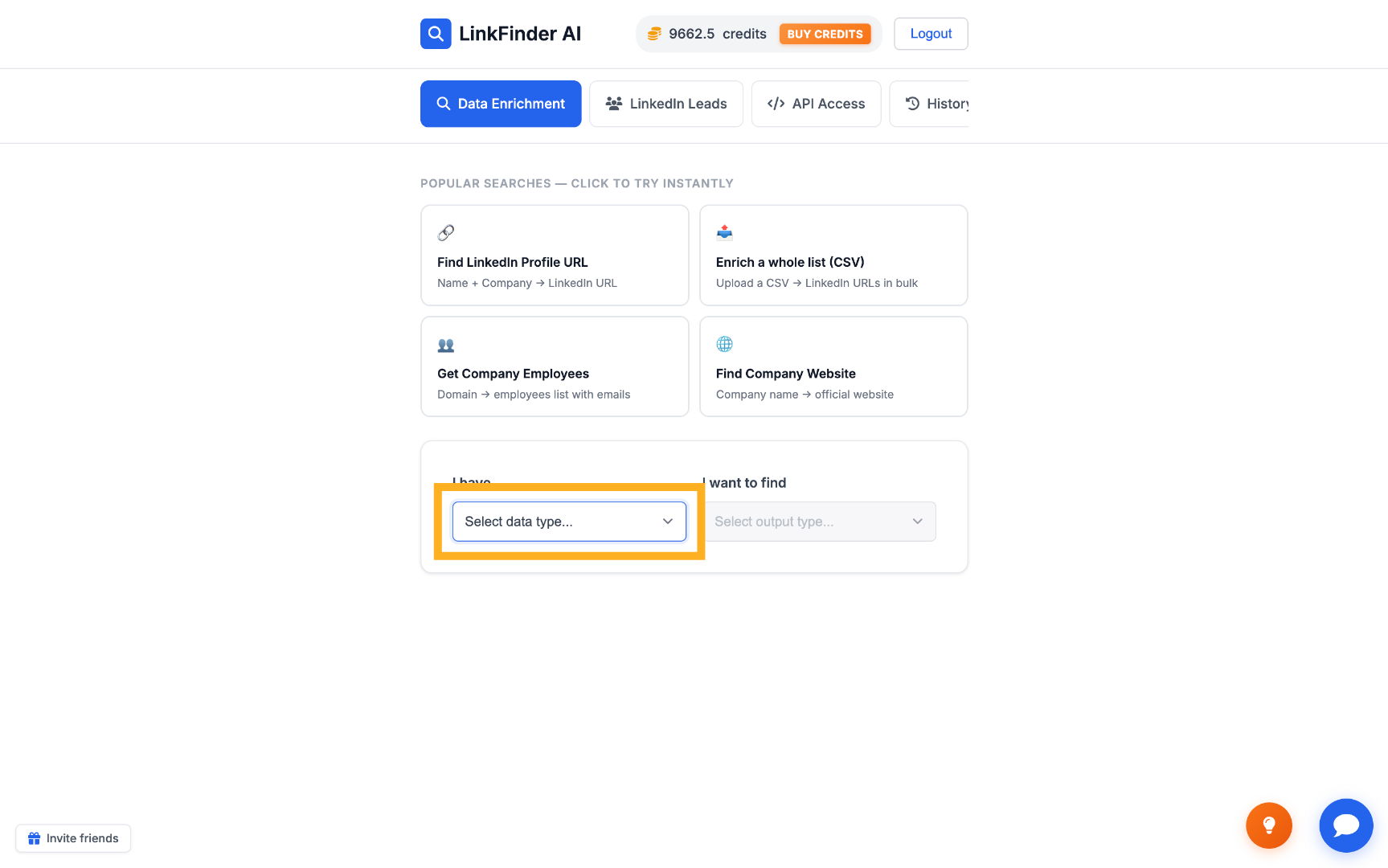
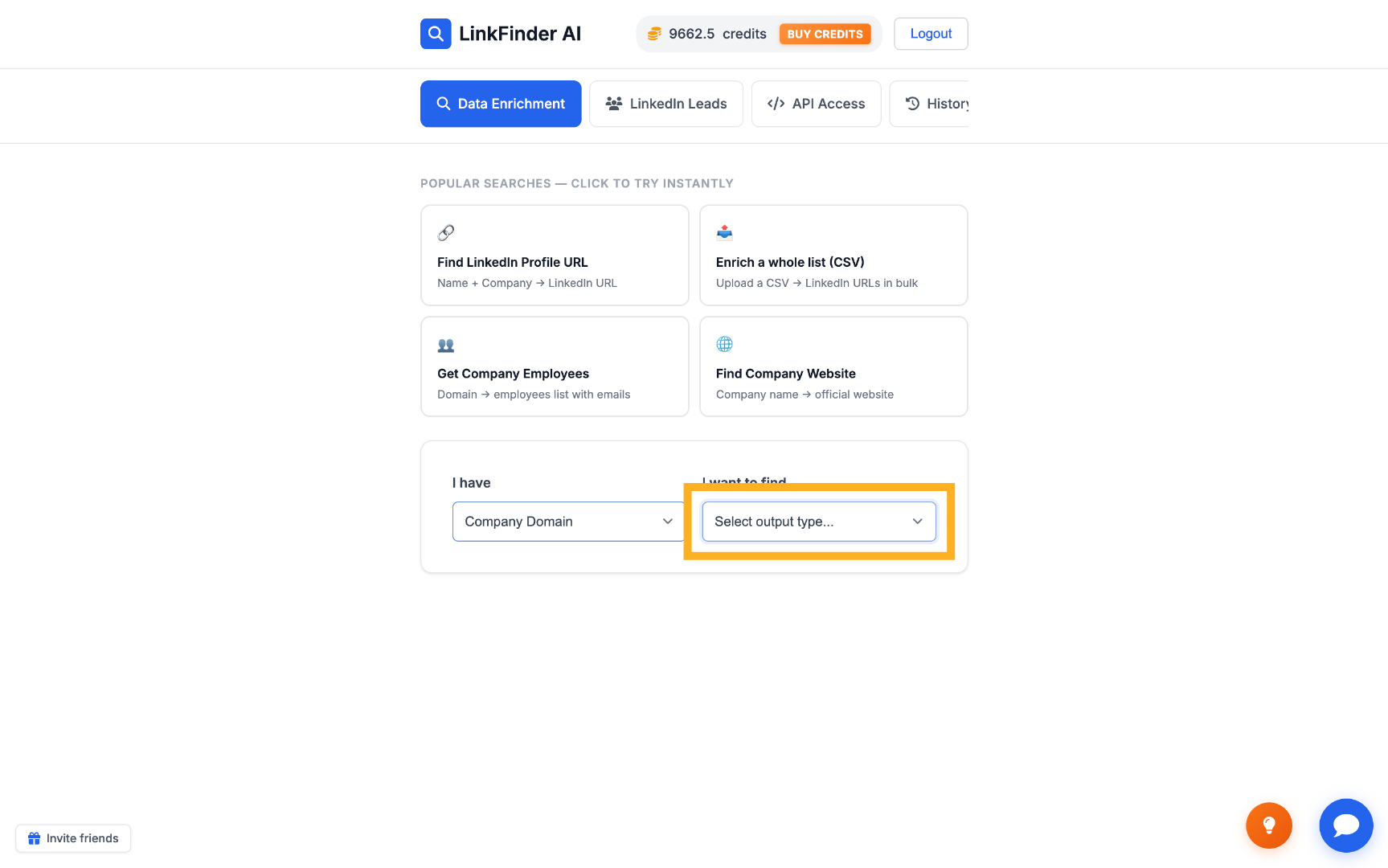
Select Input Data Type Choose Output Data Type
2

Filter by seniority level

Select the seniority levels you want — Founder, Owner, C-Suite, Director, or Partner — to narrow the list to decision-makers.
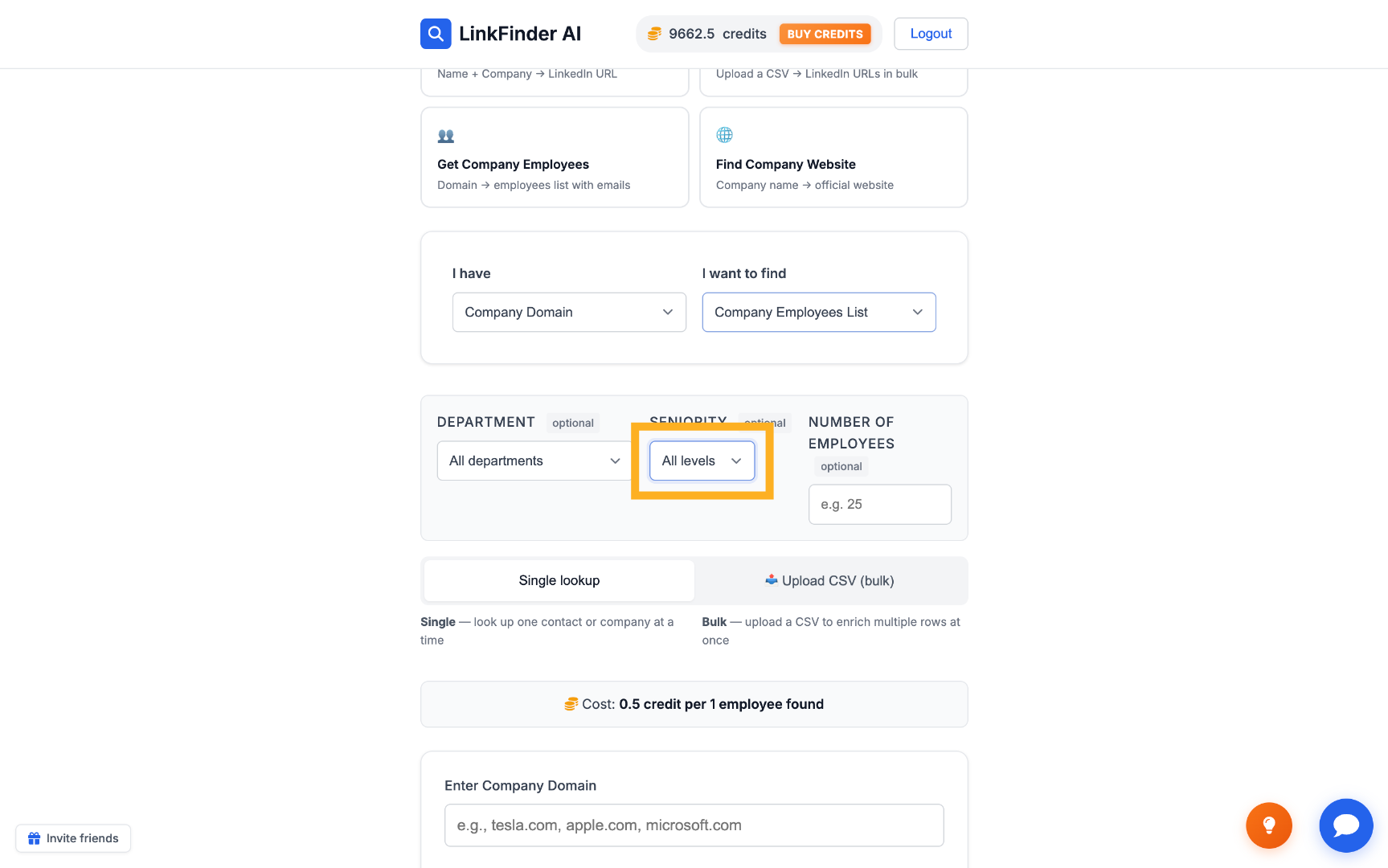
Select Employee Levels
3

Set how many results you want

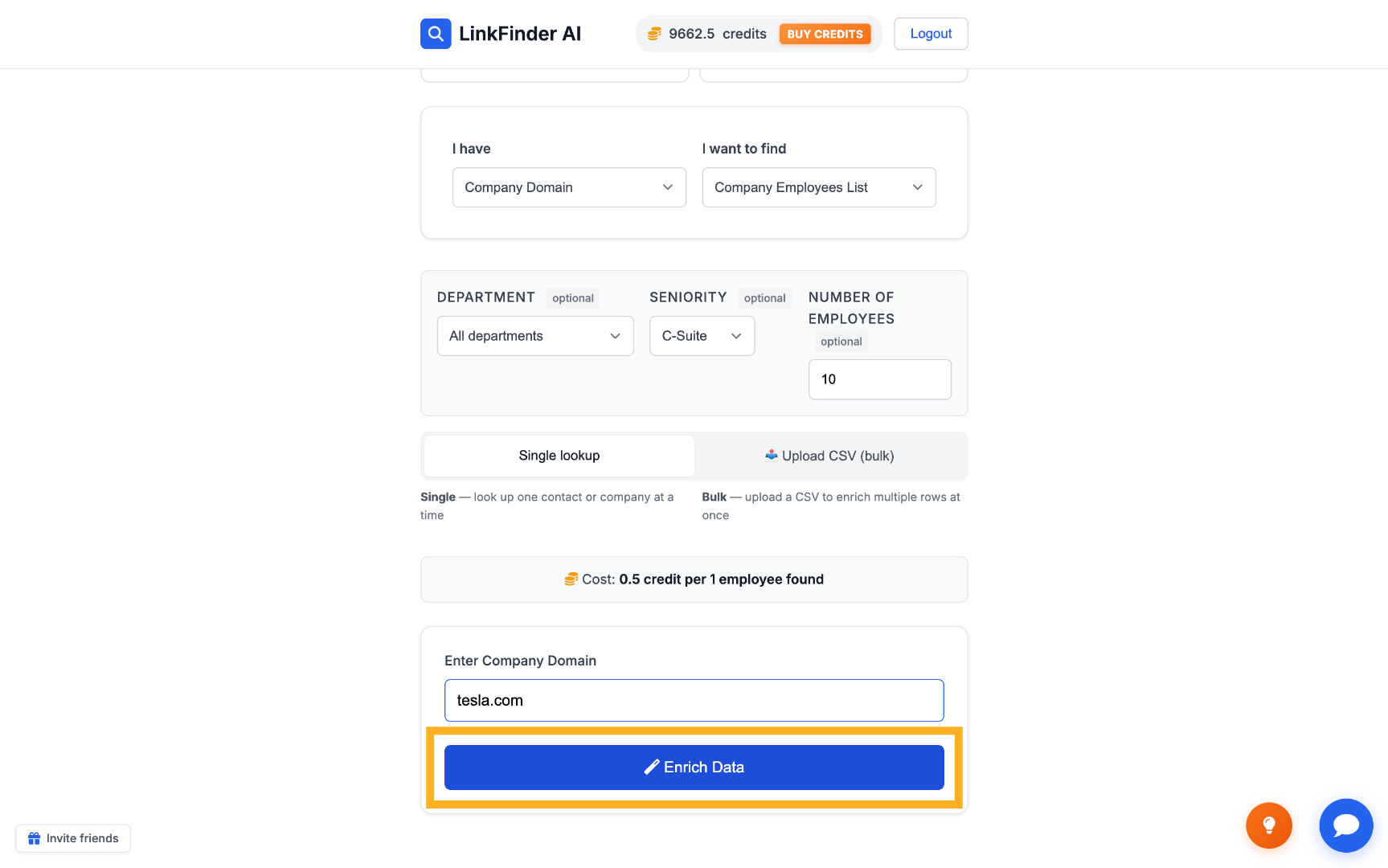
Enter the number of employees to return, for example 25, to control the size of the result and the credits spent.
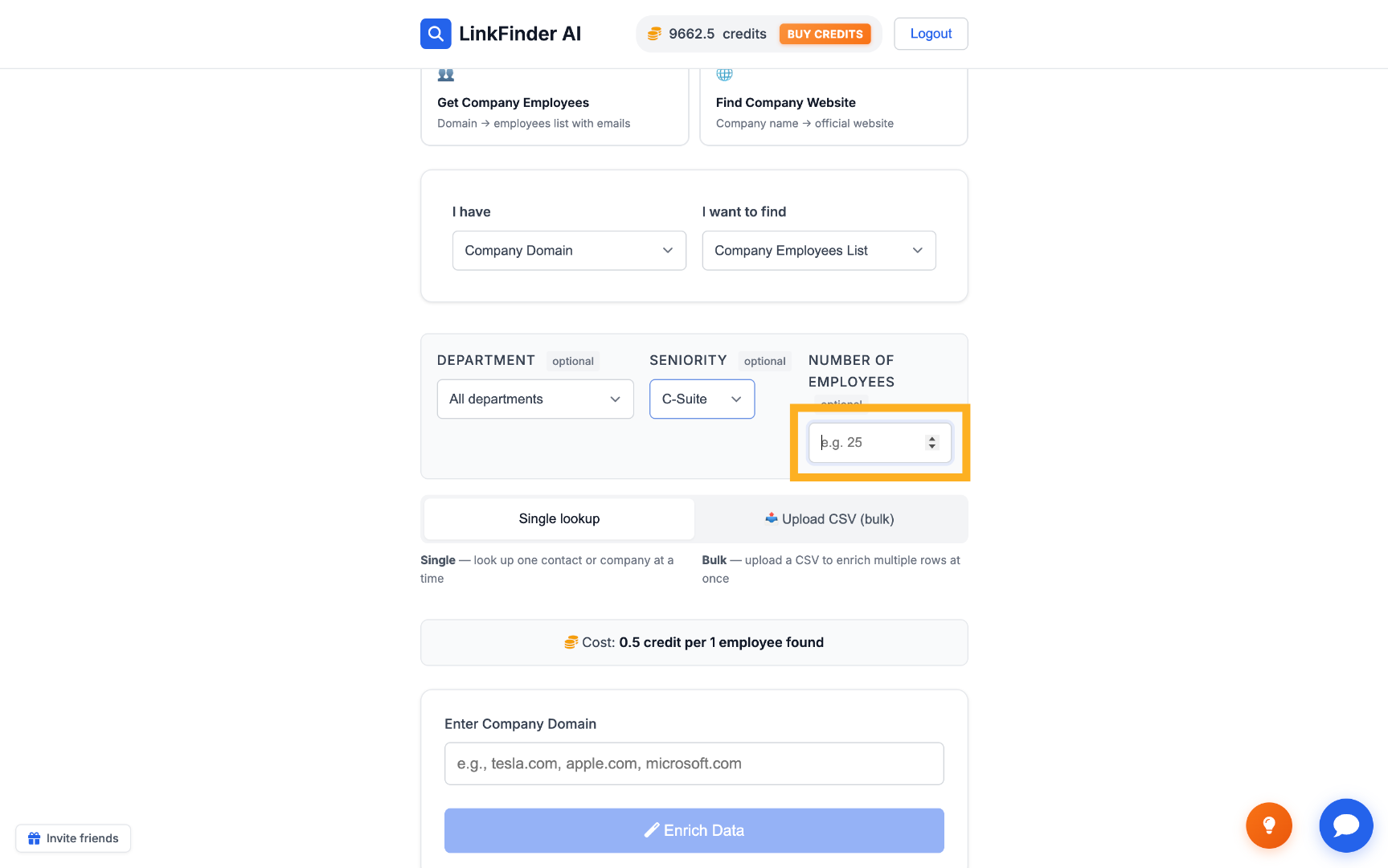
Set Number of Results
4

Enter the company domain and enrich

Type the domain — for example tesla.com — and click Enrich Data to pull the matching executives.
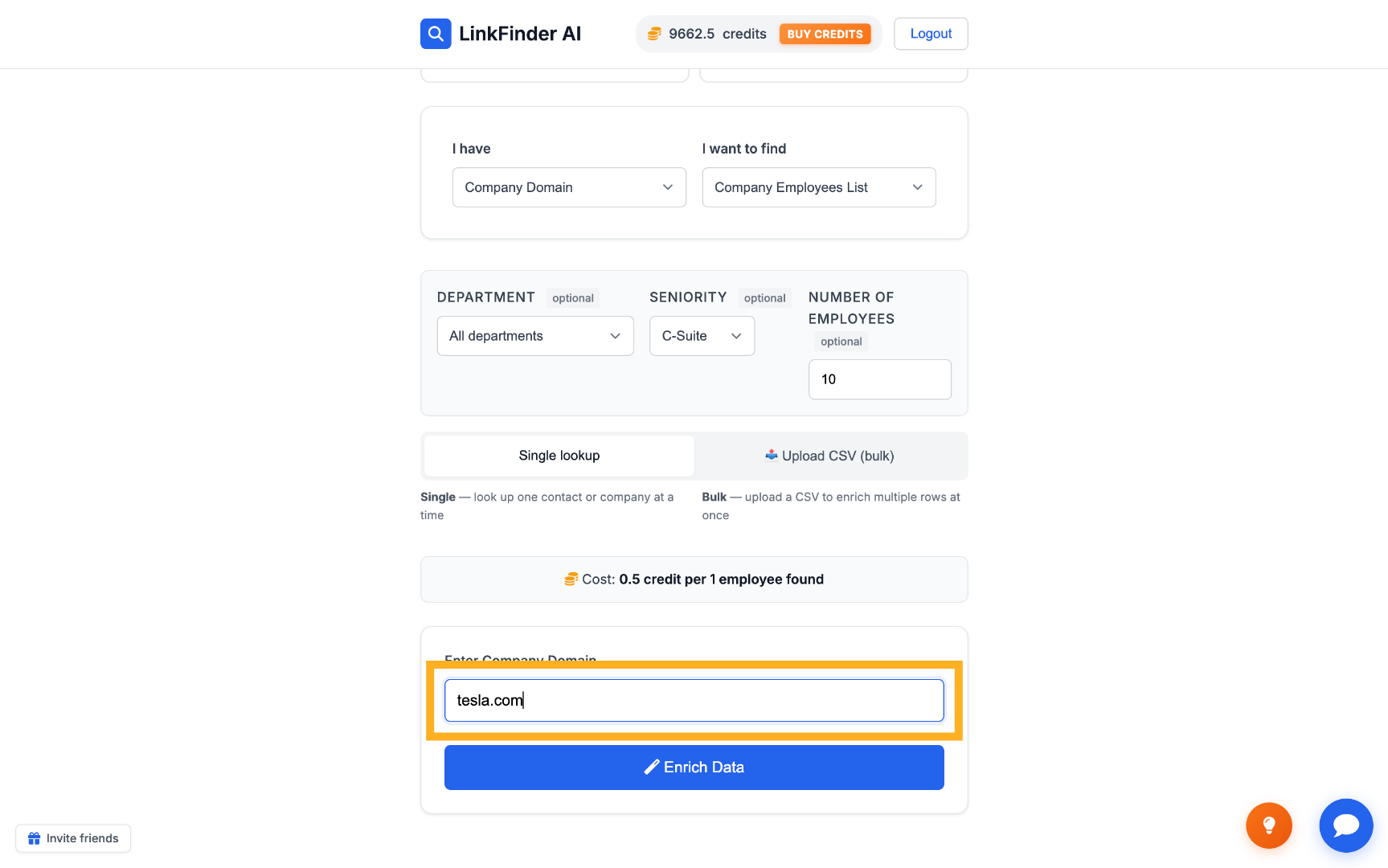
Input Company Domain Initiate Data Enrichment
5

Review the results

Each result includes the executive's name, title, and LinkedIn URL — click through to confirm the right person before enriching further.
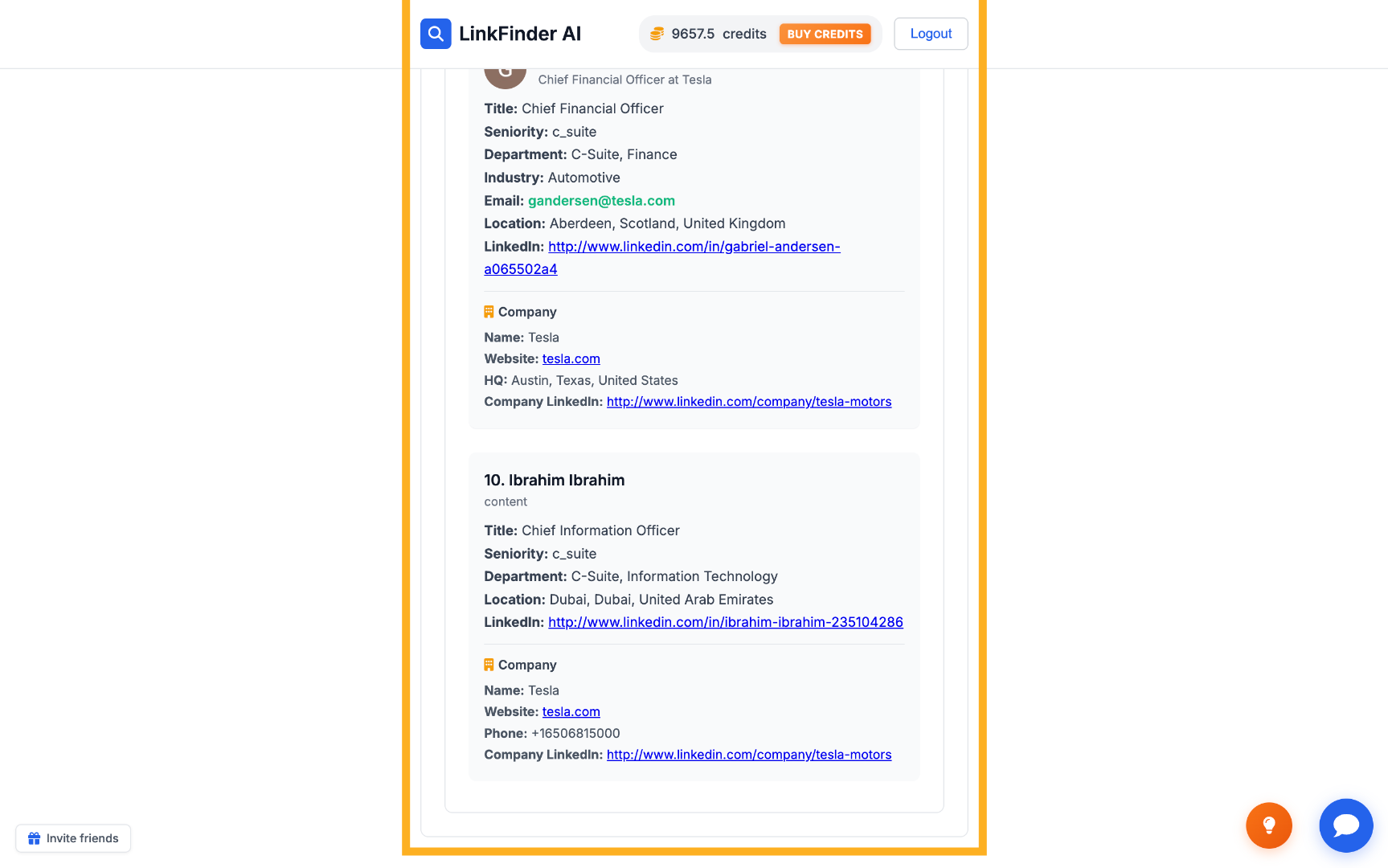
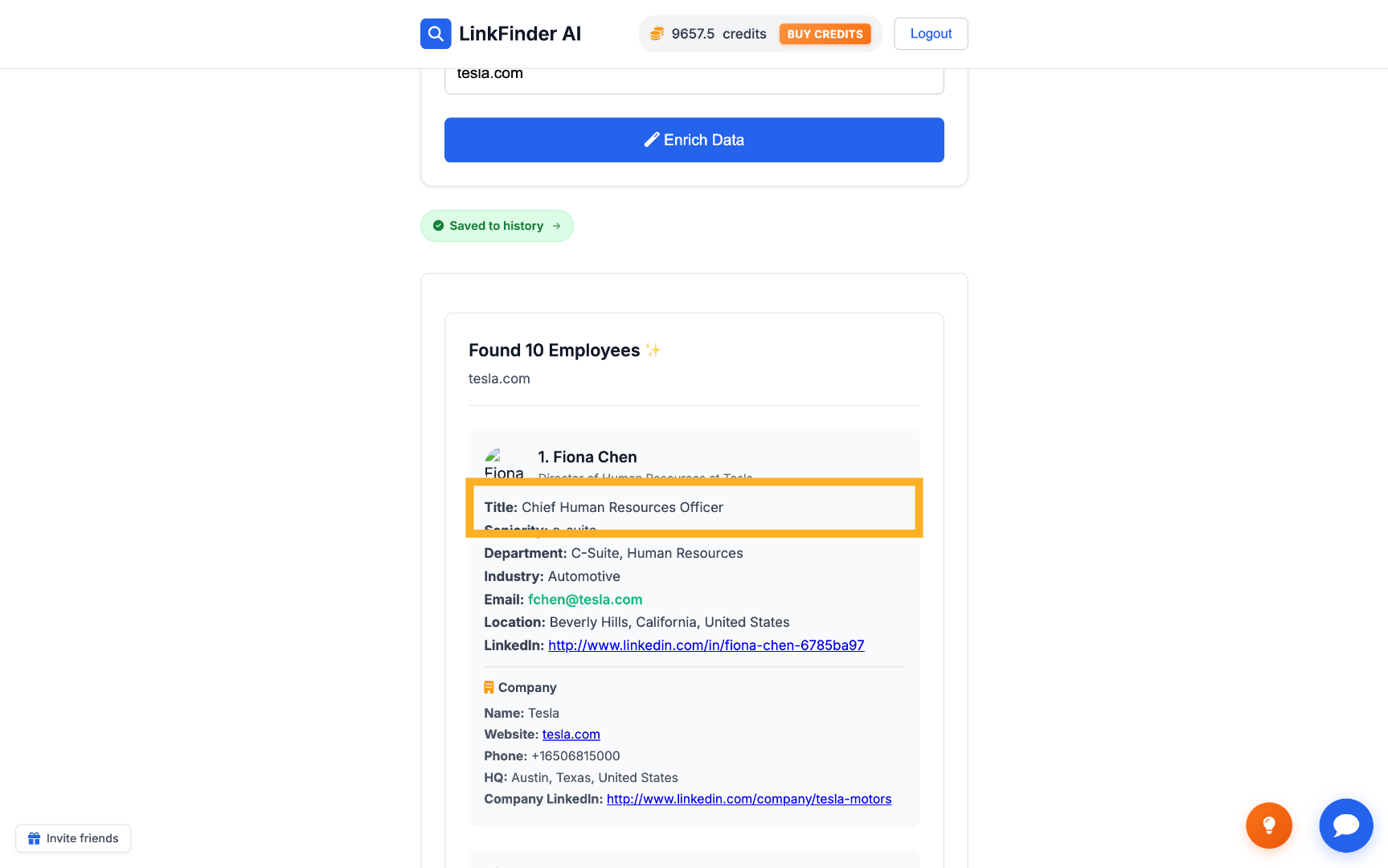
Review Employee Details Check Employee Title
2

Enrich a known executive's LinkedIn profile

If you already have the CEO or executive's LinkedIn URL — from the list above or elsewhere — enrich it directly for their email and phone.

1

Switch input to LinkedIn Profile URL

Set the input type to LinkedIn Profile URL and choose an output such as Email Address or Phone Number.
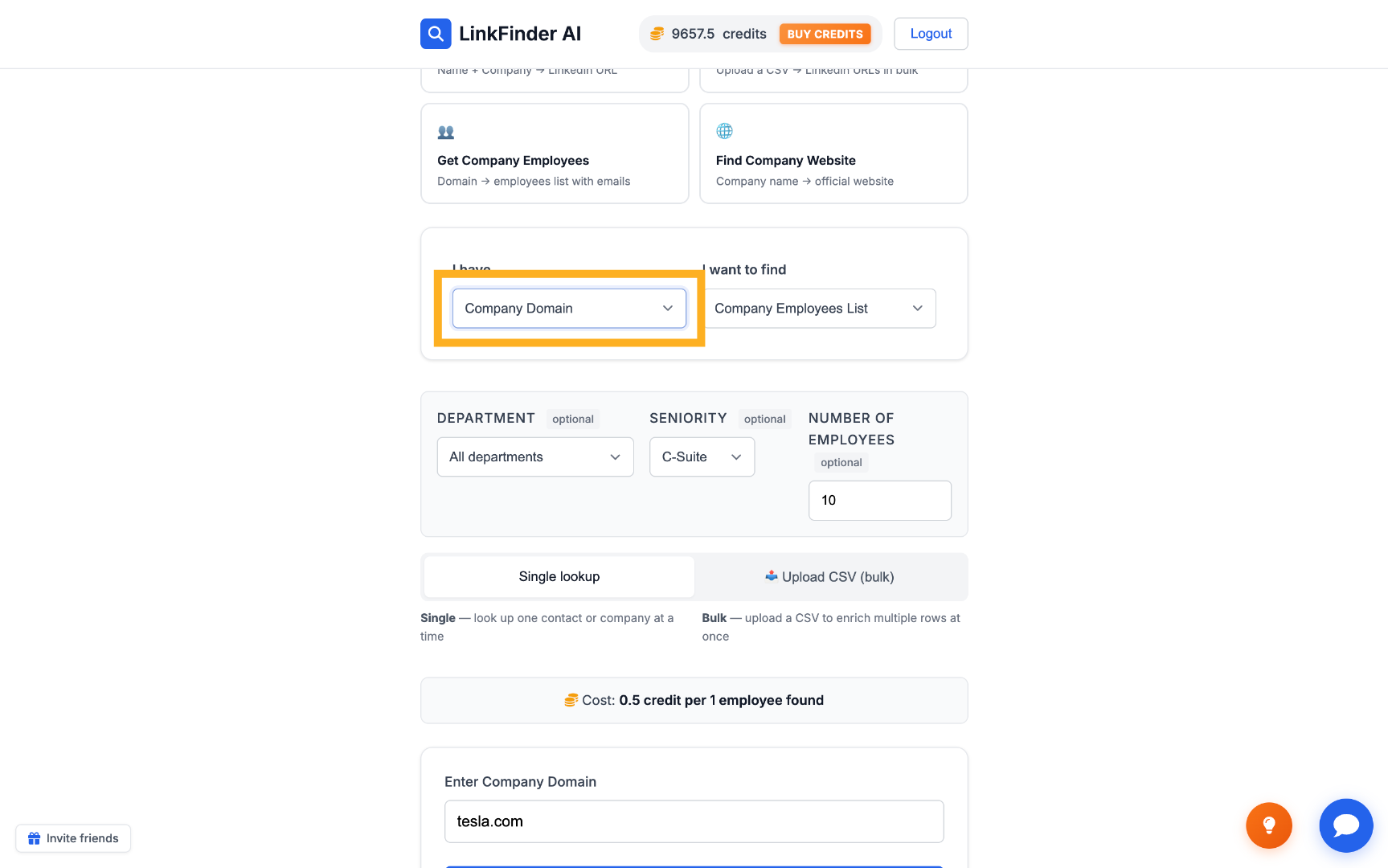
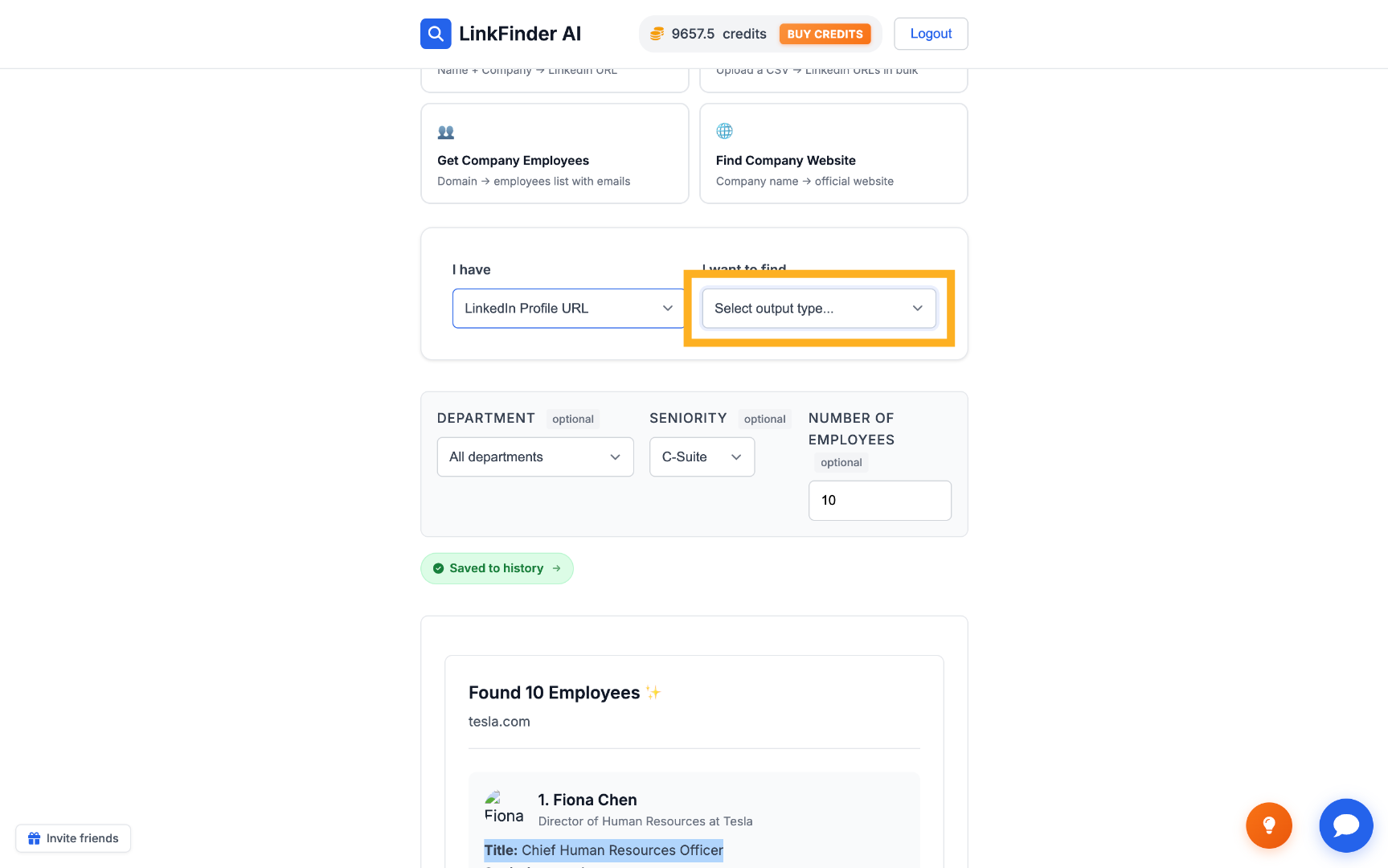
Select New Input Data Type Choose New Output Type
2

Paste the LinkedIn URL and enrich

Enter the executive's LinkedIn profile URL and click Enrich Data to retrieve their contact details.
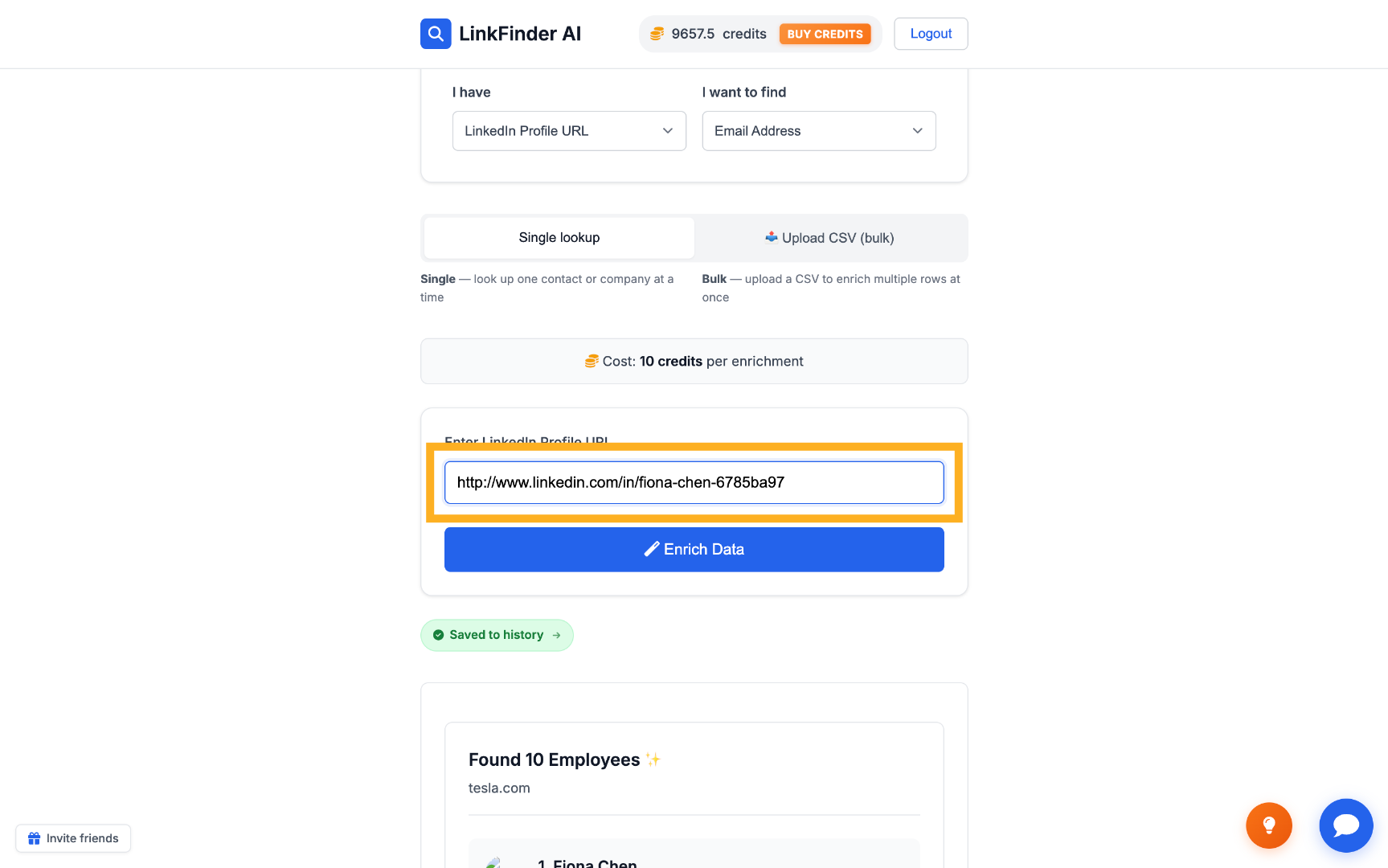
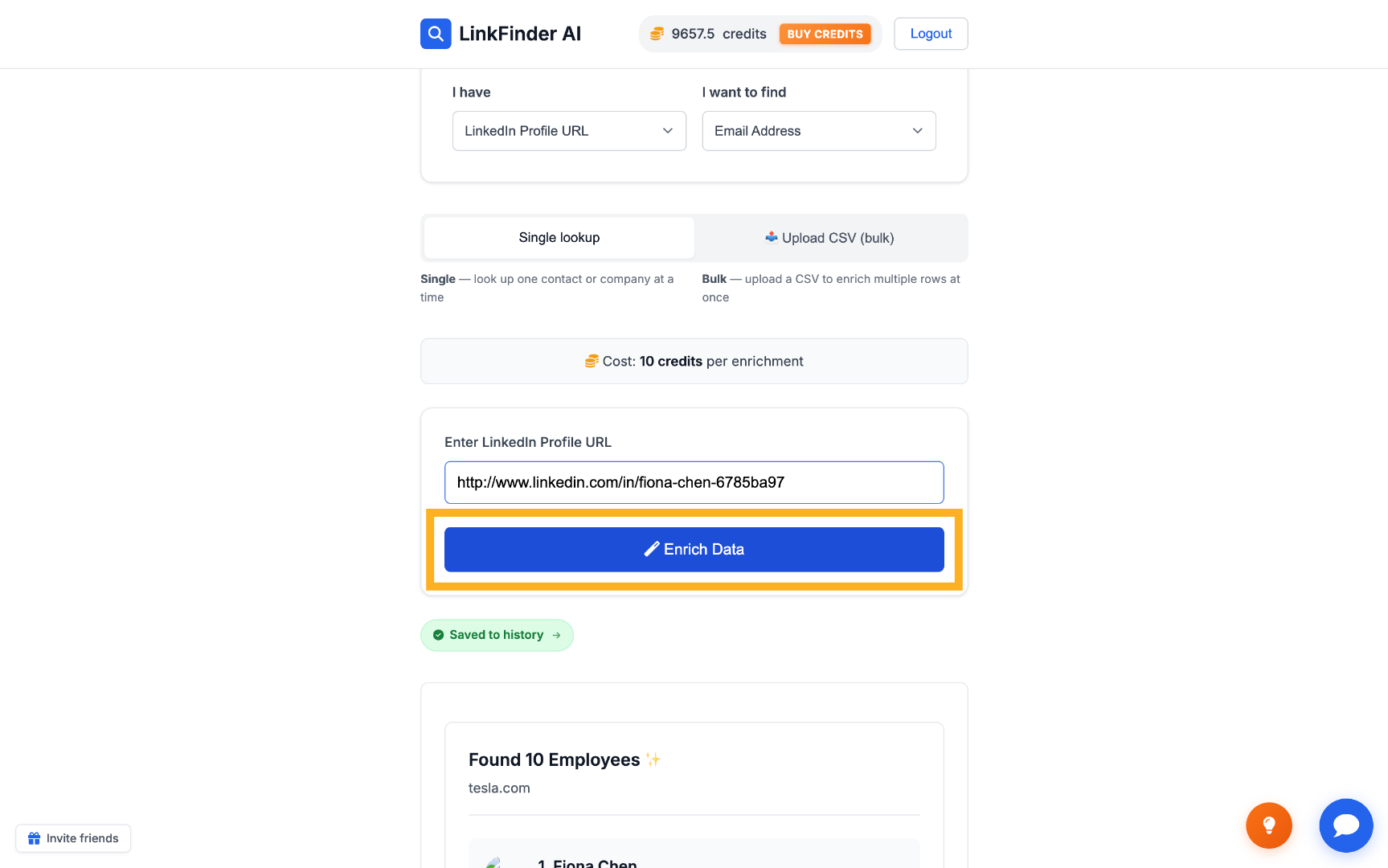
Input LinkedIn Profile URL Start Profile Data Enrichment
3

View the enriched contact data

LinkFinder AI returns the verified email and any other requested fields tied to that profile.
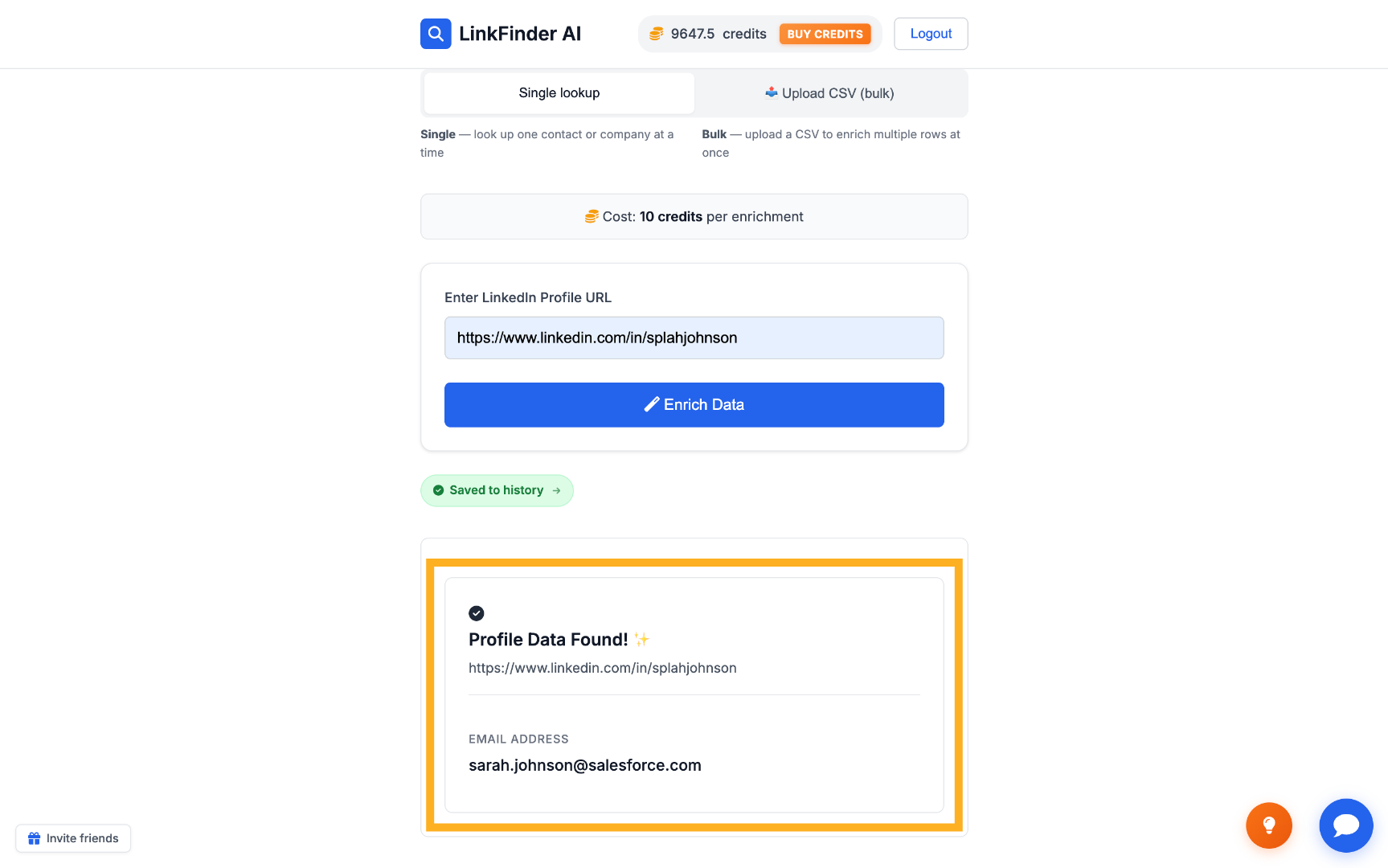
View Profile Data Found
3

Find executive contacts programmatically via API

For pulling a company's leadership team into your own CRM or outbound tooling.

1

Open the Company Enrichment API docs

Go to API Access, then View API Docs, and open the B2B Data Lookup section under Company Enrichment.
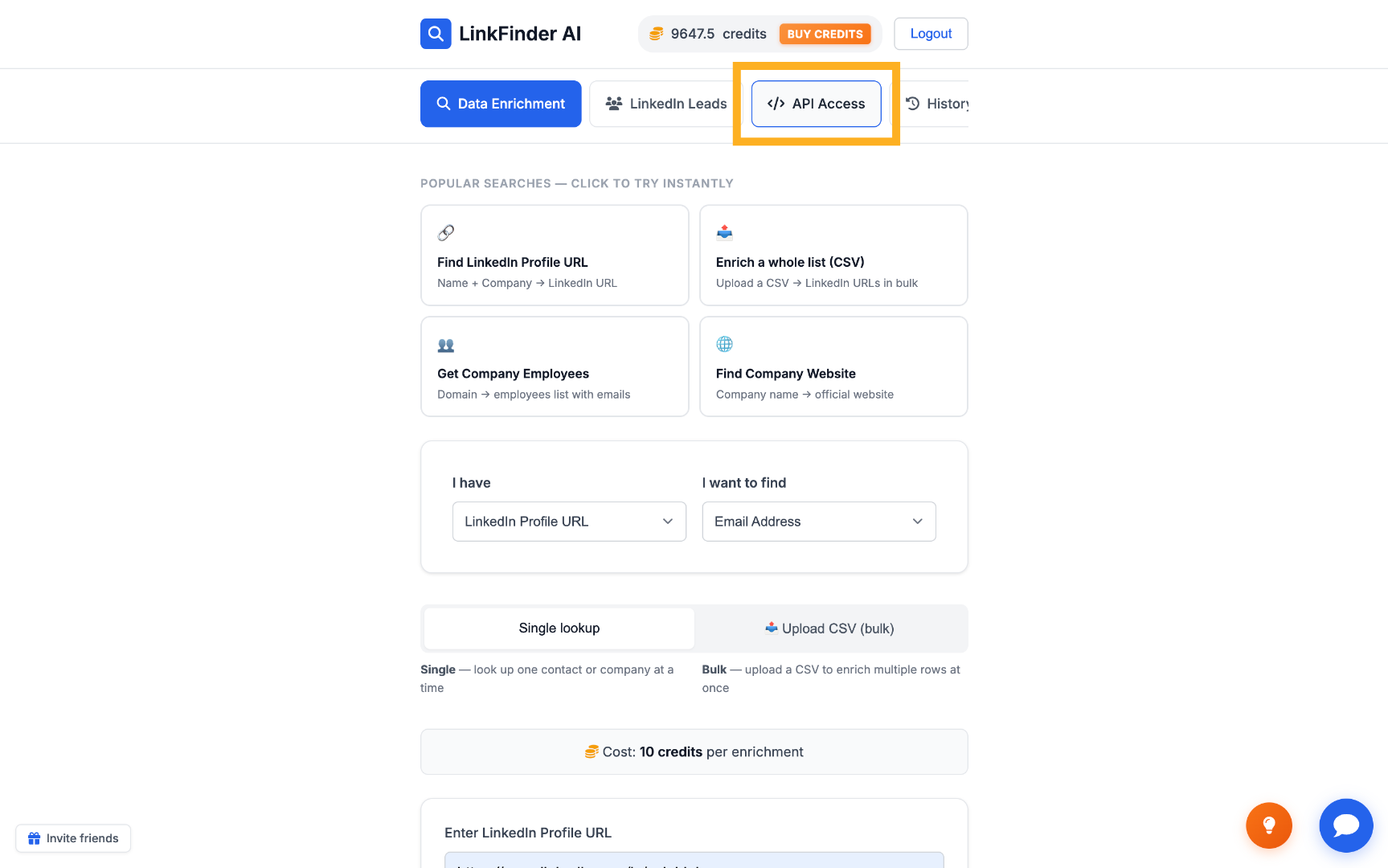
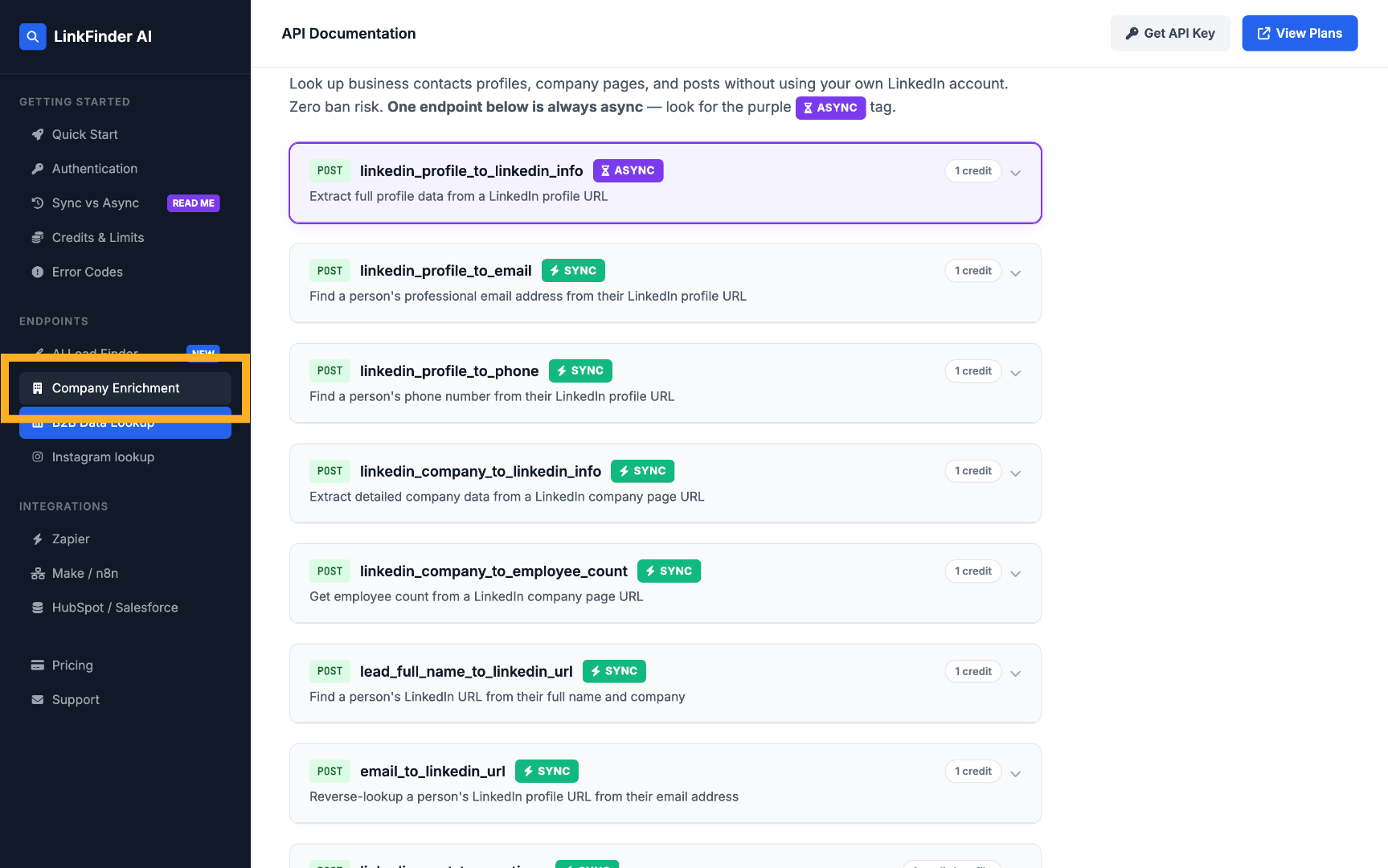
Access API Section Choose Company Enrichment API
2

Call company_domain_to_employees with a seniority filter

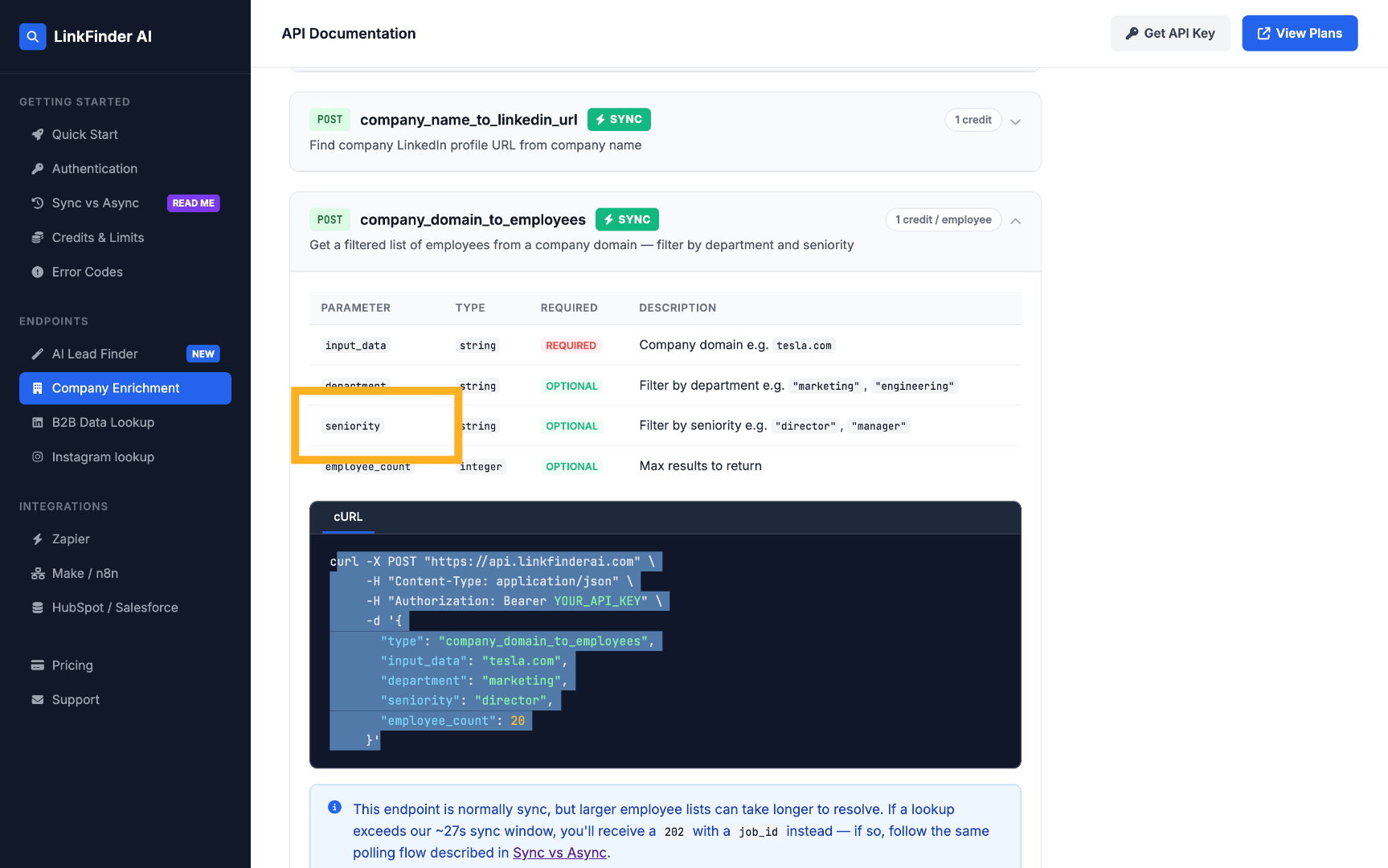
POST a request with the domain and a seniority parameter to pull just the executives you need.
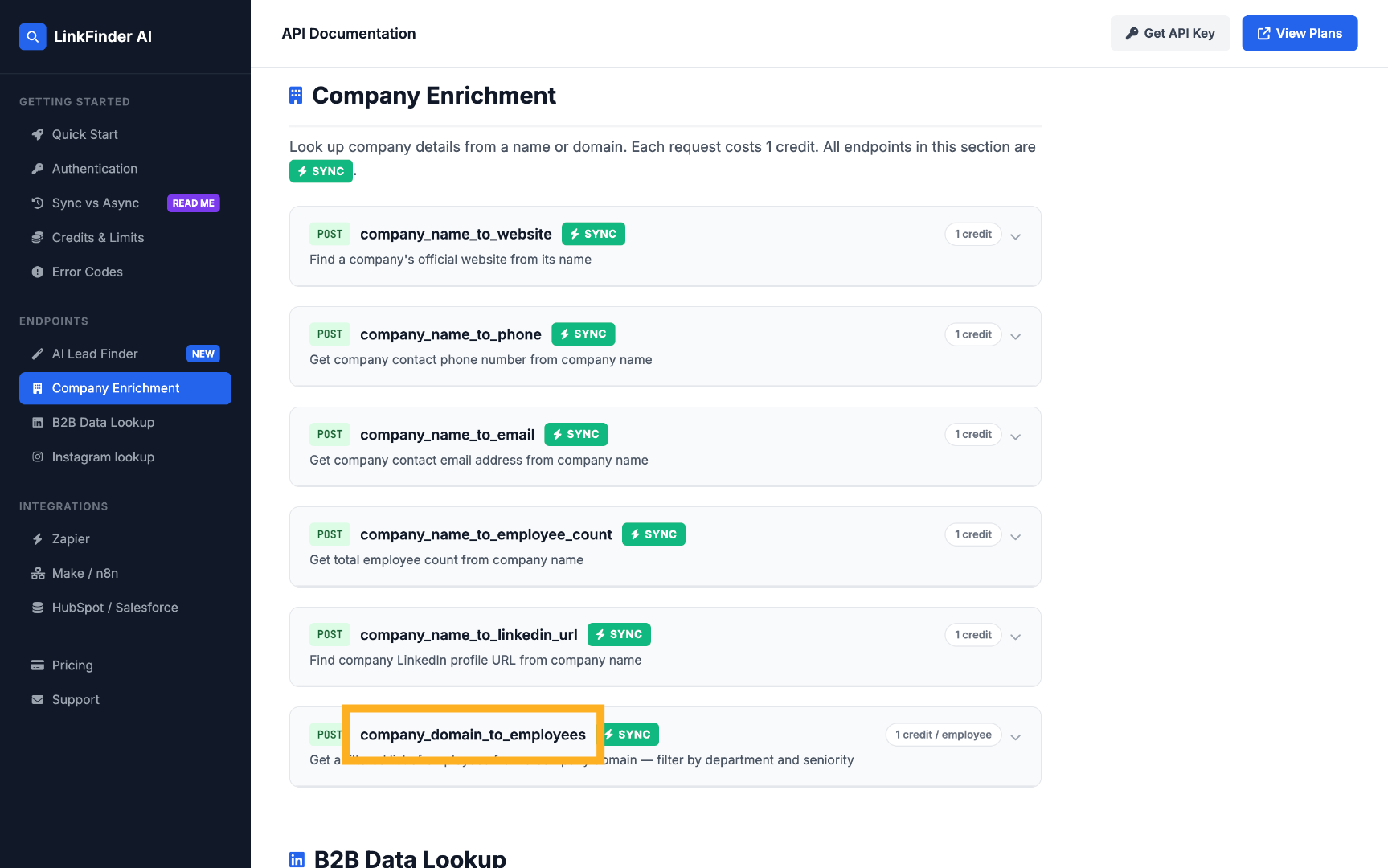
Select Employee Lookup Endpoint Select Seniority Parameter
3

Chain into linkedin_profile_to_email

Feed each executive's LinkedIn URL from that response into linkedin_profile_to_email to get verified addresses at scale.
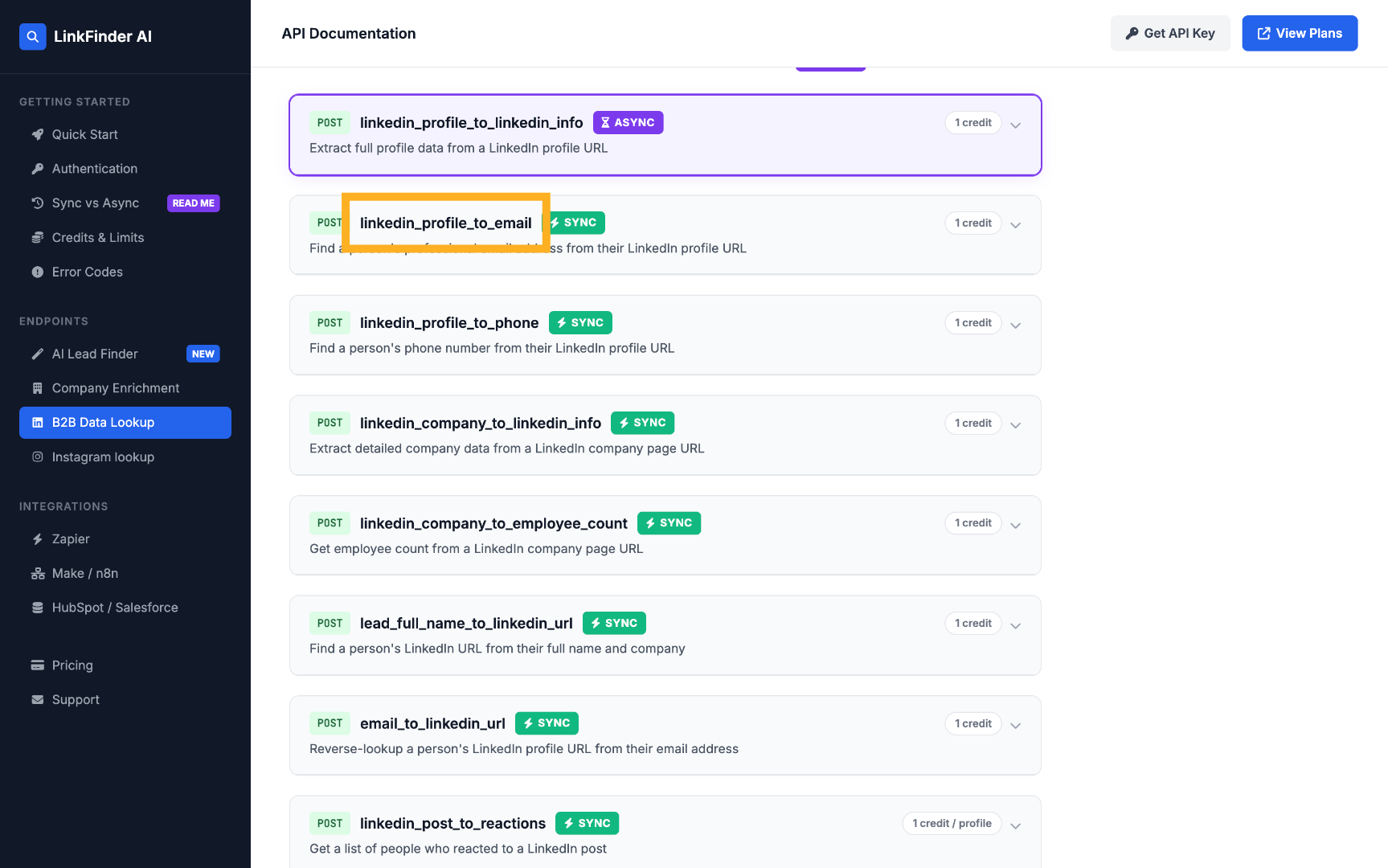
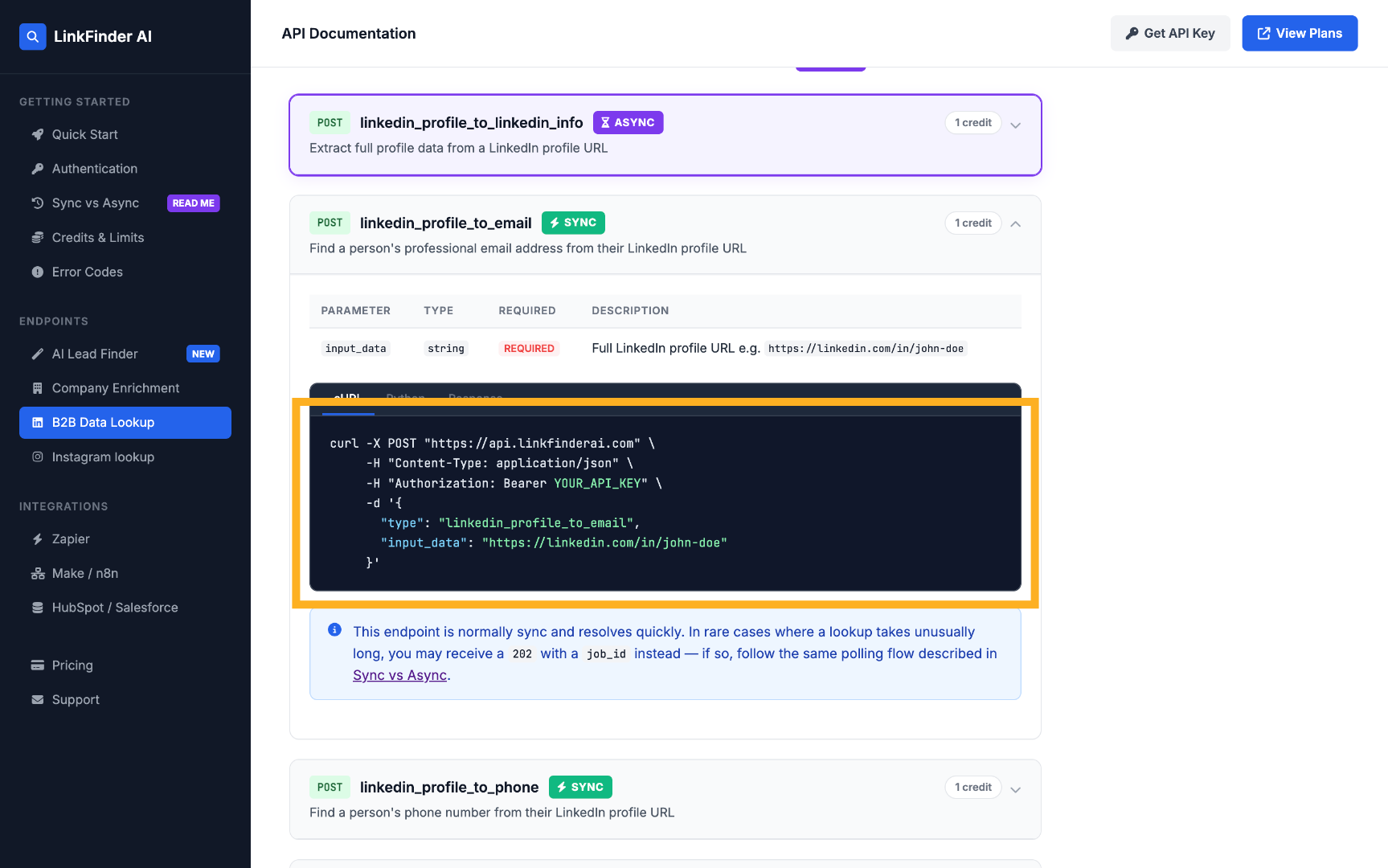
Select Profile to Email API View Profile to Email API Example
Full request and response shapes are documented on the API documentation page.

Tips for reaching the right executive

Filter by seniority, not job title

Titles vary a lot between companies — filtering by seniority level (C-Suite, Founder, Director) catches more of the right people than searching a single title string.

Pull the whole leadership team, not just the CEO

A CEO's inbox is the most guarded. Founders, co-founders, and VPs are often easier to reach and just as influential on a deal.

Verify with a LinkedIn URL when you have one

If you already know exactly who you're targeting, searching by their LinkedIn profile URL is faster and more accurate than a name-based search.

Re-run key accounts periodically

Executive turnover is high. Re-enrich your top target accounts every few months so outreach doesn't land on someone who's left.

Frequently Asked Questions

Yes, but filtering by seniority level at a company domain is usually more reliable, since it returns the whole leadership team rather than betting on one name matching.
Yes. The seniority filter includes Founder, Owner, C-Suite, Director, and Partner — you can target any of these levels.
Yes, results are checked against the company's real email pattern rather than returned as an unverified guess.
Yes — set the output type to Phone Number instead of (or alongside) Email Address when enriching a LinkedIn profile.
Yes. The company_domain_to_employees endpoint accepts a seniority filter, and its results can be chained into linkedin_profile_to_email for verified addresses.
You can create a free account and run your first searches at no cost. Paid plans add higher volume, bulk processing, and full API access.

Find your first executive contact free

Filter a company's leadership by seniority level, or enrich a known LinkedIn profile directly — start on the free plan, no credit card required.

Get started free

No credit card required · Free plan available · API on every plan

Explore more in Company & Employee Data

See the full topic → Company & Employee Data hub