A company's LinkedIn page is the anchor for a lot of prospecting work — it's where you check employee count, recent posts, and who actually works there before reaching out. Finding it by hand means a LinkedIn search and a guess at which result is the real page, especially for companies with generic names or several similarly-named competitors.
LinkFinder AI takes just the company name and returns its matching LinkedIn company URL directly. This guide covers three ways to do that: a single lookup for one company, a bulk CSV upload for a whole list at once, and an API endpoint for wiring the lookup into your own tools.
Find a single company LinkedIn URL
The quickest path when you only need one company's page — for example, before a sales call or while qualifying a single account.
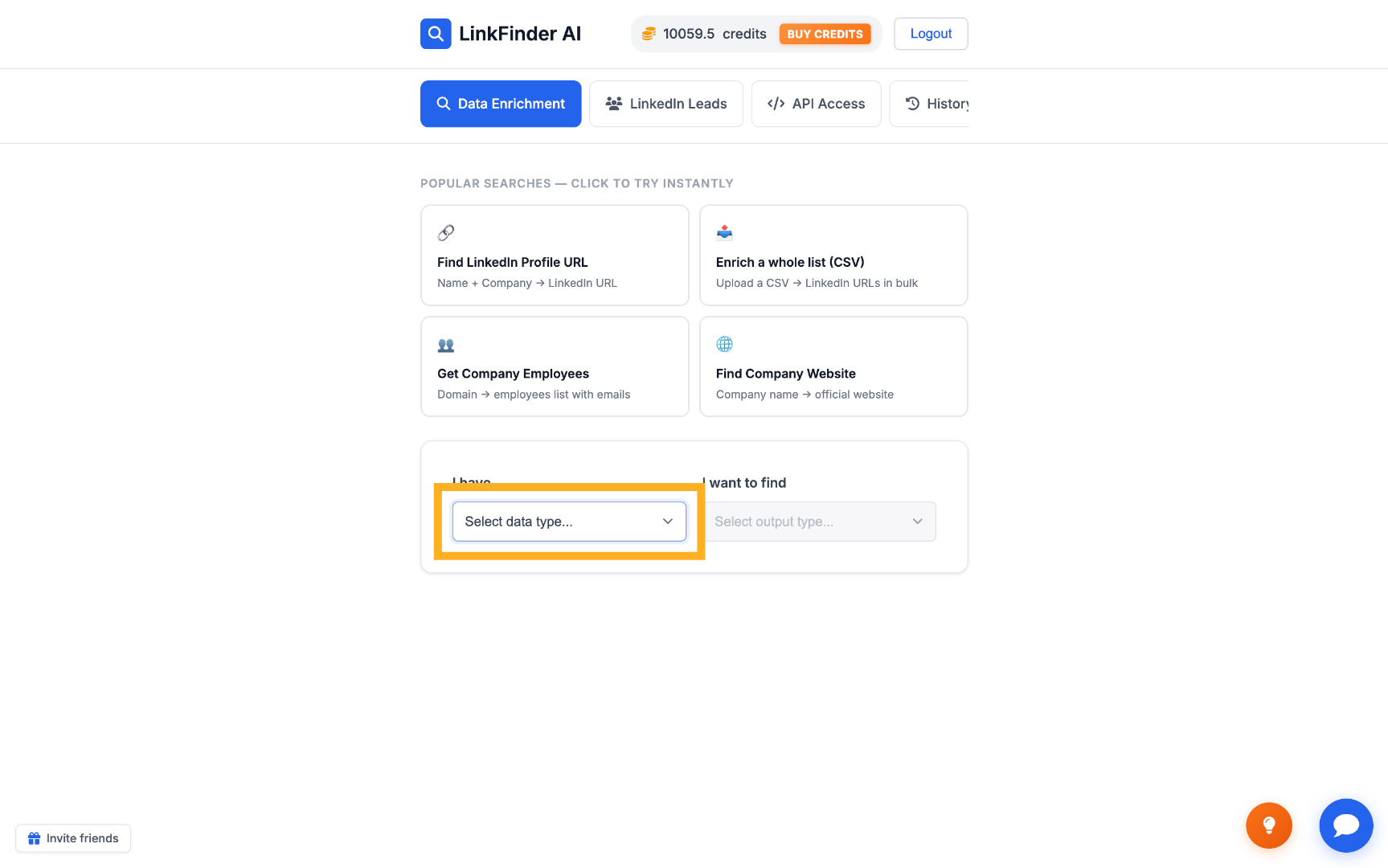
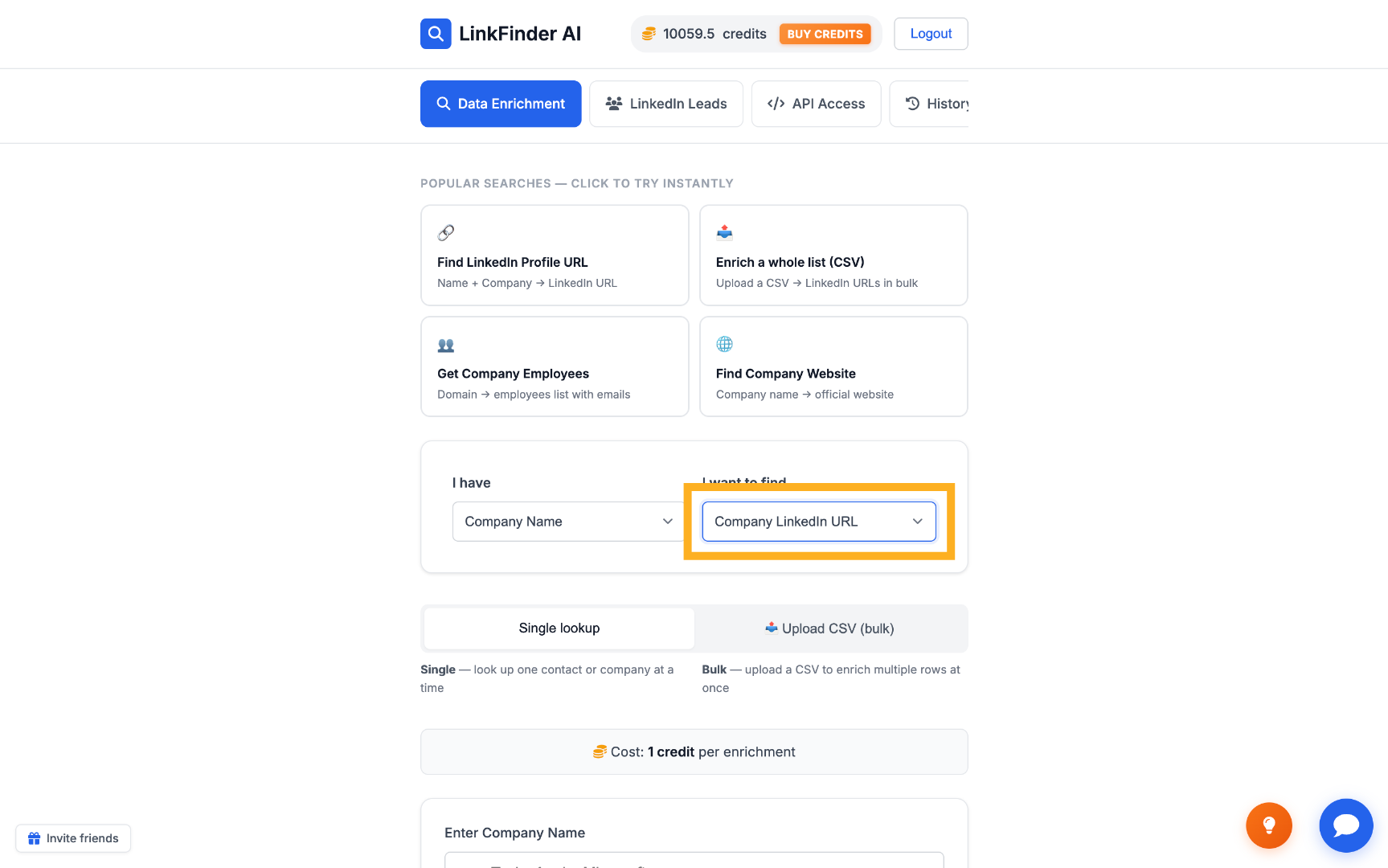
Select the input and output data types
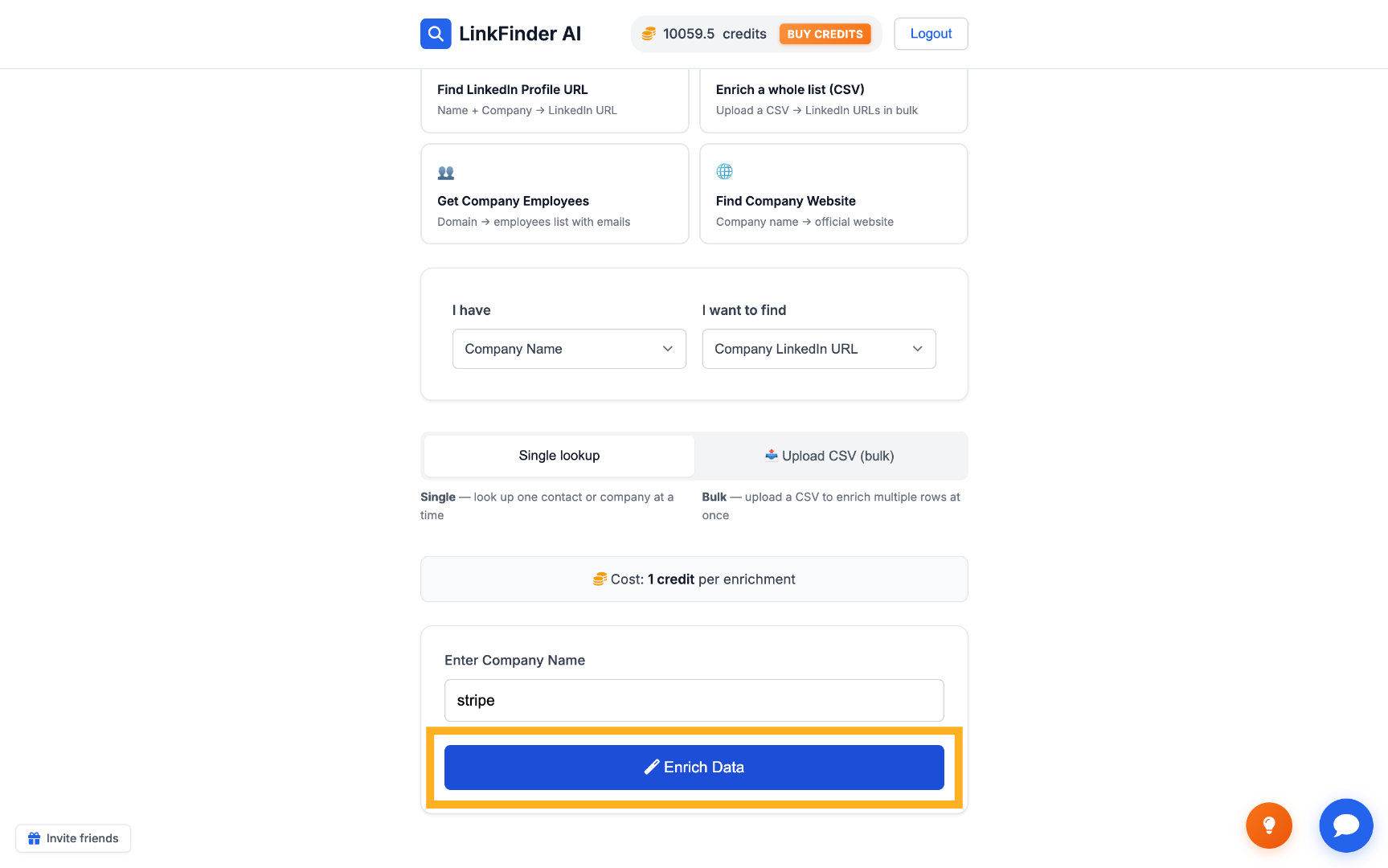
Go to linkfinderai.com. In the first dropdown, choose Company Name as the input type; in the second, choose Company LinkedIn URL as the output.
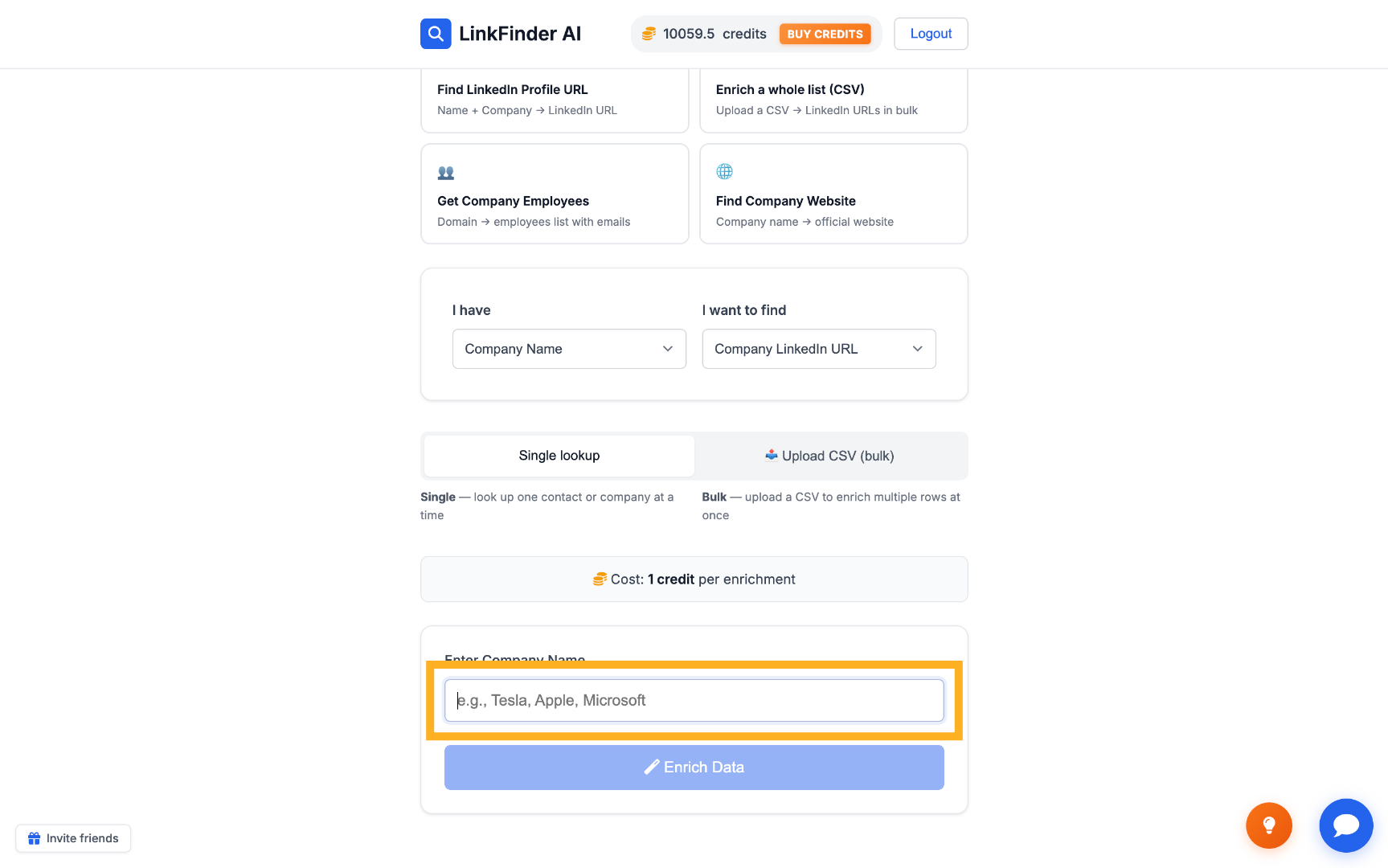
Enter the company name
Type the company's name into the input field — for example, Stripe.
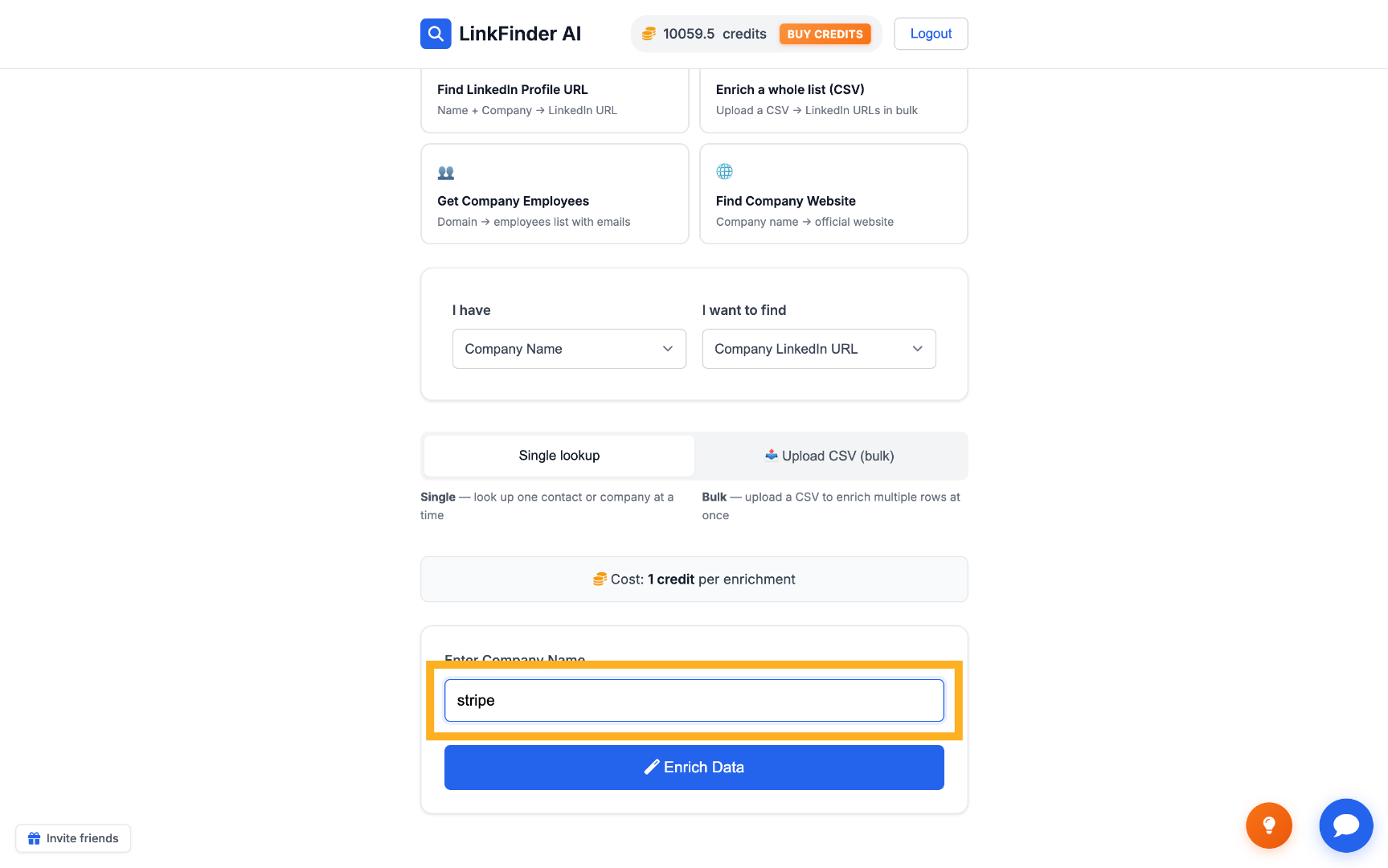
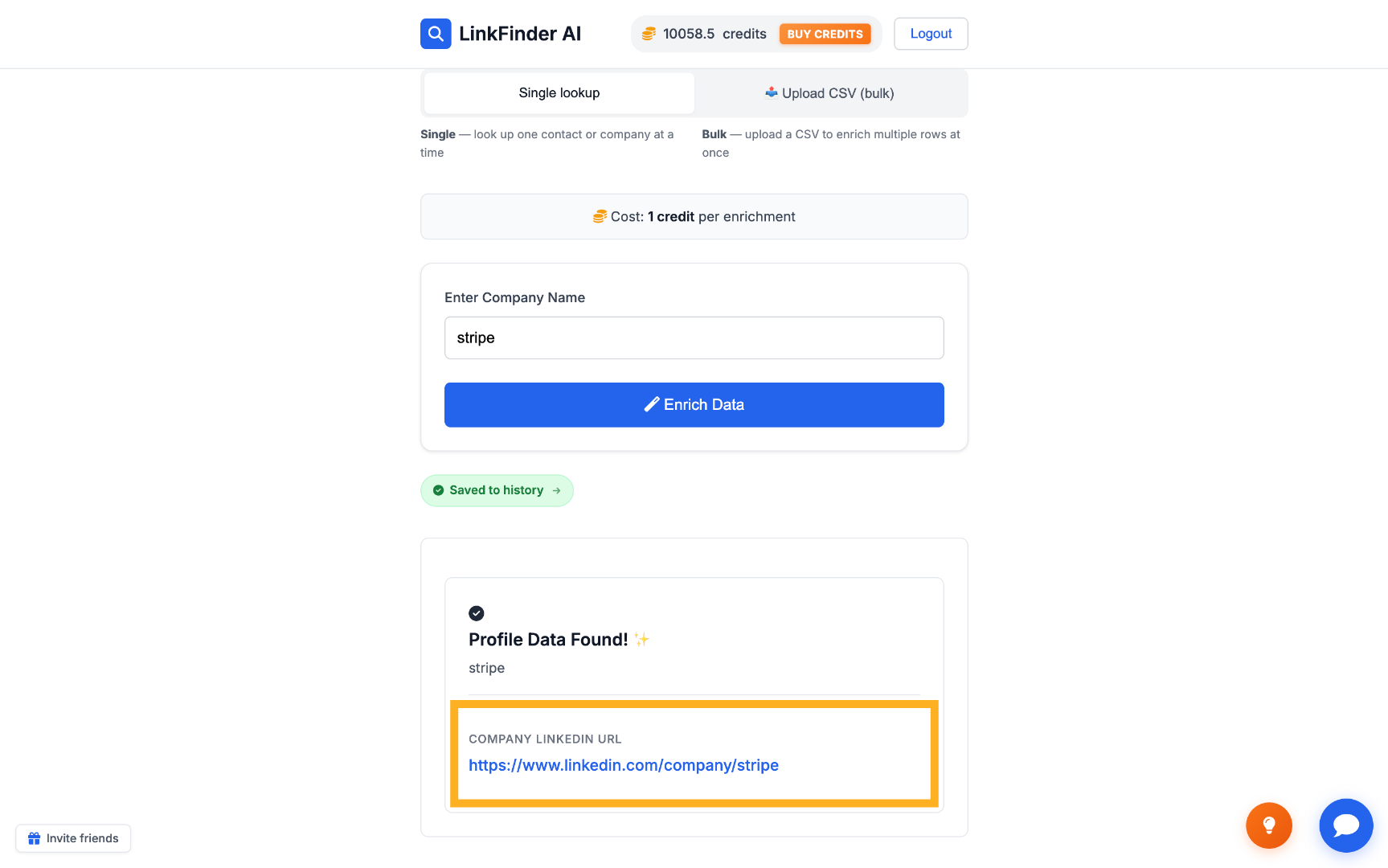
Click "Enrich Data" to get the URL
The tool runs the lookup and returns the matching LinkedIn company page — for Stripe, that's linkedin.com/company/stripe.
Bulk find LinkedIn URLs for a CSV list of companies
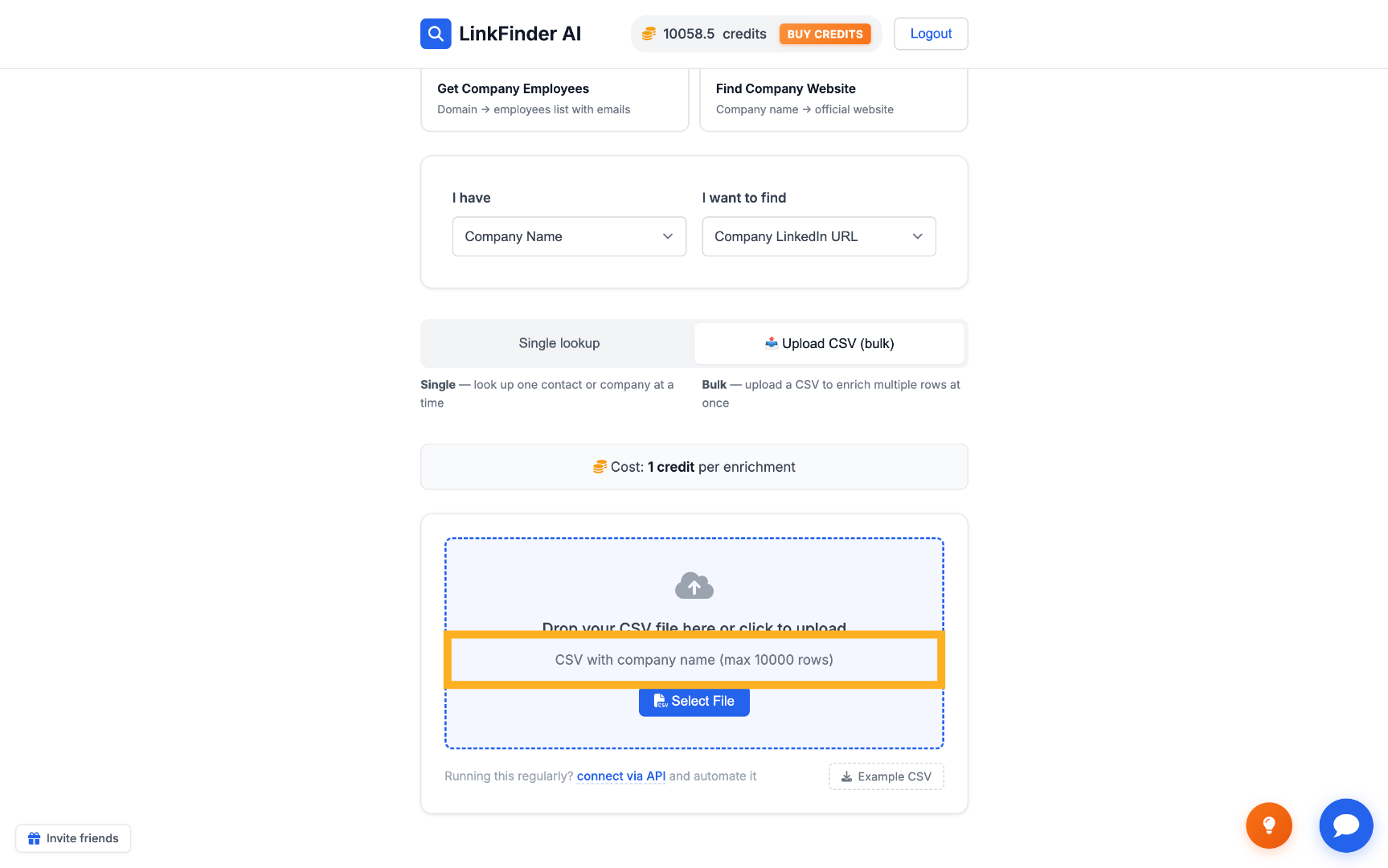
When you have a whole list of accounts instead of one company, upload a CSV and let LinkFinder AI match every row at once — up to 10,000 companies per file.
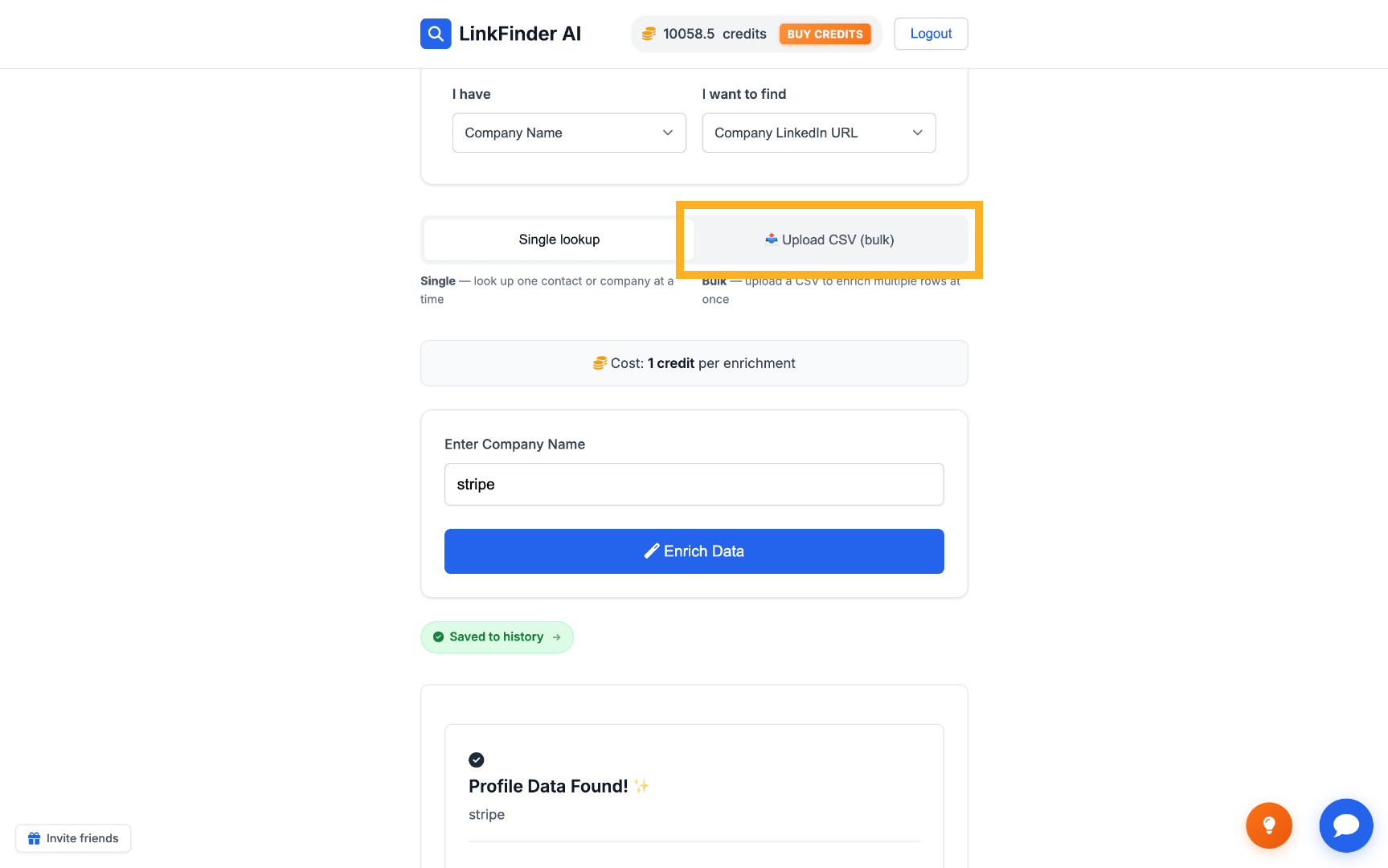
Switch to bulk upload
On the same screen, choose the option to upload a CSV of company names instead of the single-name form.
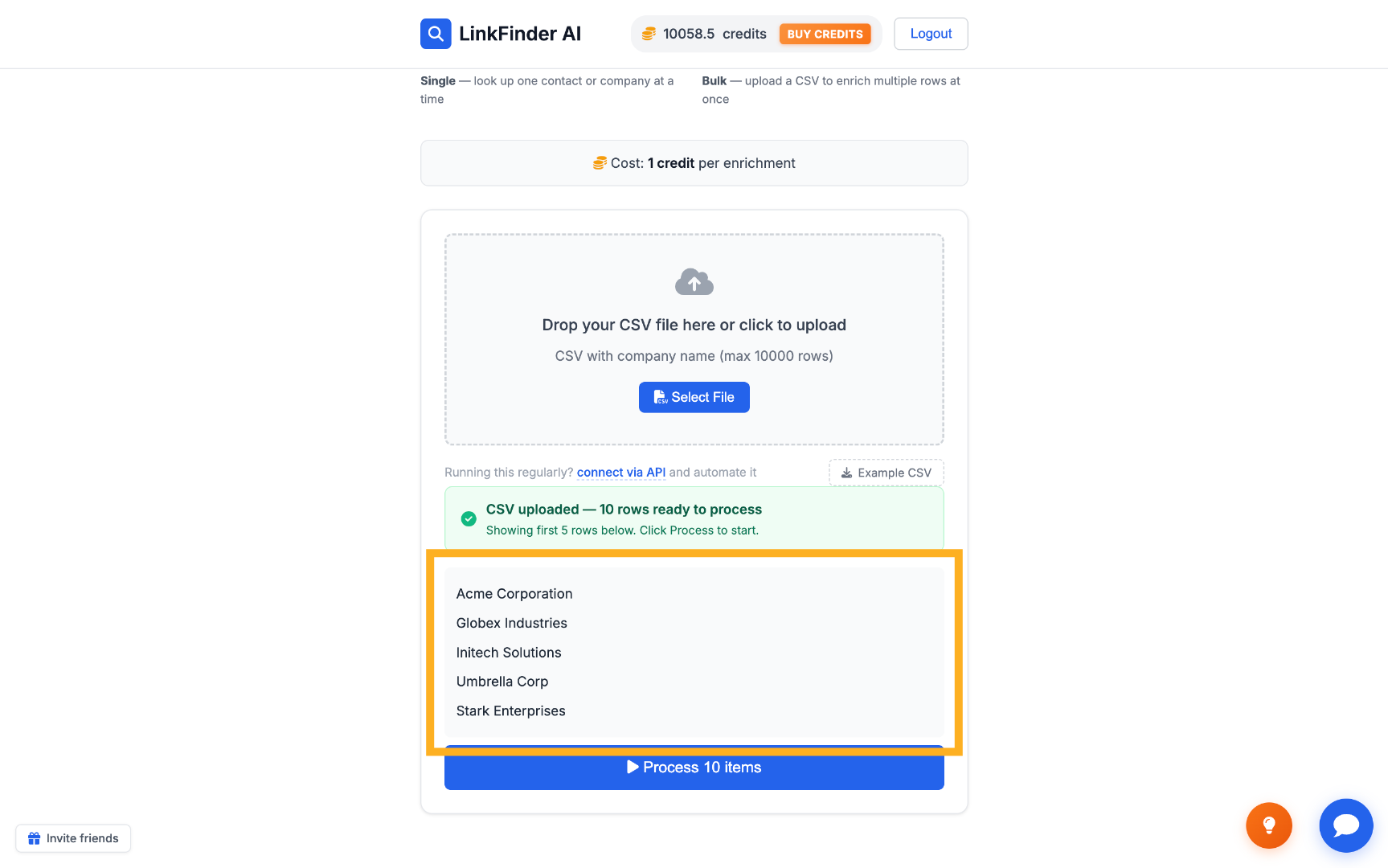
Preview the imported companies
Check that the company names came in correctly before processing — for example, Acme Corporation and Globex Industries.
Process the list and export the results
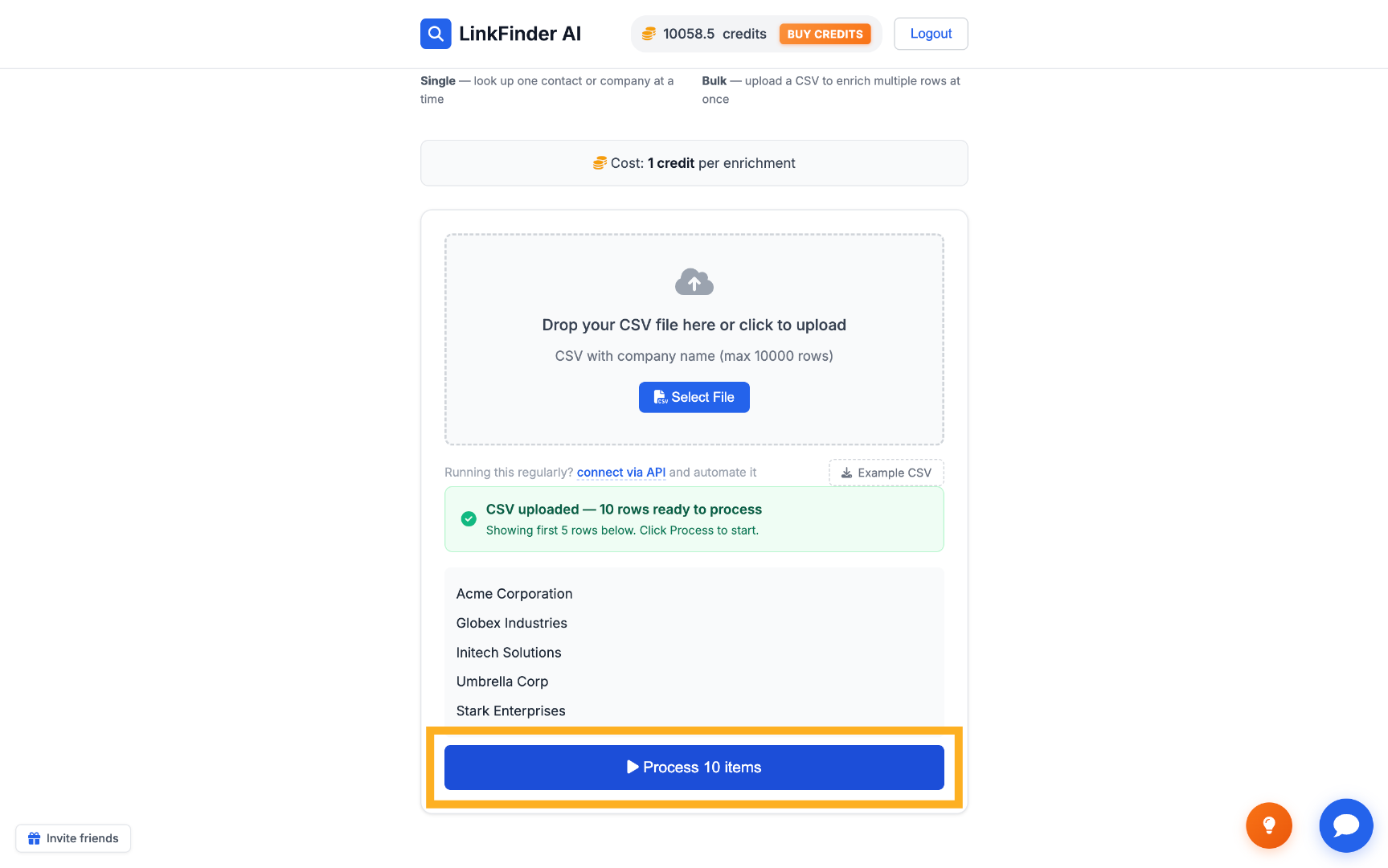
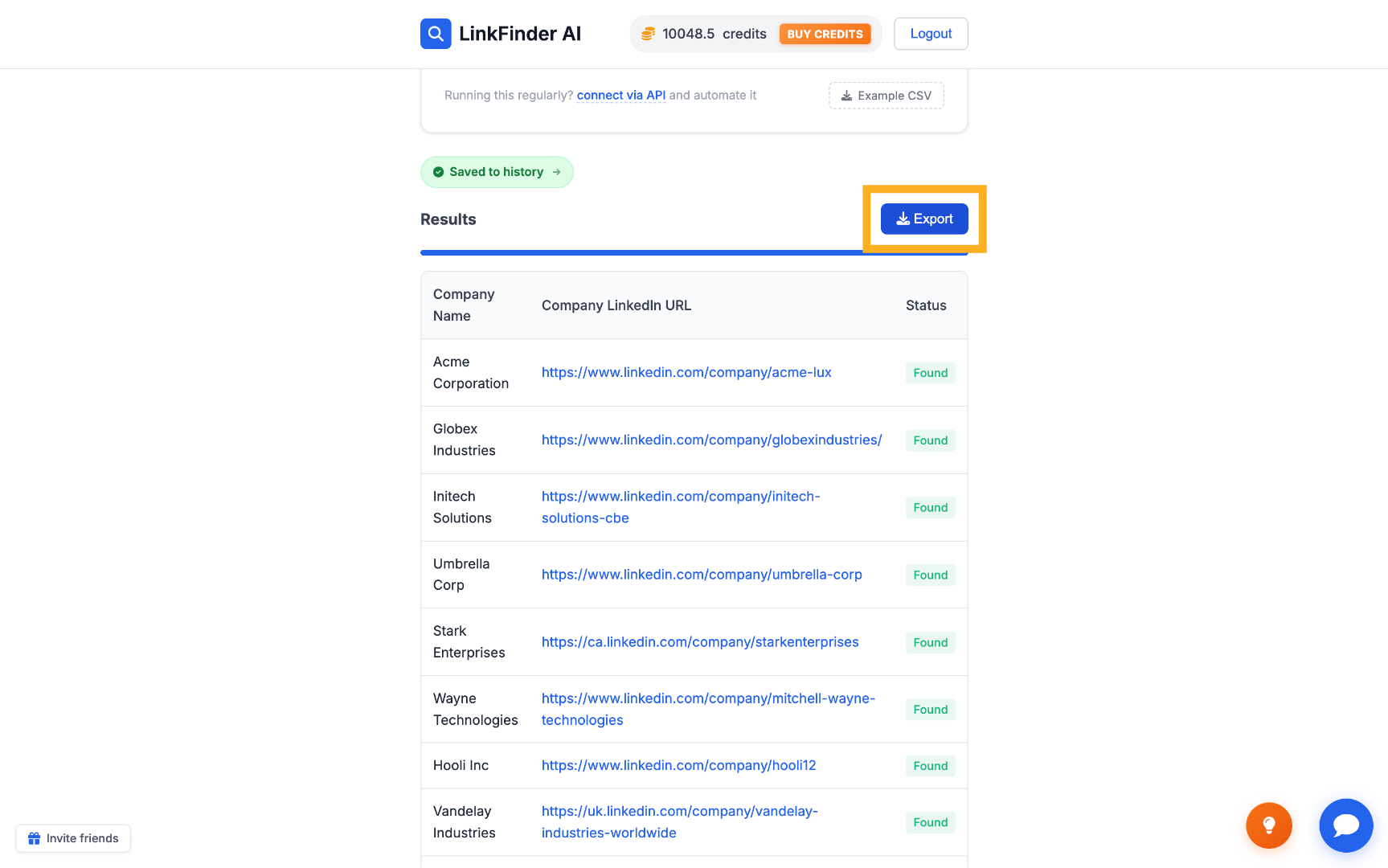
Click "Process items" to run the lookup on every row, then click "Export" to download the enriched list — each company now paired with its LinkedIn URL.
Find a company LinkedIn URL programmatically via API
For developers who want to trigger the lookup from their own code, CRM, or automation tool instead of the dashboard.
Get your API key
Sign up for free — your key is in your dashboard under Settings → API Key. New accounts start with 25 credits.
Call the endpoint with your API key
Send a POST request with type set to company_name_to_linkedin_url and input_data set to the company name:
curl -X POST https://api.linkfinderai.com \
  -H "Authorization: Bearer YOUR_API_KEY" \
  -H "Content-Type: application/json" \
  -d '{
    "type": "company_name_to_linkedin_url",
    "input_data": "Stripe"
  }'
Every request — including a lookup that finds no match — costs one credit, so it's worth cleaning duplicates out of a list before running it through the API.